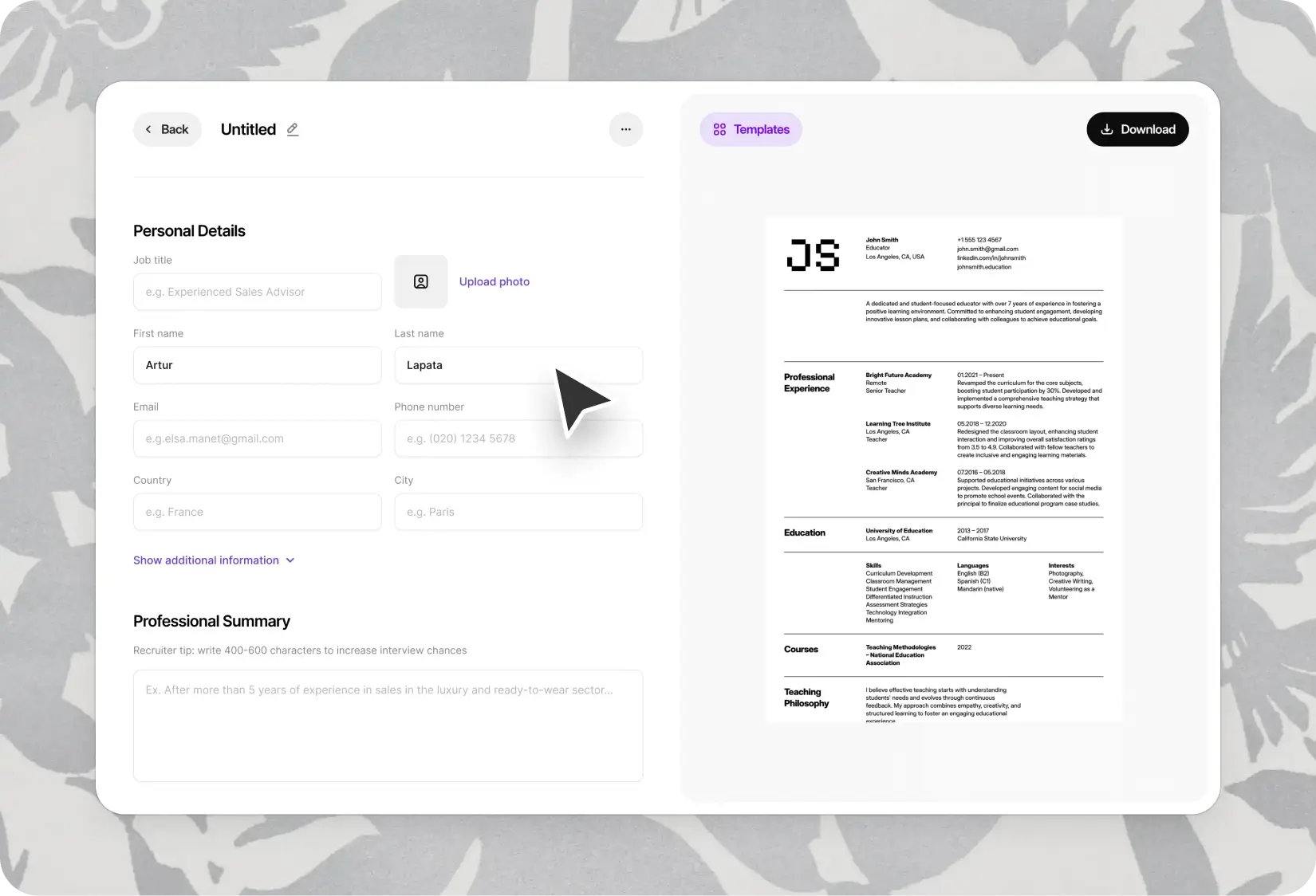
Google Docs CV Templates — Edit, Export, Apply from Anywhere
11 CV templates built for Google Docs. Manage multiple international CV versions in one place, collaborate in real time, export in any format.
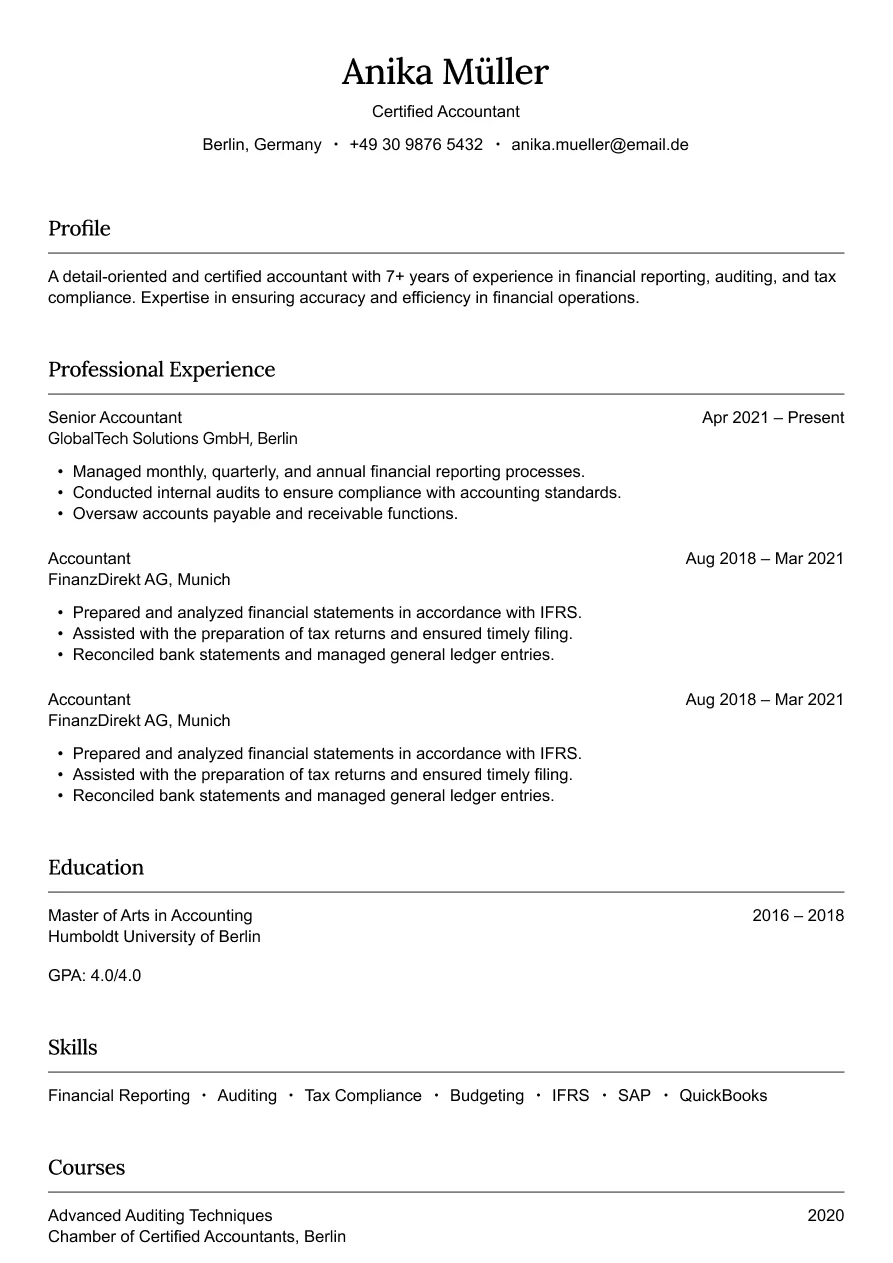
Austin
Simple and professional design for finance roles.
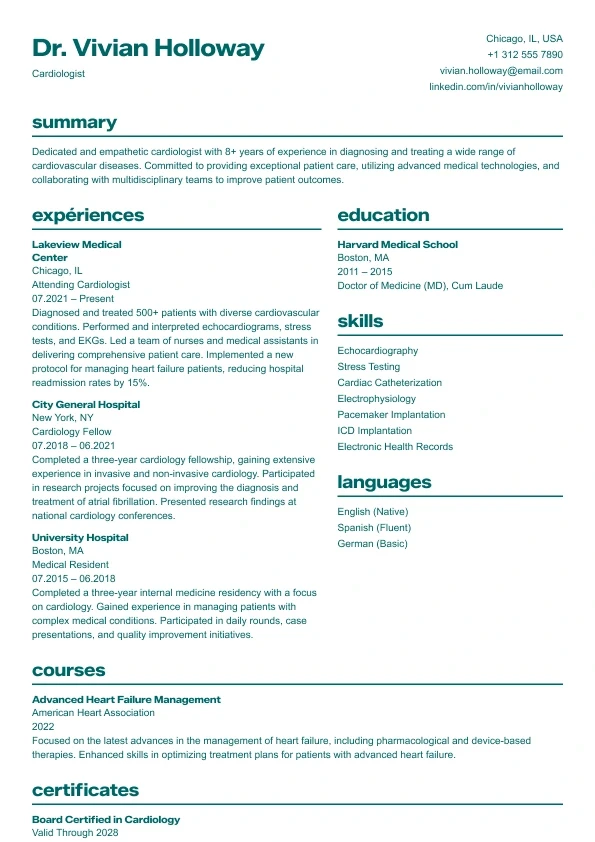
Aurora
Clean and structured layout with bold headings and a clear two-column design.
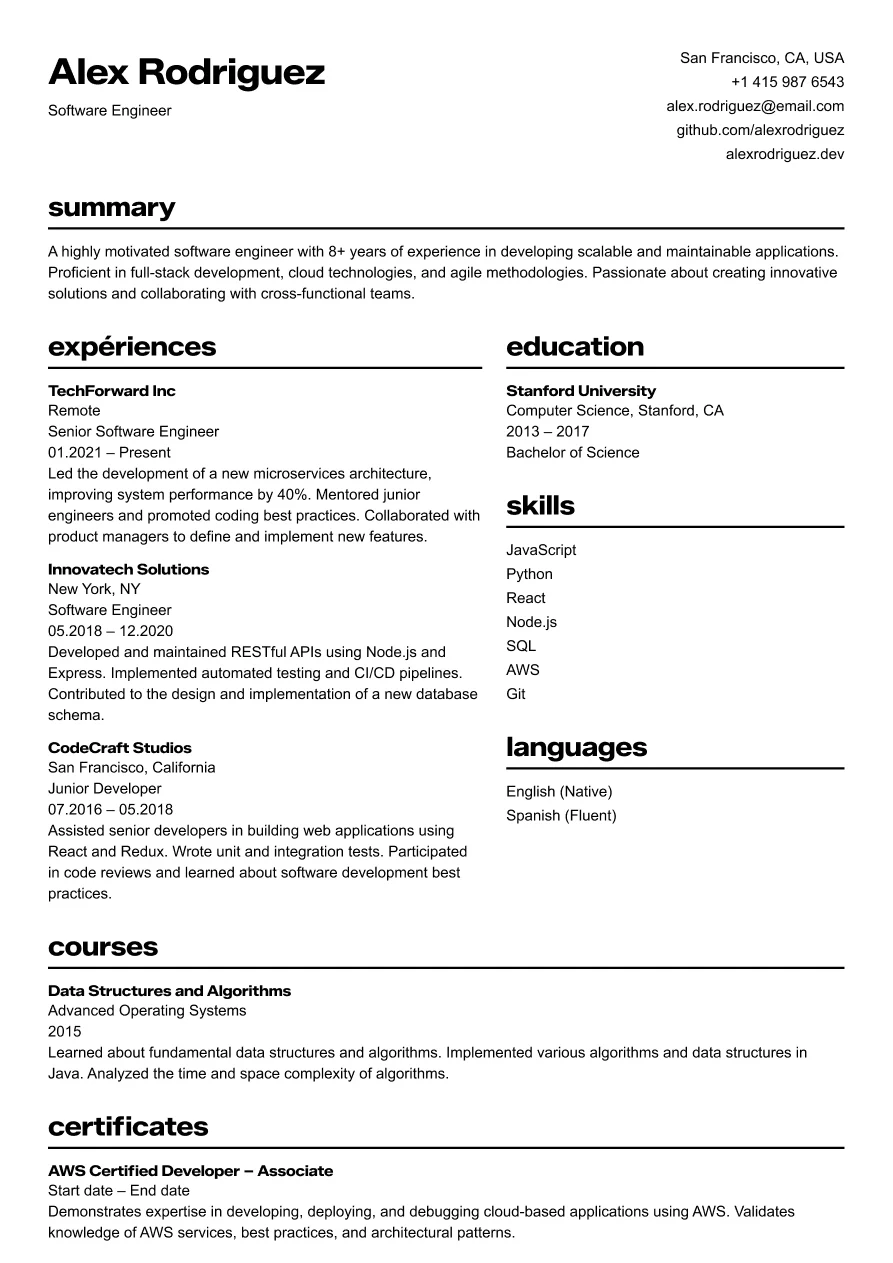
Osaka
Clear and structured layout for tech professionals.
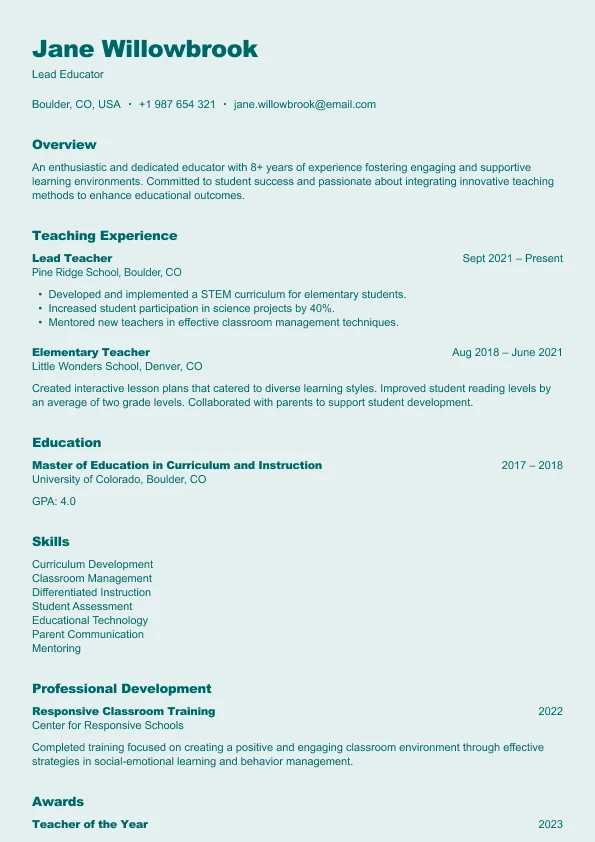
Harbor
A clear, reader-friendly layout built who want a structured and approachable resume.
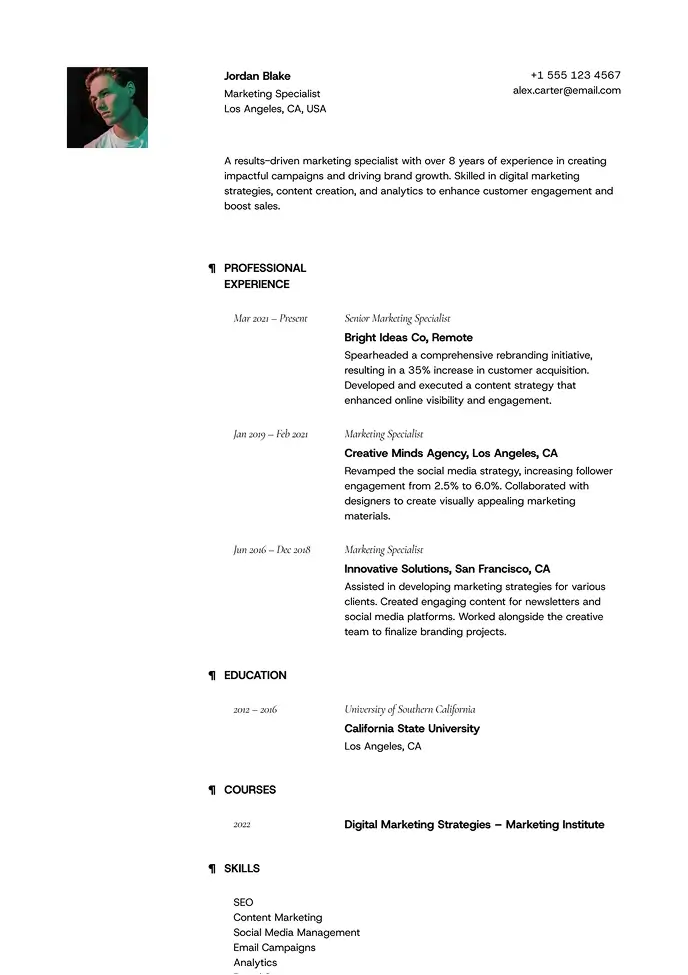
Lima
Minimal and airy, perfect for professionals who value clarity.
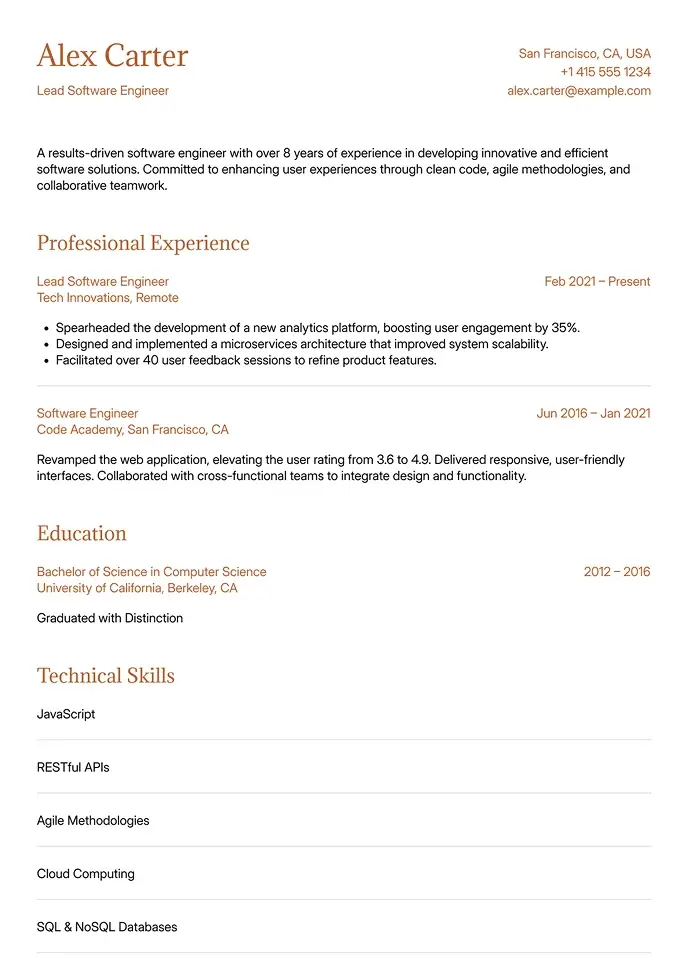
Canyon
Simple and clean, built for technical or structured resumes.
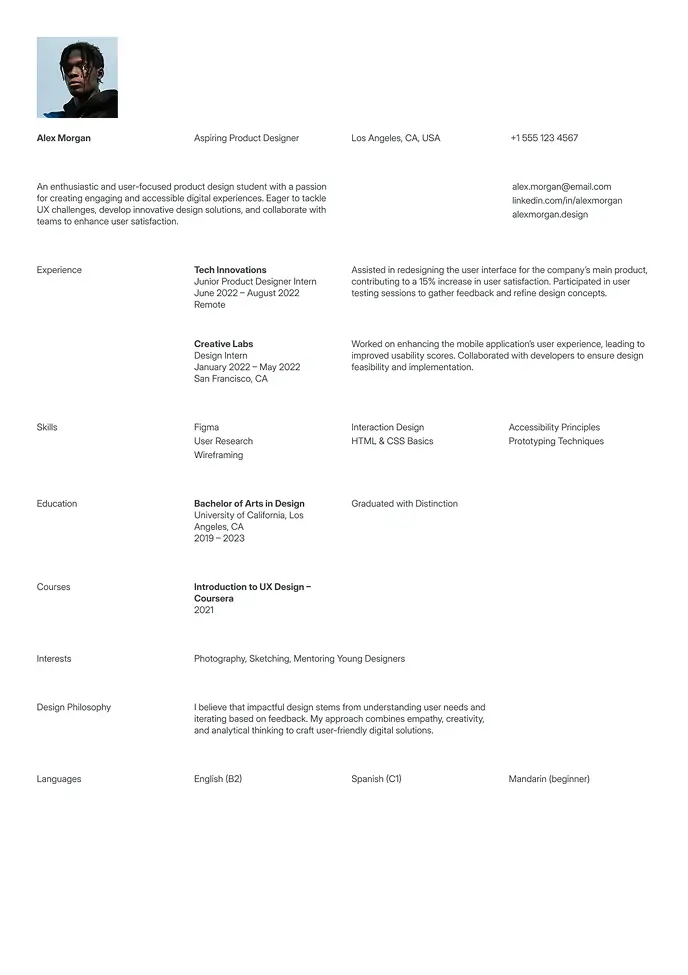
Berlin
Clean and simple resume, great for students or interns.
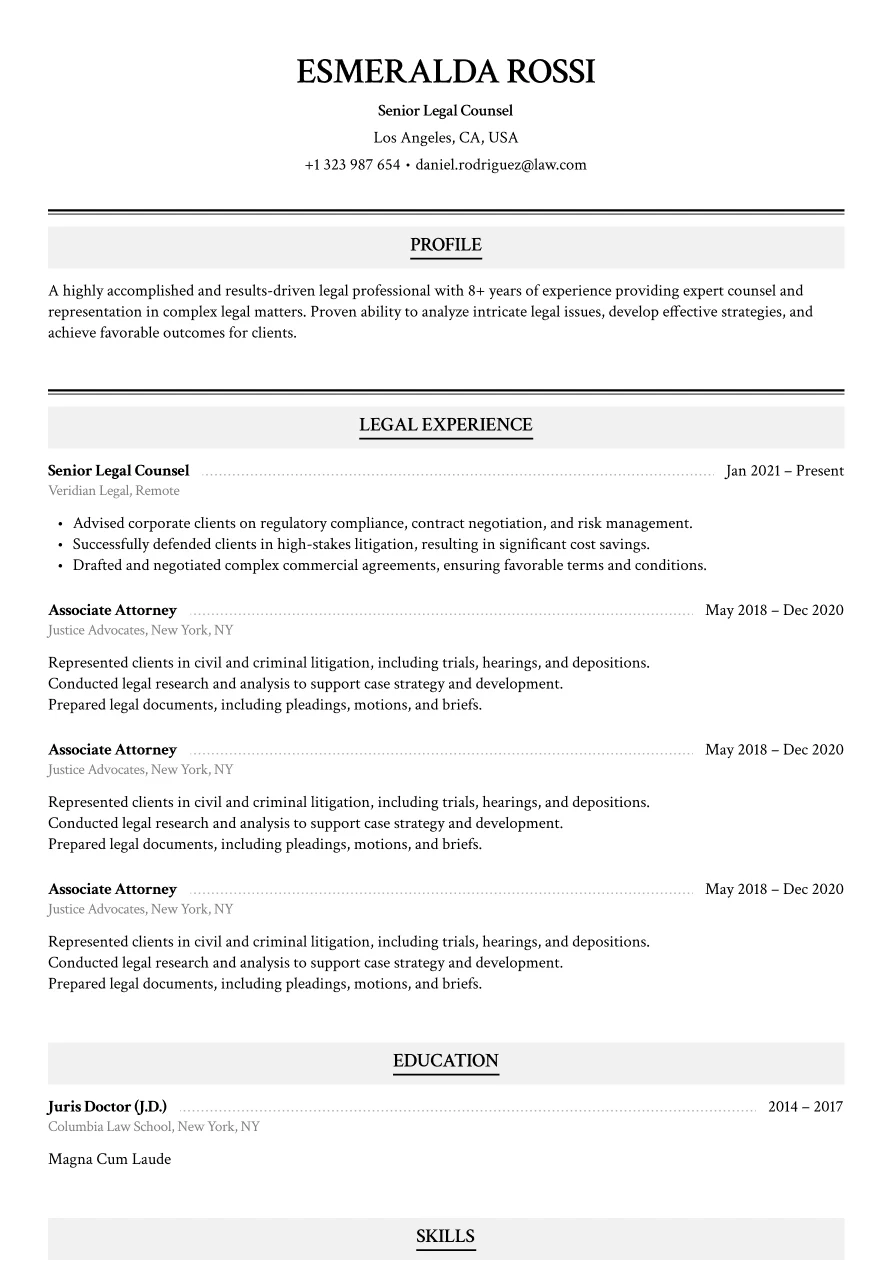
Haven
Classic legal layout with refined section styling.
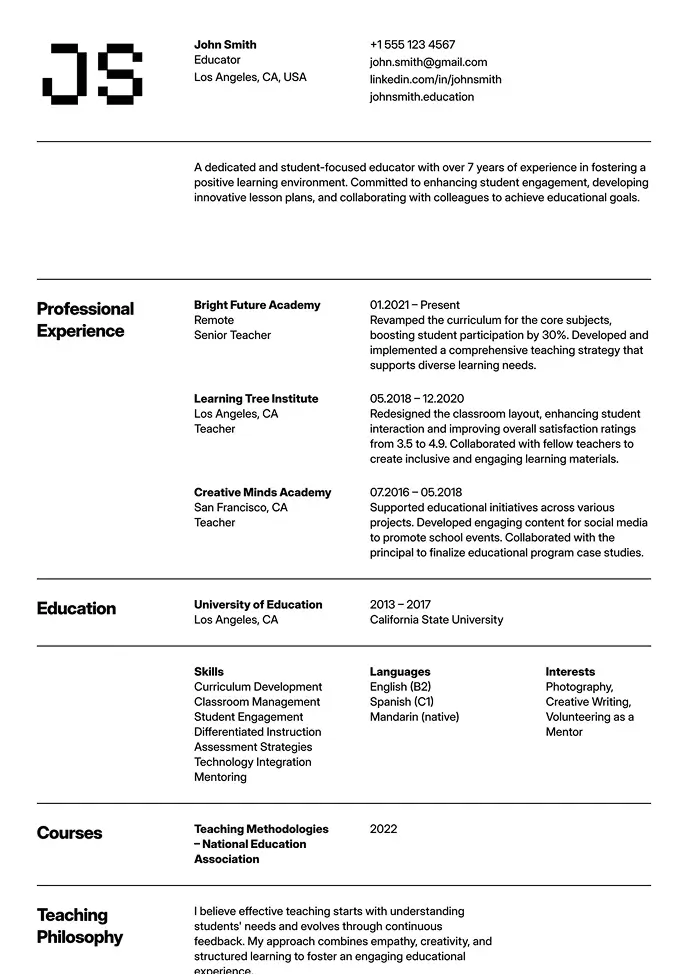
Oslo
Classic structure with modern typography and grid-based layout.
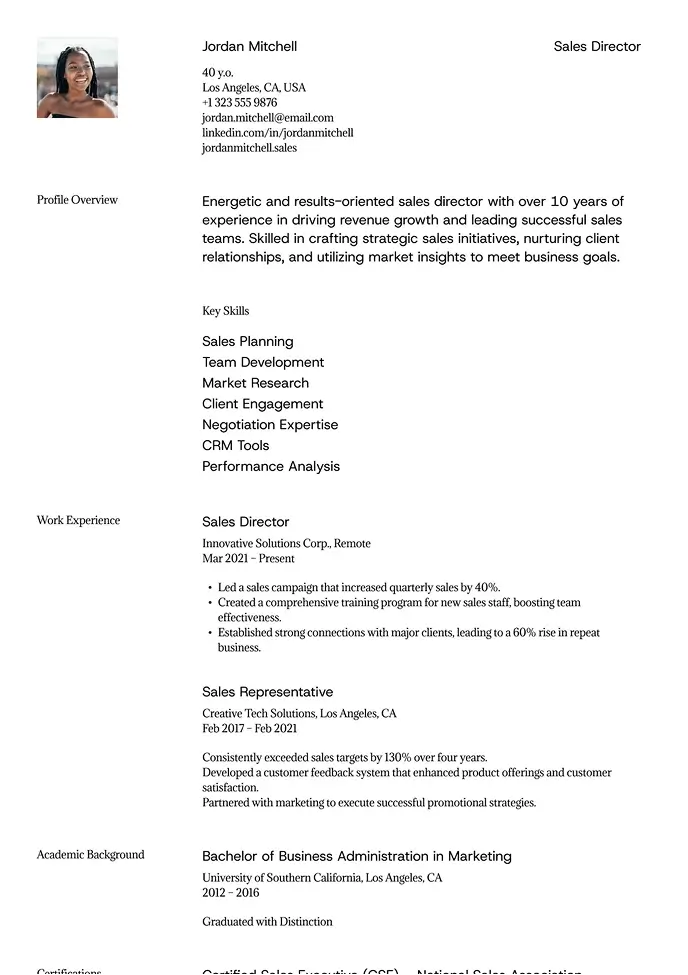
Sienna
Professional layout with a clear focus on leadership.
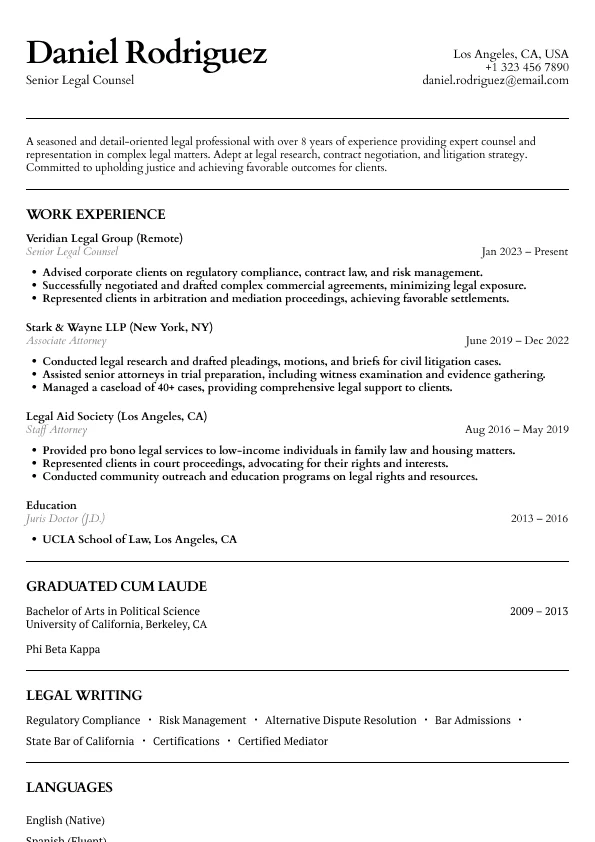
Atlas
Classic legal resume layout with clear hierarchy and refined section styling.
Why Google Docs Is Perfect for International CV Management
International job seekers face a specific challenge that Google Docs solves better than any other tool: managing multiple CV versions for different markets, roles, and application requirements — often from different locations and devices.
If you're applying to roles in London, Sydney, and Dubai simultaneously, you likely need different CV versions adapted for each market's conventions. Google Drive keeps all your versions organized, accessible, and always current — without a folder full of identically named Word files scattered across multiple devices.
Every version is backed up automatically, accessible from anywhere, and protected against accidental deletion. Create one template, make copies for each target market, and adapt each version independently.
Adapting Your Template for Different International Markets
Google Docs makes market-specific adaptation straightforward:
UK applications: Keep to two pages. Add a personal profile section at the top. Set language to English (UK) via Tools → Spelling and grammar → Set language. Remove age, nationality, or marital status unless specifically requested.
German and Central European applications: Add a photo section to the header. Include a brief personal data section. Expand to three pages if needed. Switch spell-check to German for local companies.
Australian applications: Remove all personal information beyond contact details. Keep bullet points tight and results-focused. Two to three pages for experienced candidates.
International multinational applications: Use the standard international format — clean sections, quantified achievements, clear employment chronology.
Google Docs vs. Word for International Applications
Factor | Google Docs | Word (.docx) |
|---|---|---|
Access | Browser, any device, any country | Requires Microsoft Office |
Collaboration | Real-time, shareable links | Email attachments |
Version history | Automatic, unlimited | Manual saves |
ATS compatibility (export) | Good (export to .docx or PDF) | Excellent natively |
Offline editing | Limited (requires setup) | Full offline capability |
For recruiter submissions that require editable Word files, see our Word CV templates. For PDF export, our PDF CV templates are optimized for clean rendering.
Copy, Customize, Apply: Getting Started in 5 Steps
Open the template and click "File → Make a Copy" to add it to your Google Drive
Rename it by market or role: "CV — UK Tech Roles 2026" or "CV — Singapore Finance"
Update personal details, profile statement, and work experience sections
Set the language for spell-check to match your target market (UK vs. US English)
Export via File → Download → PDF or Microsoft Word when submitting
For free Google Docs CV options, start with our free CV templates. For clean minimal formatting, see our simple CV templates.
Recruiter Approved
Build a Resume That Works. Literally.
Our templates are designed to get you noticed, shortlisted, and hired — fast.