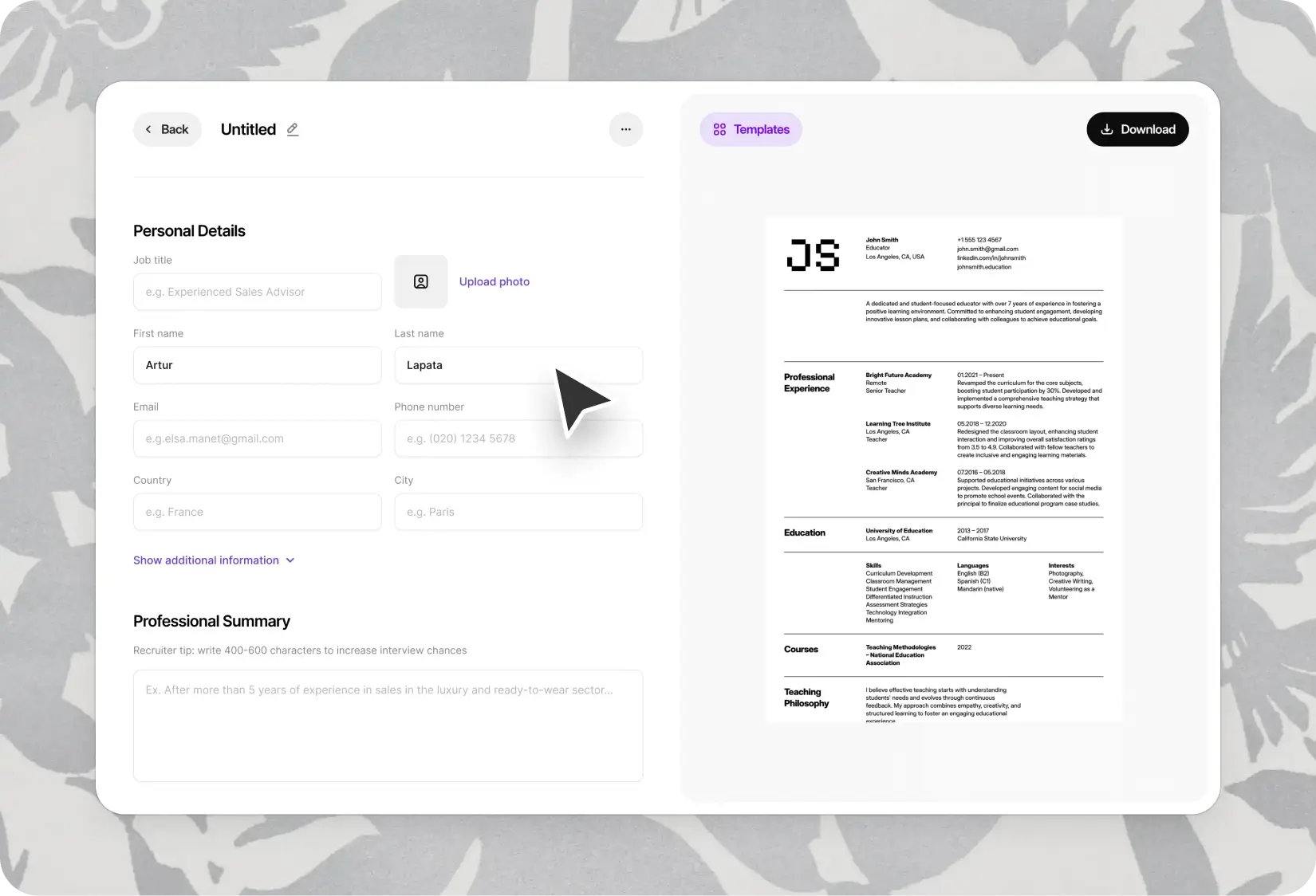
Word CV Templates — Download, Edit, and Apply Worldwide
11 Word CV templates for international applications. Edit in Microsoft Word, adapt for any market, share with recruiters in seconds.
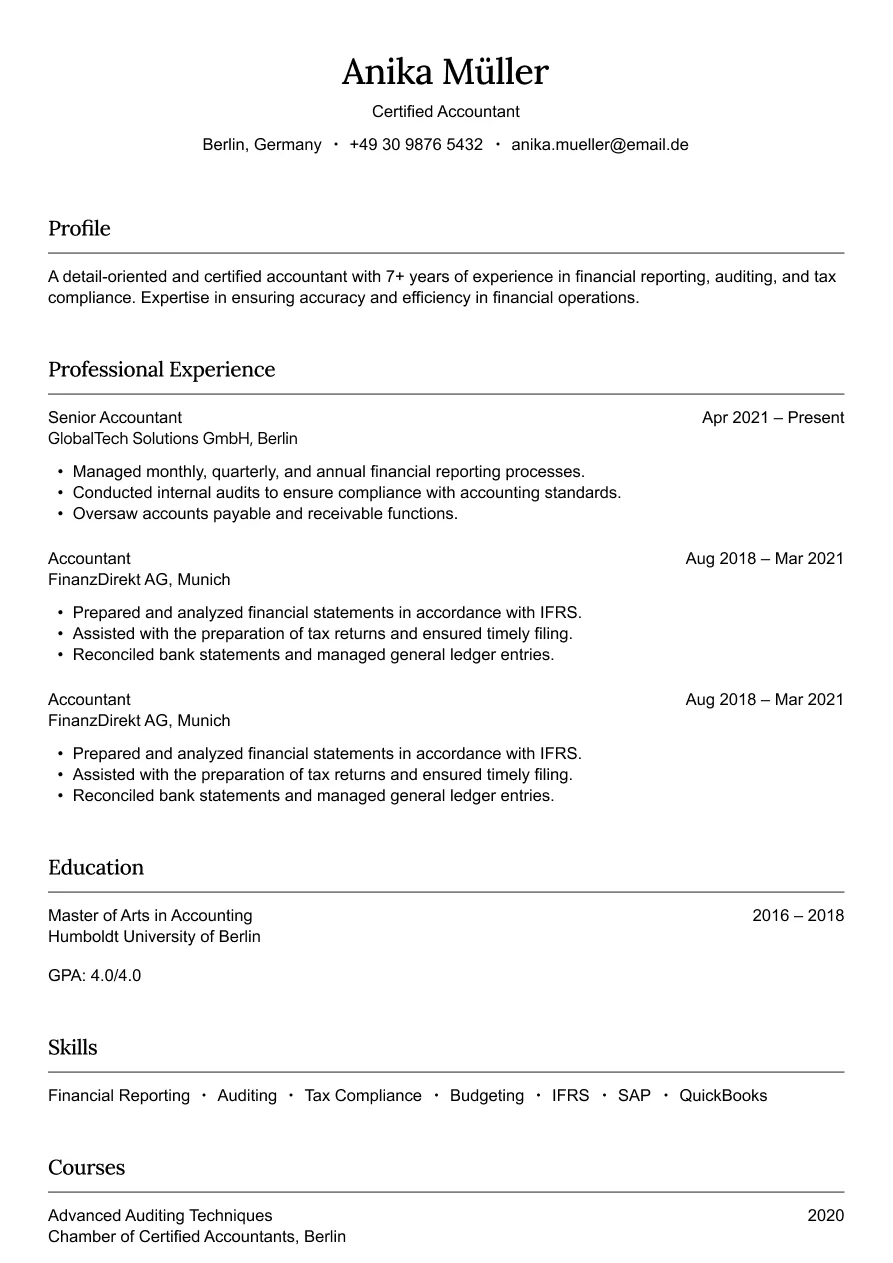
Austin
Simple and professional design for finance roles.
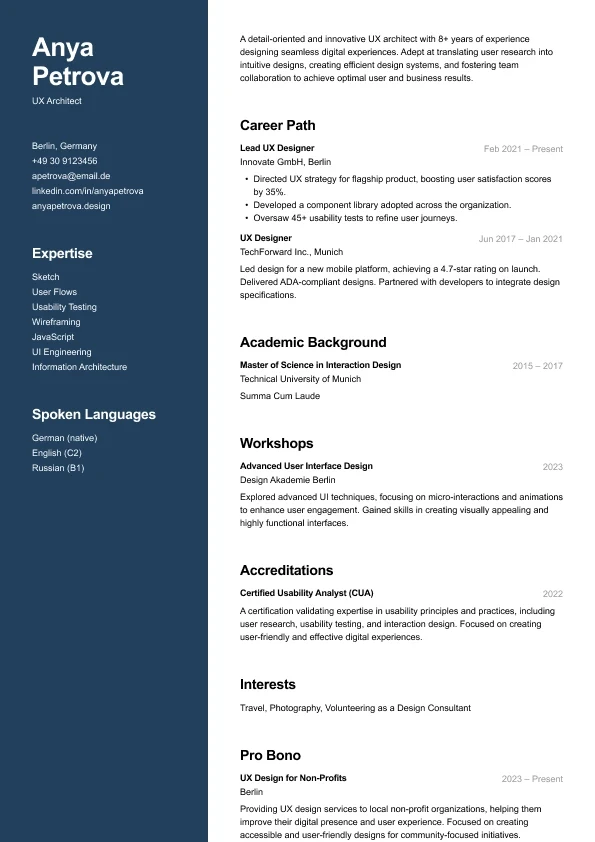
Carbon
A modern two-column resume who want strong visual hierarchy and clean structure.
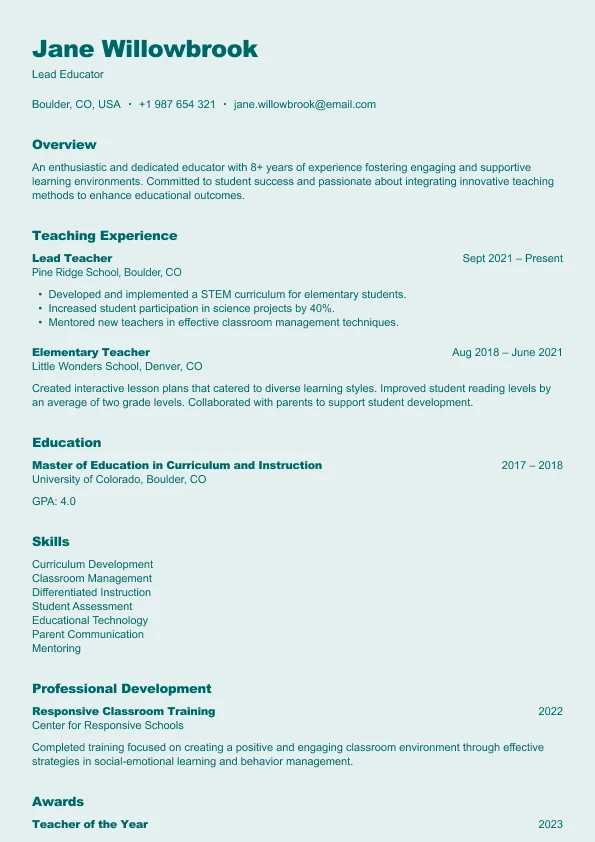
Harbor
A clear, reader-friendly layout built who want a structured and approachable resume.
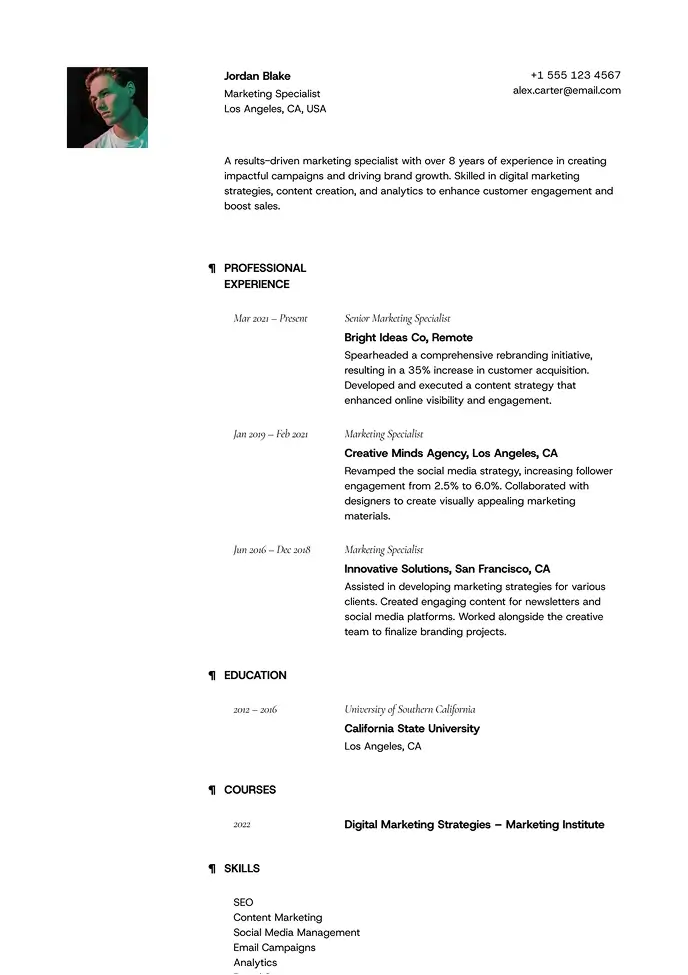
Lima
Minimal and airy, perfect for professionals who value clarity.
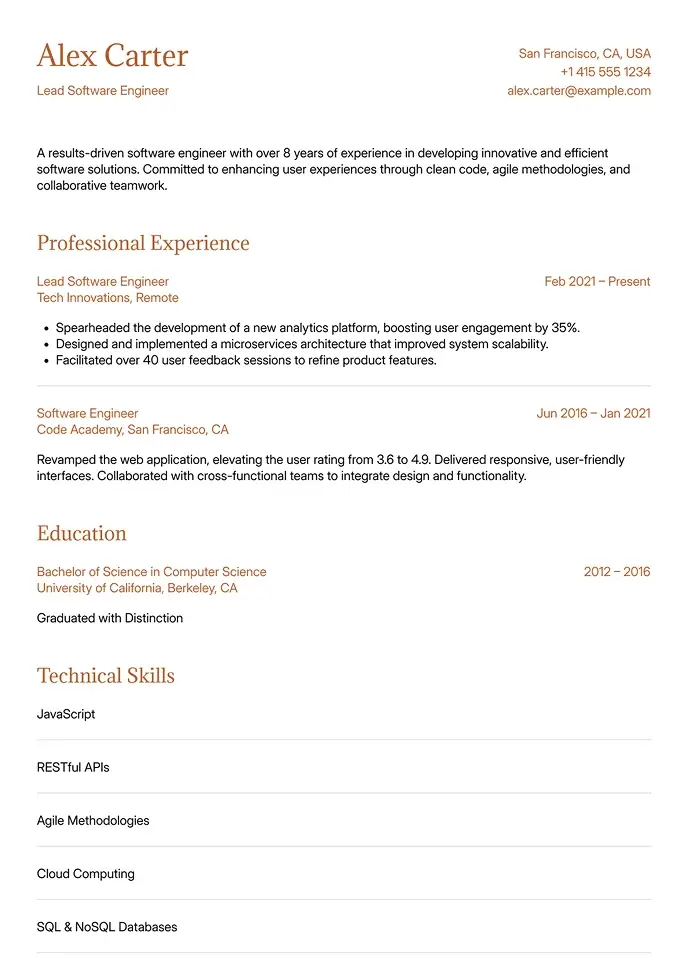
Canyon
Simple and clean, built for technical or structured resumes.
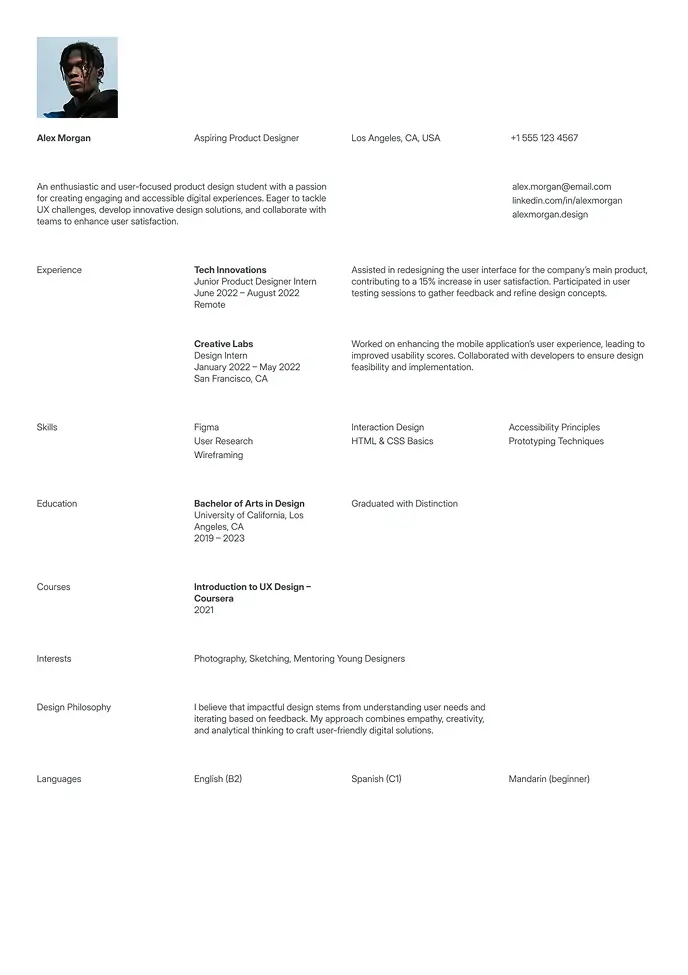
Berlin
Clean and simple resume, great for students or interns.
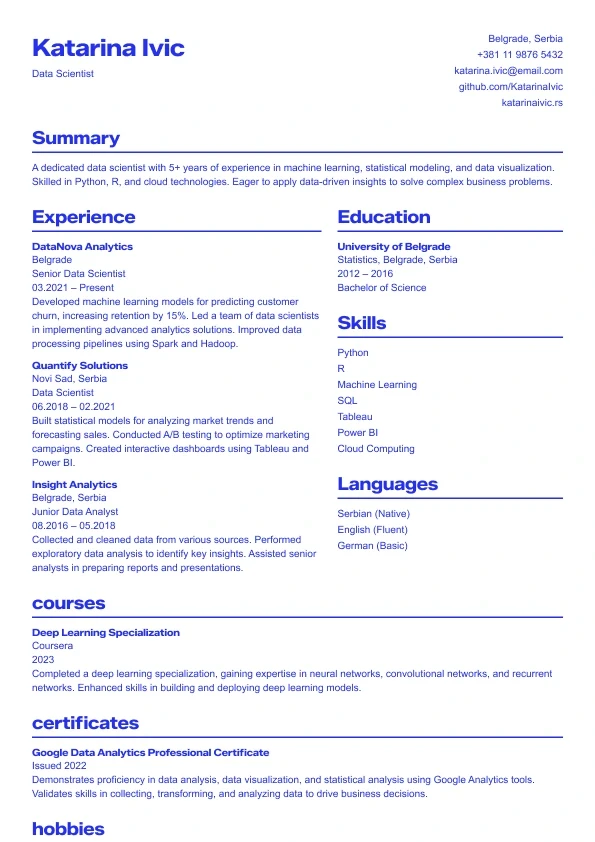
Sapphire
A bold, modern resume template with strong blue accents.
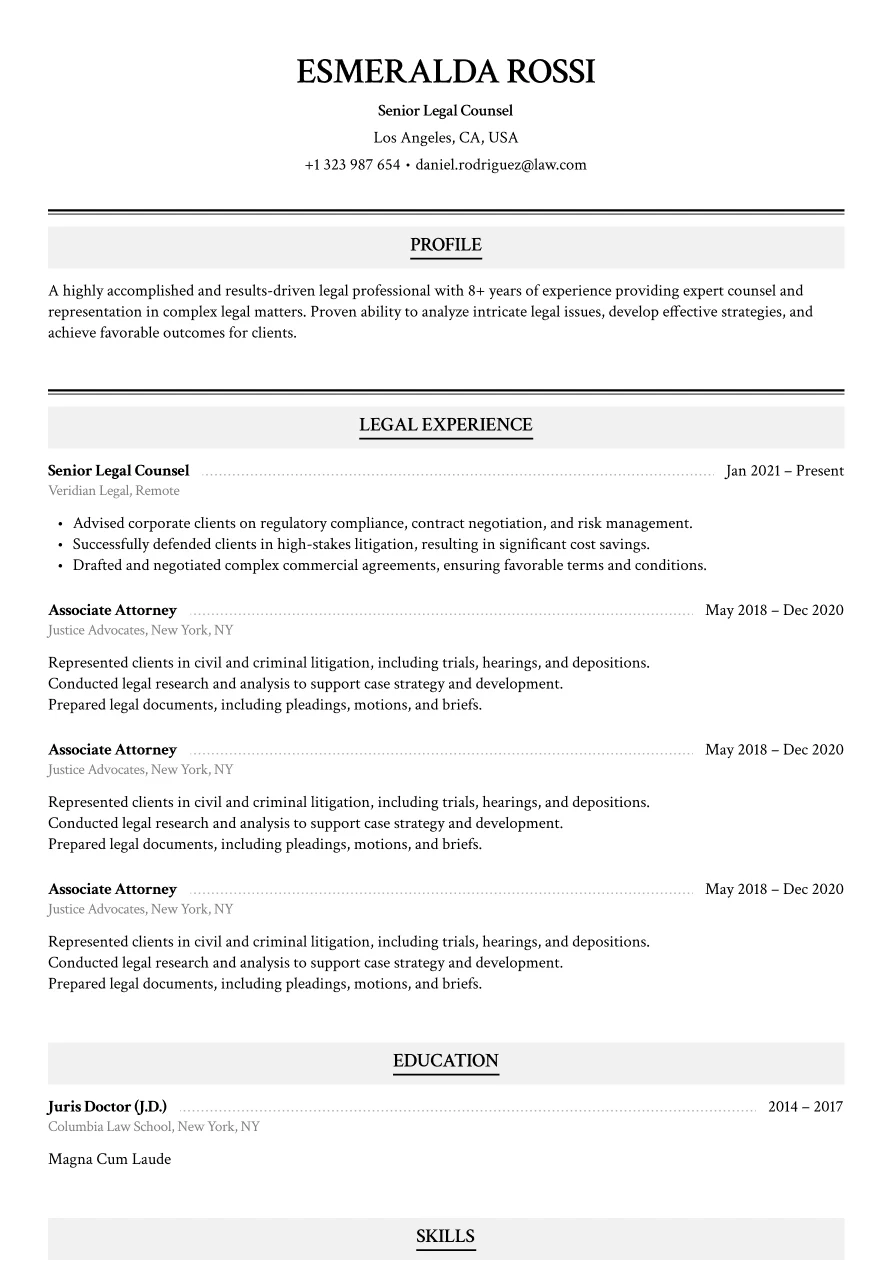
Haven
Classic legal layout with refined section styling.
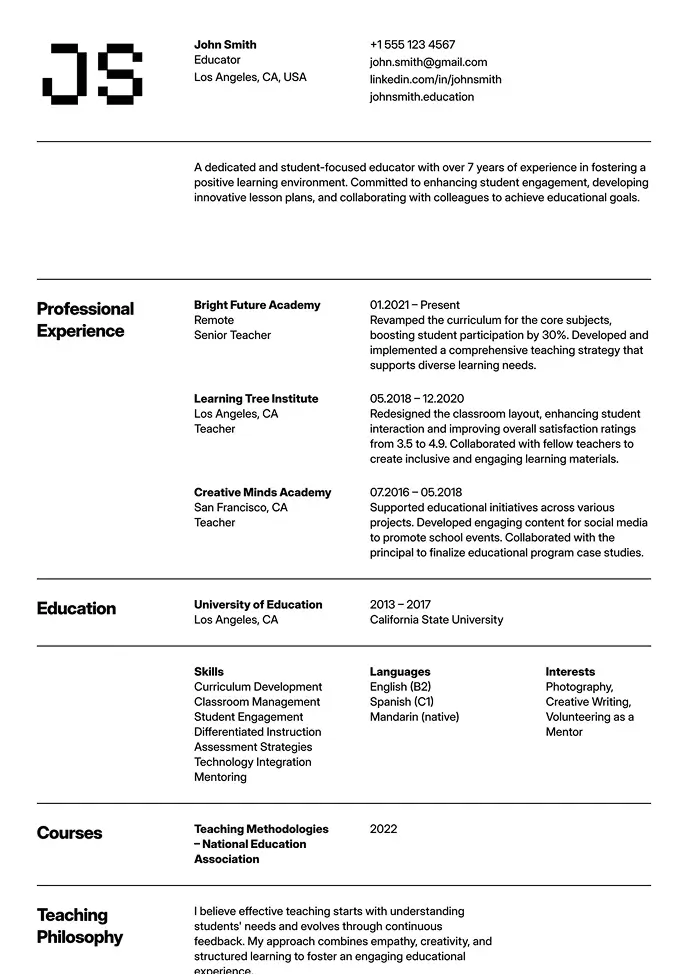
Oslo
Classic structure with modern typography and grid-based layout.
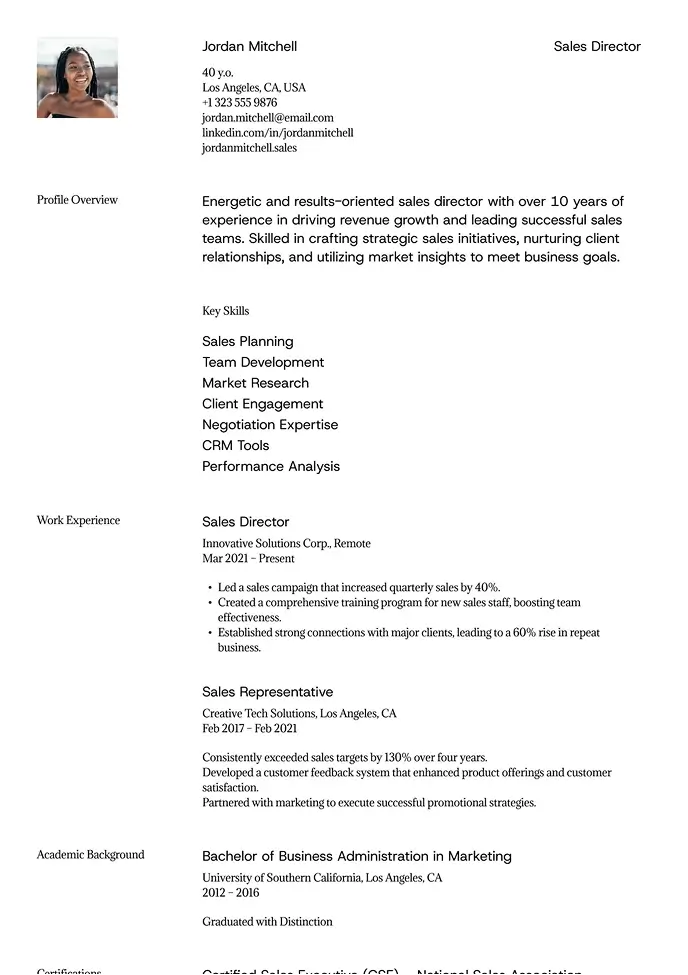
Sienna
Professional layout with a clear focus on leadership.
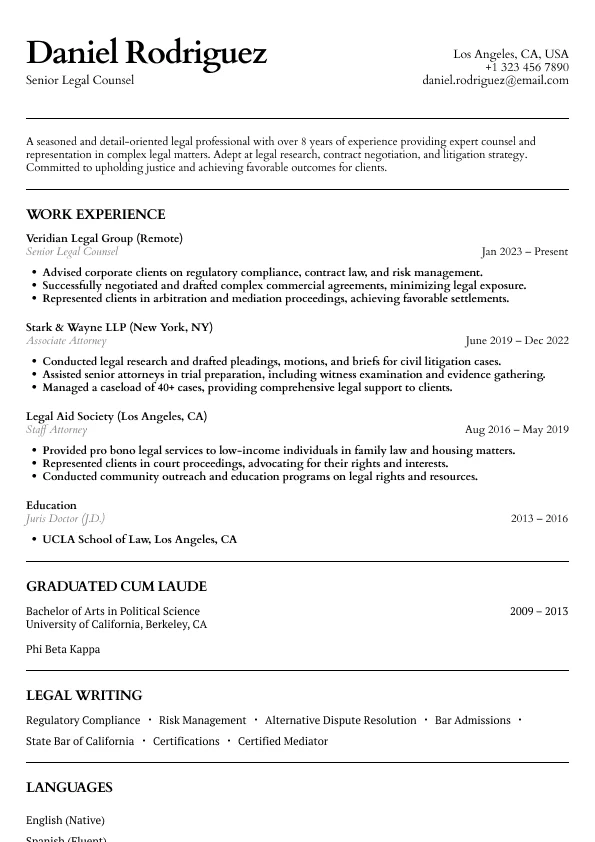
Atlas
Classic legal resume layout with clear hierarchy and refined section styling.
Why International Recruiters Almost Always Ask for Word
Word (.docx) is the de facto standard for CV submissions across the UK, Europe, Australia, and most international markets — and for a practical reason.
When a London recruiter is presenting your profile to five different clients, they need to reformat, anonymize, or adjust your CV quickly. Word makes this possible. A PDF does not. International staffing agencies, executive search firms, and in-house talent teams worldwide explicitly request Word CVs for exactly this reason.
Wensa's 11 Word CV templates are built for this workflow: clean formatting that holds up after editing, consistent styles that don't break when someone adjusts your content.
Adapting Your Word CV for Different International Markets
One of Word's key advantages is flexibility — the same template adjusts to different market requirements without starting over:
UK and Commonwealth: Keep to two pages, add a personal profile section, set spell-check to English (UK) via Tools → Language. Remove date of birth and nationality unless specifically requested.
Germany and DACH region: Add a photo section to the header area, include a brief personal data section, expand to three pages if needed. Switch spell-check to German for local companies.
Australia: Remove all personal information beyond contact details. Keep writing results-focused. Trim ruthlessly — Australian employers value conciseness.
Middle East and Asia-Pacific: International employers follow global norms. Local companies may have different expectations — research specific requirements before applying.
Word vs. Google Docs for International CV Management
Factor | Word (.docx) | Google Docs |
|---|---|---|
Offline access | Full capability | Requires setup |
Format consistency | High (if fonts embedded) | Consistent via browser |
Recruiter workflow compatibility | Excellent | Needs export first |
Multi-version management | Manual saves | Automatic, unlimited history |
Collaboration | Email attachments | Real-time shared links |
Both formats have a place in an international job search. For Google Docs-based CV management, see our Google Docs CV templates.
Word CV Formatting Rules That Travel Well
Use standard fonts — Calibri, Arial, Times New Roman — that are installed on systems worldwide
Apply built-in heading styles rather than manually formatted text so structure stays intact across Word versions
Avoid tables and text boxes in any section you want parsed by ATS — use standard paragraph formatting instead
Set document language proofing correctly for your target market (UK vs. US English)
Save a PDF version for direct-to-employer submissions where you control the format
For simple, clean Word CV formatting, see our simple CV templates. For corporate international roles, browse our professional CV templates. ATS guidance at our ATS CV templates page. Browse all CV templates.
Recruiter Approved
Build a Resume That Works. Literally.
Our templates are designed to get you noticed, shortlisted, and hired — fast.