ATS Resume Tips: How to Make Sure Your Resume Passes in 2026
Learn how to make your resume ATS-friendly in 2026. Discover the best formats, templates, and optimization tips to ensure your resume gets seen by recruiters.


Updated Mar 21, 2026
Read
13 min
What Is an ATS Resume?
Today, the first step to getting a job isn’t about impressing a recruiter. It’s about passing the software that screens your resume.
An ATS resume is designed for Applicant Tracking Systems. These systems help companies collect, sort, and rank job applications.
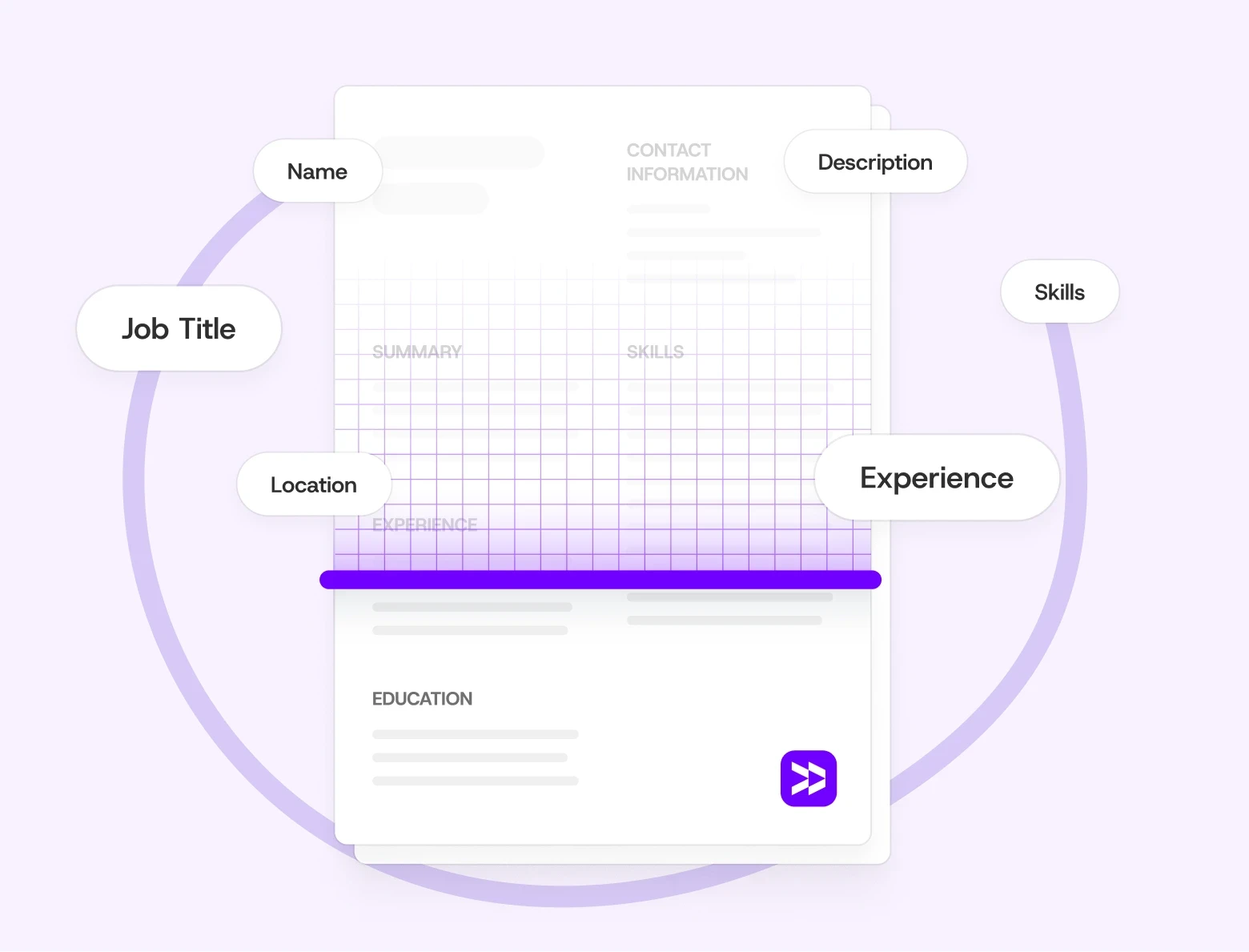
An ATS doesn’t read your resume like a person. It scans for keywords, structure, and formatting. This helps it see how well your background fits the job description.
Think of it as a digital filter — it looks for titles, tools, and skills that align with the role. If your resume isn’t formatted right or lacks key phrases, it might get filtered out. This means a recruiter may never see it.
Why ATS Matters More Than Ever in 2026
Today, nearly all mid-sized and large employers use an ATS. This includes Fortune 500 companies using Workday or Greenhouse. It also covers smaller teams with Breezy or JazzHR.
As hiring becomes more digital, these tools continue to evolve. Some now use machine learning to analyze resumes. It looks for relevance, recent experience, and phrasing patterns. But while smarter, they’re still far from perfect.
That’s why even strong candidates get missed. If your resume isn’t optimized, great experience can slip through the cracks.
In 2026, ATS technology is evolving further. Many platforms now incorporate AI to anonymize applications and reduce hiring bias, automatically rank candidates by predicted job fit, and better recognize synonyms — so «managed» and «oversaw» may be treated as equivalent. But even with smarter parsing, the fundamentals haven't changed: clean formatting, clear structure, and relevant language are still what get you through.
An ATS-friendly resume makes sure real people see your qualifications. It keeps them from getting lost in the digital shuffle.
How ATS Actually Scores Your Resume
Most people know ATS filters resumes — but fewer understand how the scoring works. Here's what happens after you hit submit.
When your resume is uploaded, the ATS parses it into structured data: your name, contact details, job titles, dates, skills, and education. It then compares that data against the job description — looking for keyword matches, required qualifications, and relevant experience.
The result is a match rate — a percentage score that tells the recruiter how closely your resume aligns with the role. Most companies only review candidates who score above a certain threshold. In competitive roles, that threshold can be 70–80%. Below it, your resume may never reach a human.
Here's what directly affects your score:
Keyword match — exact phrases from the job description appearing in your resume, especially in your summary, job titles, and skills section
Job title alignment — if the posting says "Marketing Manager" and your resume says "Brand Lead," the system may not connect them
Section recognition — ATS needs to identify standard sections to extract data correctly; non-standard headings cause fields to be missed entirely
File readability — if the system can't parse your file, your score is effectively zero regardless of your experience
This is why 75% of resumes are filtered out before a recruiter ever sees them — not because the candidates weren't qualified, but because the formatting or language didn't match what the system was looking for.
The good news: once you understand the scoring logic, optimizing for it is straightforward. The sections below show you exactly how.
How to Create an ATS-Friendly Resume
1. Use a Simple, Standard Format
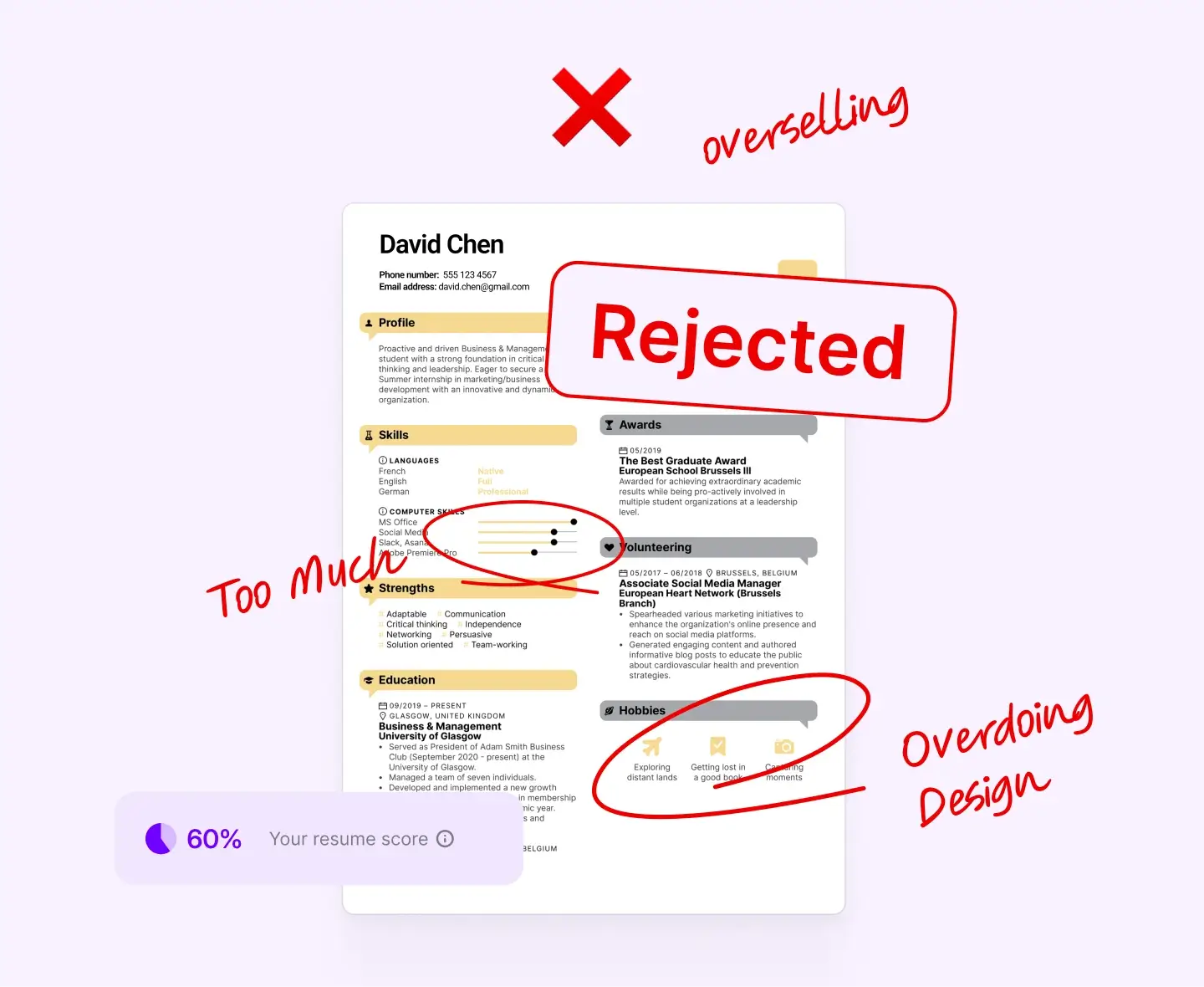
The biggest mistake job seekers make? Over-designing their resumes.
ATS systems can’t read fancy columns, icons, or text boxes. They only understand plain text, reading it from top to bottom and left to right.
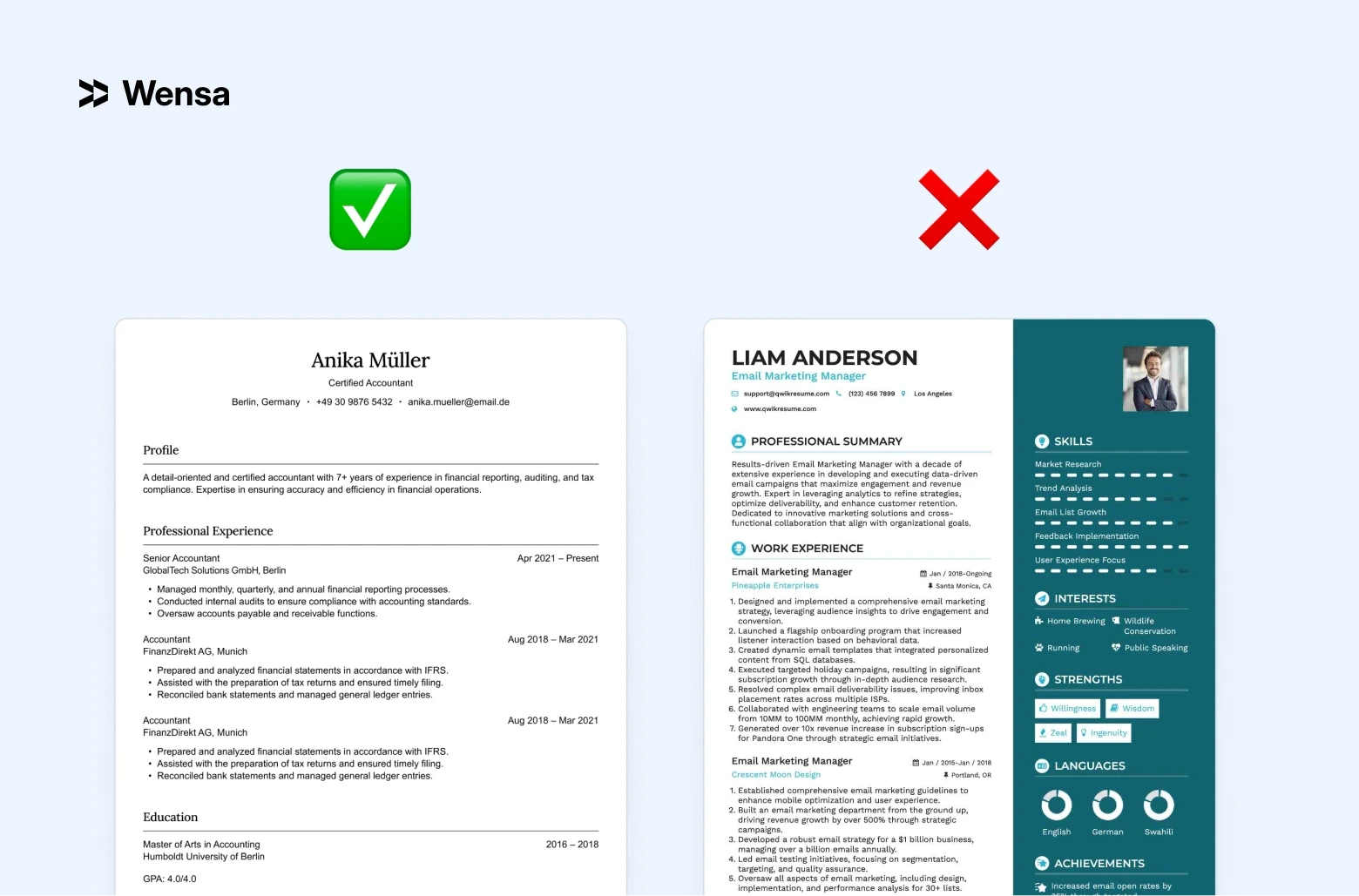
Keep it clean, single-column, and easy to follow.
Recommended structure:
Contact Information
Professional Summary or Objective
Work Experience
Education
Skills
A clear format ensures your details don’t get lost in translation when parsed by software. For templates that already follow this structure, browse our ATS-friendly resume templates — built single-column and ready to pass any system.
2. Choose the Right File Type
The safest formats are .docx and text-based PDFs.
Scanned or image-only PDFs can’t be read by ATS software — they’re just pictures. Even if your content is perfect, it won’t matter if the system can’t extract it.
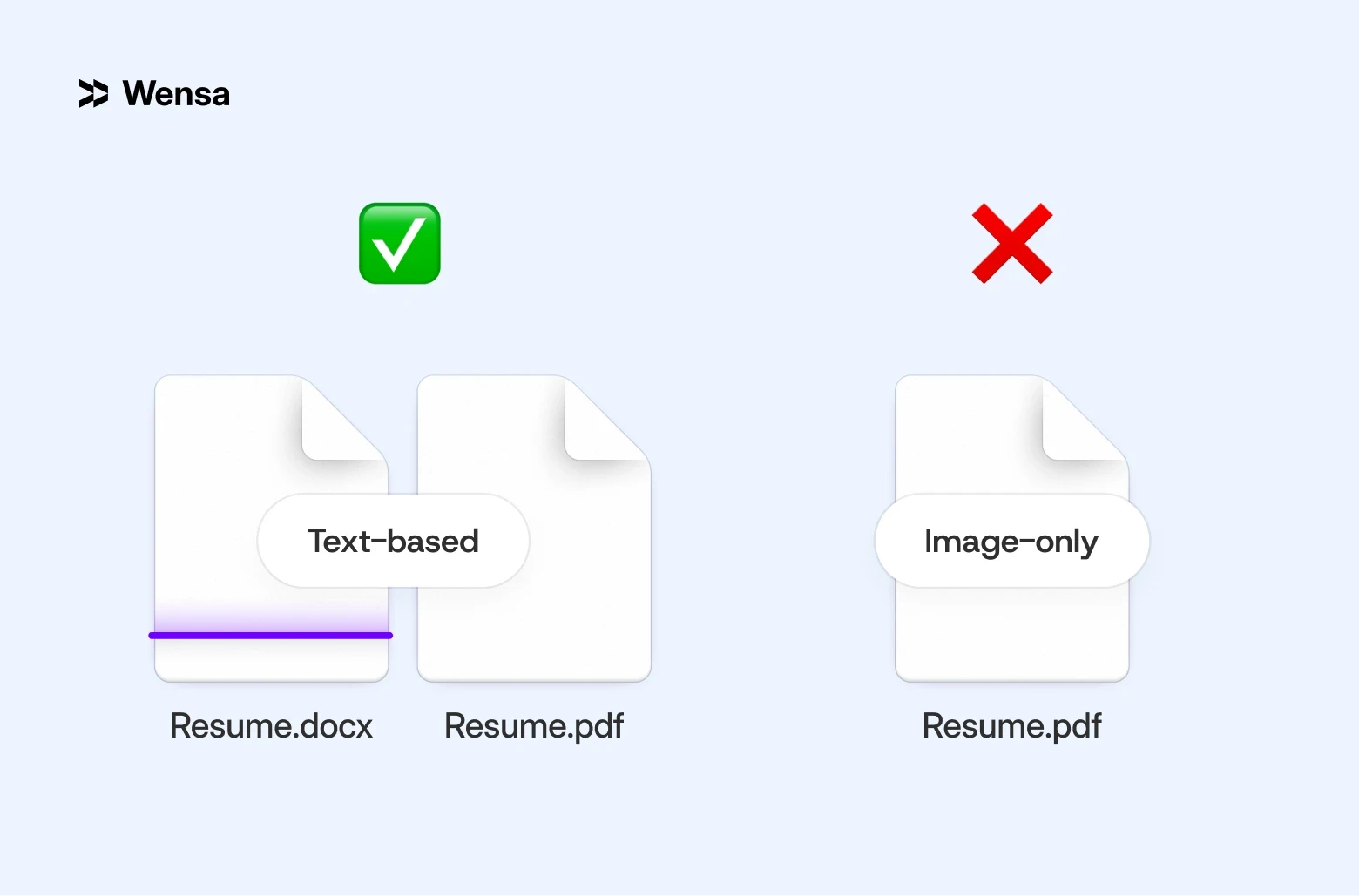
When applying, always check the employer’s instructions. Some systems prefer Word files; others accept PDFs. Having both ready ensures you can upload the right one every time.
Not sure which format is best for you?
Check out PDF vs Word Resume: Which Format Is Best for Job Applications in 2026? to see how each format works on various platforms.
3. Use Keywords Naturally
Here’s where many people overdo it. Yes, ATS software scans for skills and tools — but keyword stuffing doesn’t help.
Don't fill your resume with buzzwords. Instead, use the right language naturally.
Example:
❌ “Expert in project management, managing projects, and project coordination.”
✅ “Good at managing projects and coordinating teams — finishing initiatives on time and within budget.””
It sounds human, but still hits the keywords ATS is looking for.
A quick tip: Read the job description carefully. Highlight any repeated phrases or technical tools. These are usually your key terms.
To get the most out of keywords, placement matters as much as presence. Here's where to prioritize them:
Professional Summary — include 2–3 core keywords from the job description in your opening paragraph. This is one of the first sections ATS parses.
Job titles — if your actual title differs from the role you're applying for, consider adding the target title in parentheses where appropriate: Content Lead (Content Marketing Manager).
Skills section — list tools and competencies as exact phrases, not abbreviations: «Search Engine Optimization» not just «SEO», «Microsoft Excel» not just «Excel».
Bullet points — each bullet in your experience should contain at least one role-relevant keyword. Metrics make them stronger for both ATS and humans: «Increased organic traffic by 38%» beats «Improved website performance».
One practical approach: paste the job description into a word frequency tool. The terms that appear most often are usually the ones the ATS is weighted to find.
For more details, check out the Resume Skills Section Guide: Top Hard and Soft Skills for 2026. It has great examples of skills that are in demand across various industries.
4. Avoid Complex Design Elements
ATS systems can’t read text that’s placed inside images, tables, or graphic elements. Even many popular resume templates from Canva or Figma break during parsing.
If you want your resume to look visually appealing, use two versions:
ATS version: Clean, simple, text-based for online submissions.
Visual version: Polished, branded design for networking, presentations, or print copies.
This hybrid approach offers flexibility. You’ll have one resume for software and another for people.
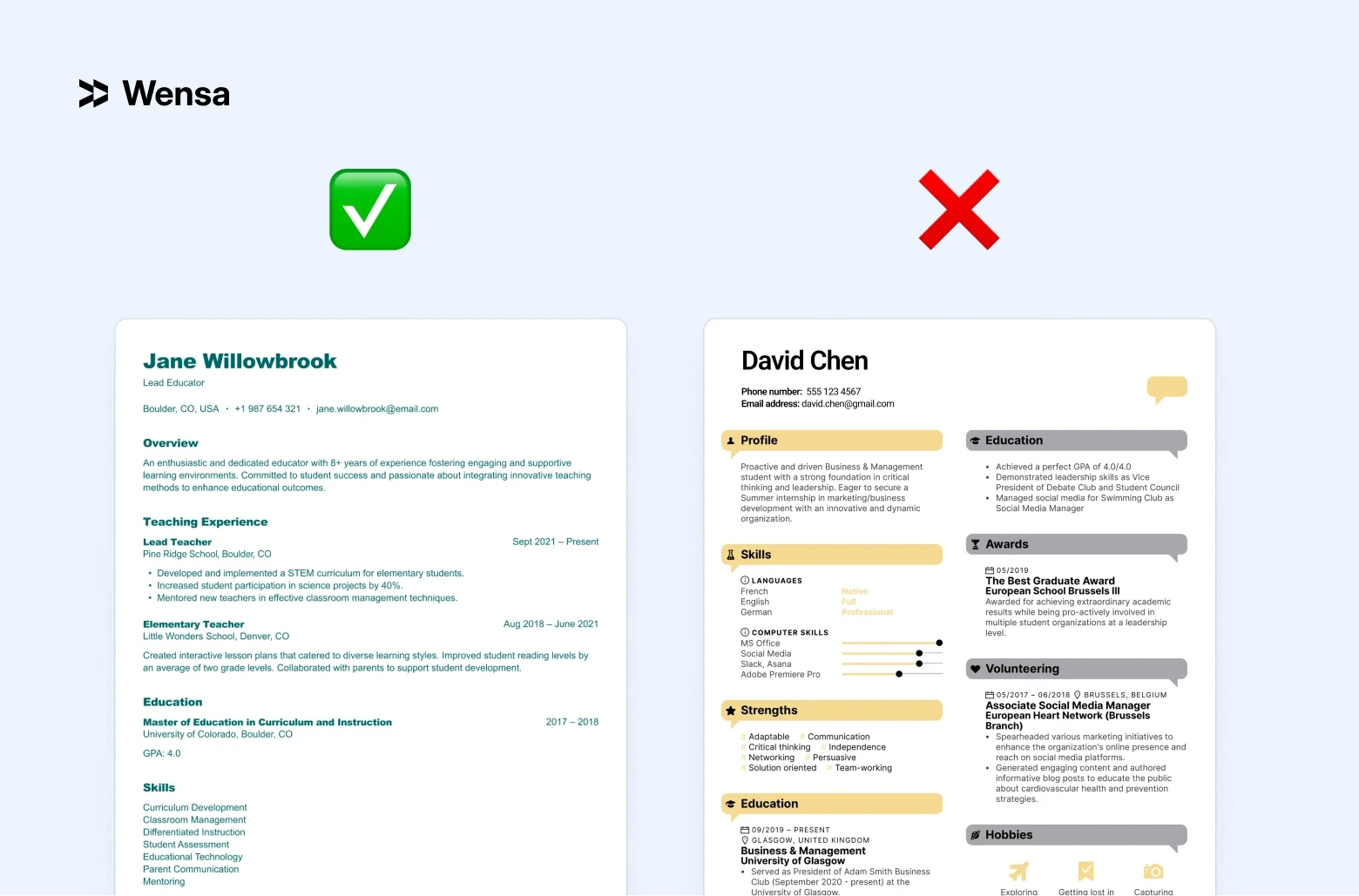
Learn how to make both look professional with Resume Fonts & Design That Impress in 2026 (Without Breaking ATS Rules).
5. Label Sections Clearly
ATS tools know to look for standard headings. This helps them grab and sort information with precision.
Stick to standard labels like:
“Professional Summary” or “Summary”
“Experience”
“Education”
“Skills”
Avoid creative alternatives like “Where I’ve Been” or “Career Highlights.” They may seem more personal, but they can confuse the parser. This can lead to important details disappearing from your profile.
Stick with familiar section names. This helps recruiters and ATS easily understand your resume.
6. Write Out Acronyms and Avoid Symbols
Not every ATS interprets abbreviations the same way. Some systems won’t connect “SEO” with “Search Engine Optimization” unless both appear.
Best practice: spell it out the first time, then use the acronym after.
Example: “Search Engine Optimization (SEO)”
Avoid special symbols, emojis, or fancy bullets. They can break when the file is parsed and make your resume unreadable.
Stick with clean, standard characters like dashes or circles.
ATS Resume Example
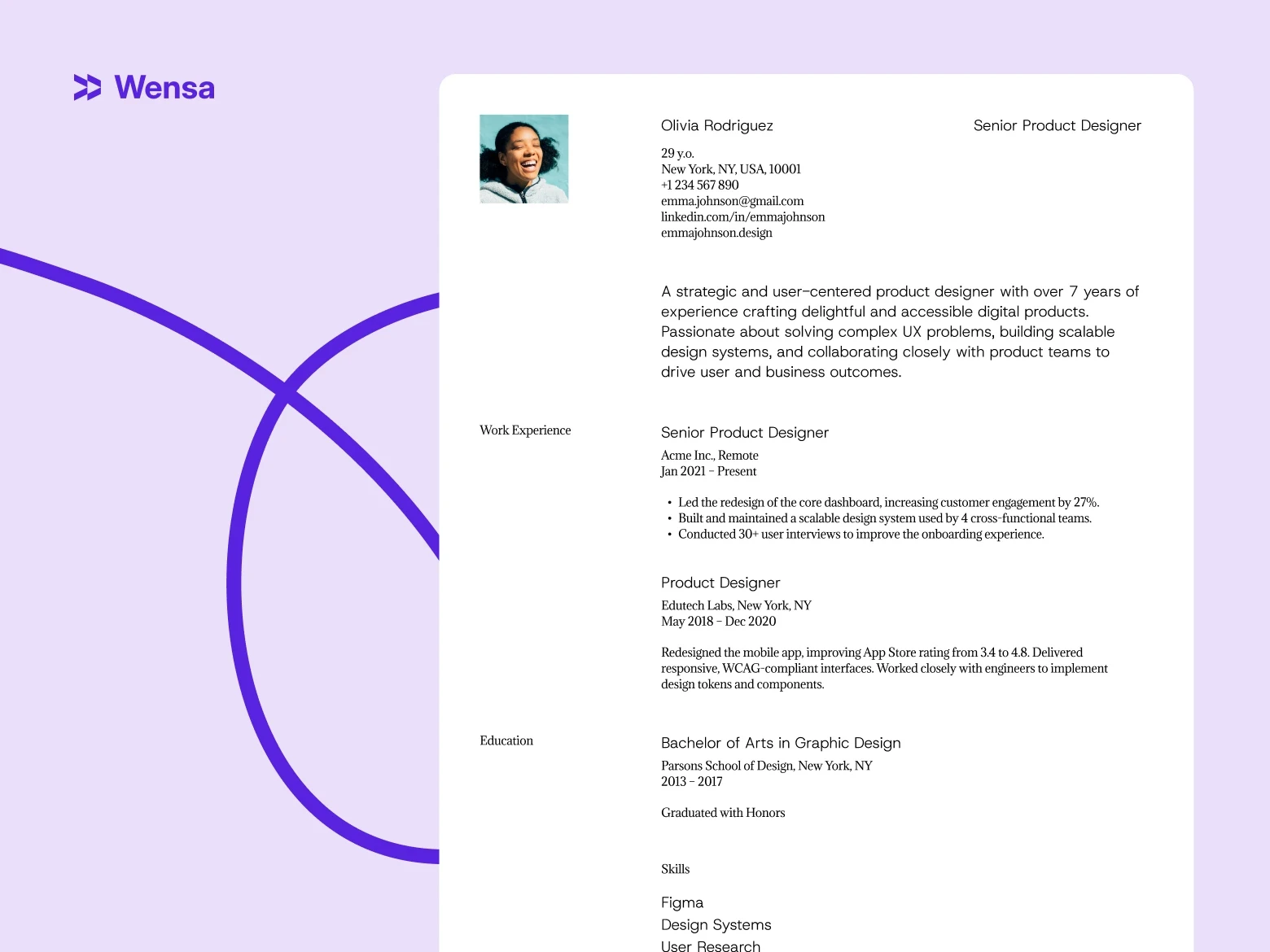
John Smith
john.smith@email.com | (555) 555-5555 | linkedin.com/in/johnsmith
Professional Summary
Marketing expert with over 6 years of experience. Skilled in driving digital campaigns, SEO strategies, and brand growth for both B2B and B2C companies. Focused on performance metrics and content strategy that drive measurable results.
Experience Marketing Manager | ABC Agency | 2019–Present
Led digital campaigns that boosted client traffic by 45%
Managed a five-person content team, optimizing workflows and ad reporting
Improved cost-per-click efficiency by 20% through A/B testing
Education
B.A. in Marketing, University of Utah
Skills
Digital Marketing | Google Ads | SEO | Content Strategy | HubSpot
Simple. Keyword-rich. Easy to scan. That’s exactly what both ATS and hiring managers want.
ATS Resume Tips for Different Experience Levels
The core ATS rules apply to everyone — but how you apply them depends on where you are in your career. Here's what to prioritize at each stage.
If You’re Experienced
Focus on measurable outcomes, leadership, and industry tools. Use metrics — percentages, dollar amounts, time saved — to prove impact.
For ATS specifically, experienced candidates often make one common mistake: they assume their track record speaks for itself. It doesn't — not to software. Your job titles, company names, and years of experience all need to be clearly structured and keyword-matched to the role you're applying for now, not the one you held five years ago.
A few things that matter most at this level:
Recency signals — ATS weights recent experience more heavily. Make sure your last 2–3 roles are detailed, keyword-rich, and clearly dated. Older roles can be shorter.
Title alignment — if your current title is unusual or company-specific (e.g. «Growth Lead» instead of «Marketing Manager»), consider listing the equivalent standard title in parentheses. ATS may not recognise non-standard titles as a match.
Tools and platforms — name the specific software you've used: not just «data analysis» but «Google Analytics, Tableau, SQL». ATS systems in tech and marketing roles are often configured to scan for exact tool names.
Leadership language — words like «managed», «led», «oversaw», and «directed» carry weight in senior role matching. Use them with context: «Led a team of 8» is more parseable than «responsible for a team».
For a real-world example of how this comes together, see our Marketing Manager Resume Example.
If You’re Early in Your Career
Lean on transferable skills, coursework, internships, and volunteer work. Emphasize initiative, reliability, and collaboration — the soft skills that translate across industries.
The challenge at this stage is that ATS is built to find experience — and you have less of it. The way around this isn't to pad your resume, it's to be strategic about what you highlight and how you label it.
What works best for early-career candidates:
Internships and part-time roles count — treat them exactly like full-time jobs in your experience section. Include the company name, your title, dates, and 2–3 bullet points with keywords from your target role. ATS doesn't distinguish between internship and employment.
Academic projects with real outcomes — if you led a project, built something, or produced a result during your studies, include it. Frame it in professional language: «Developed a data analysis model for a 6-month university project» reads better than «class project».
A strong skills section is your equalizer — when work history is thin, the skills section carries more weight in ATS scoring. List every relevant tool, language, and competency you genuinely have. Be specific: «Python (pandas, NumPy)» beats «programming».
Match the job title in your summary — if you're applying for a «Junior Data Analyst» role, use that exact phrase in your professional summary. Even if you've never held that title, it signals relevance to the parser.
Certifications and courses — Google, HubSpot, Coursera, LinkedIn Learning certificates are all fair game. List them in a dedicated section with the full name of the credential. Some ATS systems are configured to scan for specific certification names.
Not sure which resume structure works best at your stage? See Best Resume Format in 2026: Chronological vs Functional vs Hybrid — it breaks down which format gives early-career candidates the best chance with both ATS and recruiters.
Common ATS Mistakes to Avoid
Even small formatting errors can cause big problems.
Here’s what to double-check before you hit submit:
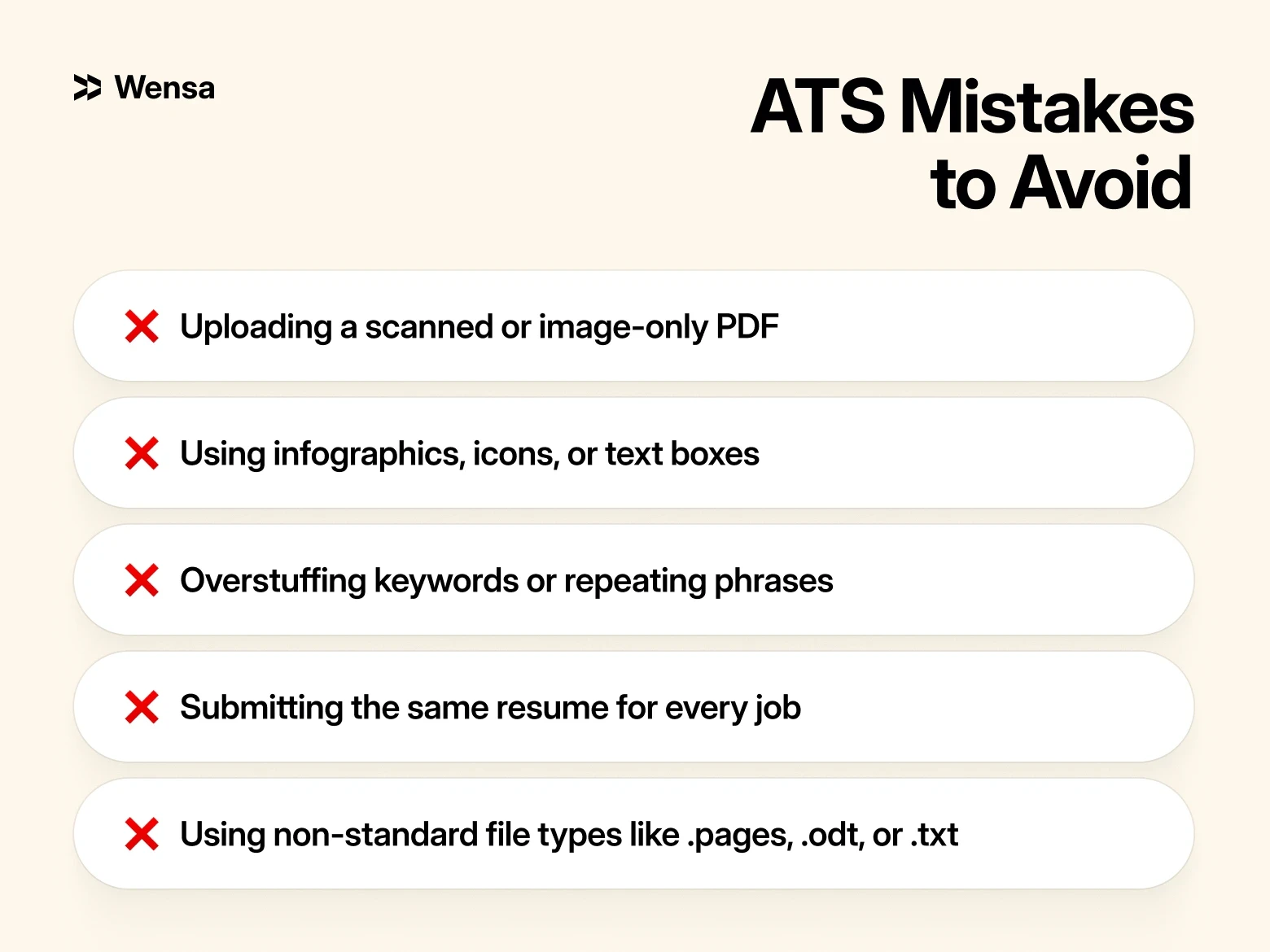
Uploading a scanned or image-only PDF
Using infographics, icons, or text boxes
Overstuffing keywords or repeating phrases
Submitting the same resume for every job
Using non-standard file types like .pages, .odt, or .txt
Placing contact information in the document header or footer — many ATS systems skip header/footer zones entirely when parsing, which means your name, email, or phone number may not be extracted at all
Quick test: Copy your resume into Notepad. If it pastes cleanly in the right order, it’s likely ATS-safe.
FAQ — ATS Resume Tips in 2026
What is an ATS resume?
A resume formatted to be read and scored by Applicant Tracking Systems. It uses standard section headings, plain text formatting, and keywords from the job description — so the software can parse your information correctly and match you to the role.
What percentage of resumes are rejected by ATS?
Studies consistently show that around 75% of resumes are filtered out by ATS before a recruiter sees them. The most common reasons are formatting issues (columns, graphics, tables) and missing keywords from the job description.
Can ATS read PDF files?
Yes — but only text-based PDFs. If your PDF was created by exporting from a word processor, it's readable. If it was scanned or saved as an image, ATS cannot extract the text. When in doubt, use a .docx file or test your PDF by selecting and copying the text — if it pastes cleanly, the file is readable.
Should I tailor my resume for every job application?
Yes, and this is one of the highest-impact things you can do. Even small changes — adjusting your summary, reordering your skills, matching the exact job title from the posting — can meaningfully increase your match rate. You don't need to rewrite the whole resume; targeted edits to the top third of the document often make the biggest difference.
What font and formatting is best for ATS?
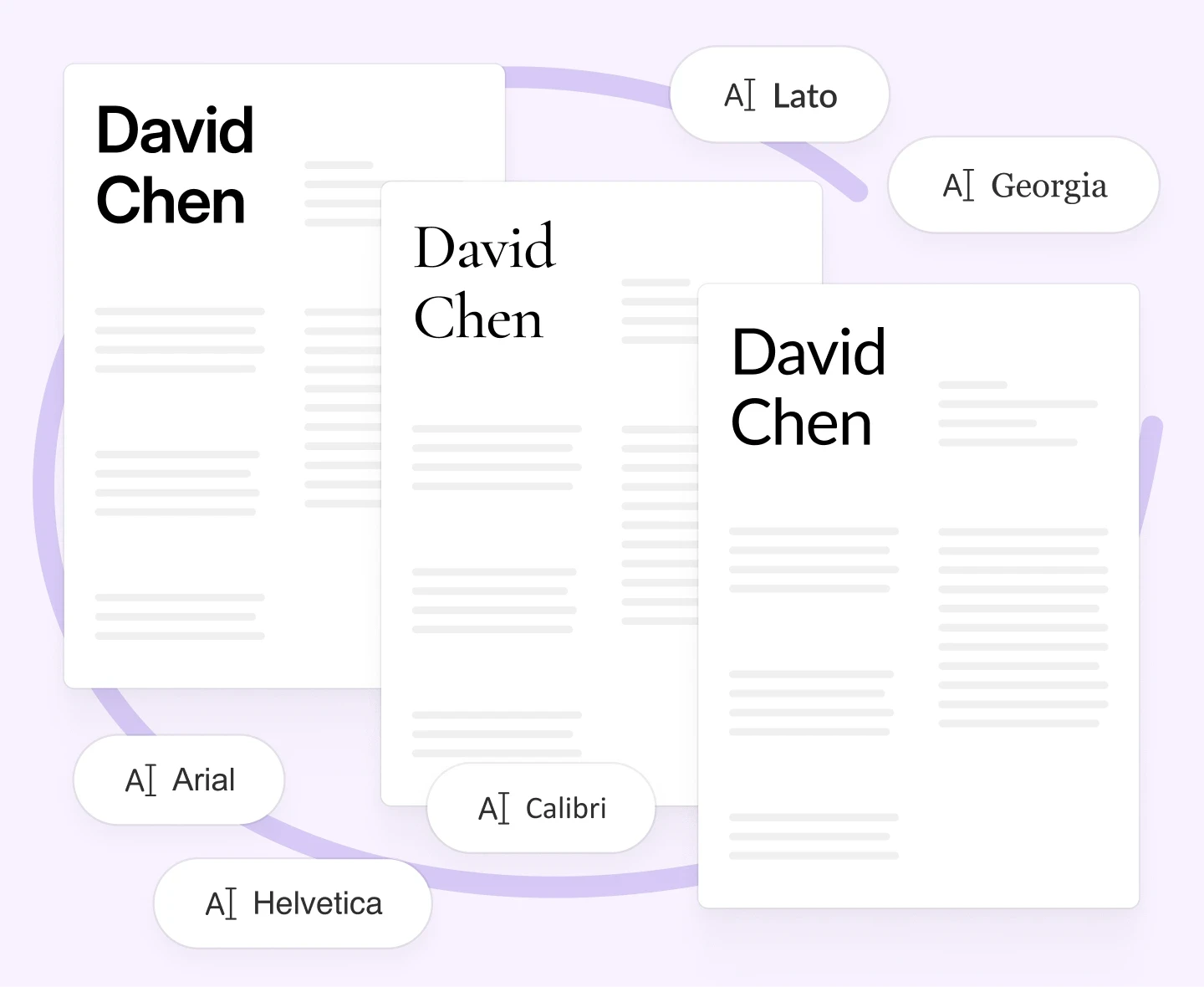
Sans-serif fonts like Calibri, Arial, or Lato in 10–12pt. Single-column layout, standard section headings, no tables, no text boxes, no graphics. For a full breakdown of what works and why, see Resume Fonts & Design That Impress in 2026.
Does ATS rank candidates against each other?
Yes. Most ATS platforms assign a match score to each application and sort candidates by that score. Recruiters typically start reviewing from the top of the list. A higher match score — achieved through keyword alignment, clear formatting, and relevant experience — means your resume gets seen earlier and more often.
How do I know if my resume is ATS-friendly?
Three quick tests: (1) paste your resume text into Notepad — if it reads in the right order with no garbled text, the structure is clean; (2) check that all sections use standard headings (Experience, Education, Skills); (3) compare your skills and job titles against the job description — if fewer than 5 key terms match, rewrite your summary and skills section before applying.
Do resume templates work with ATS?
Some do, most don't. Templates with columns, icons, text boxes, or headers/footers fail most ATS systems. The safest option is a single-column, text-based template designed specifically for ATS compatibility. See our ATS-friendly resume templates for options that are tested and ready to use.
Final Thoughts
An ATS-friendly resume is your ticket past the first filter.
Think of it as writing for two audiences: the software and the human. The system gets you in the door; the recruiter decides what happens next.
Keep your layout simple, your keywords natural, and your achievements measurable. With those basics right, you’ll stand out in both digital scans and real conversations. If you're ready to put it all together, our guide on how to write a resume in 2026 walks through every section step by step.
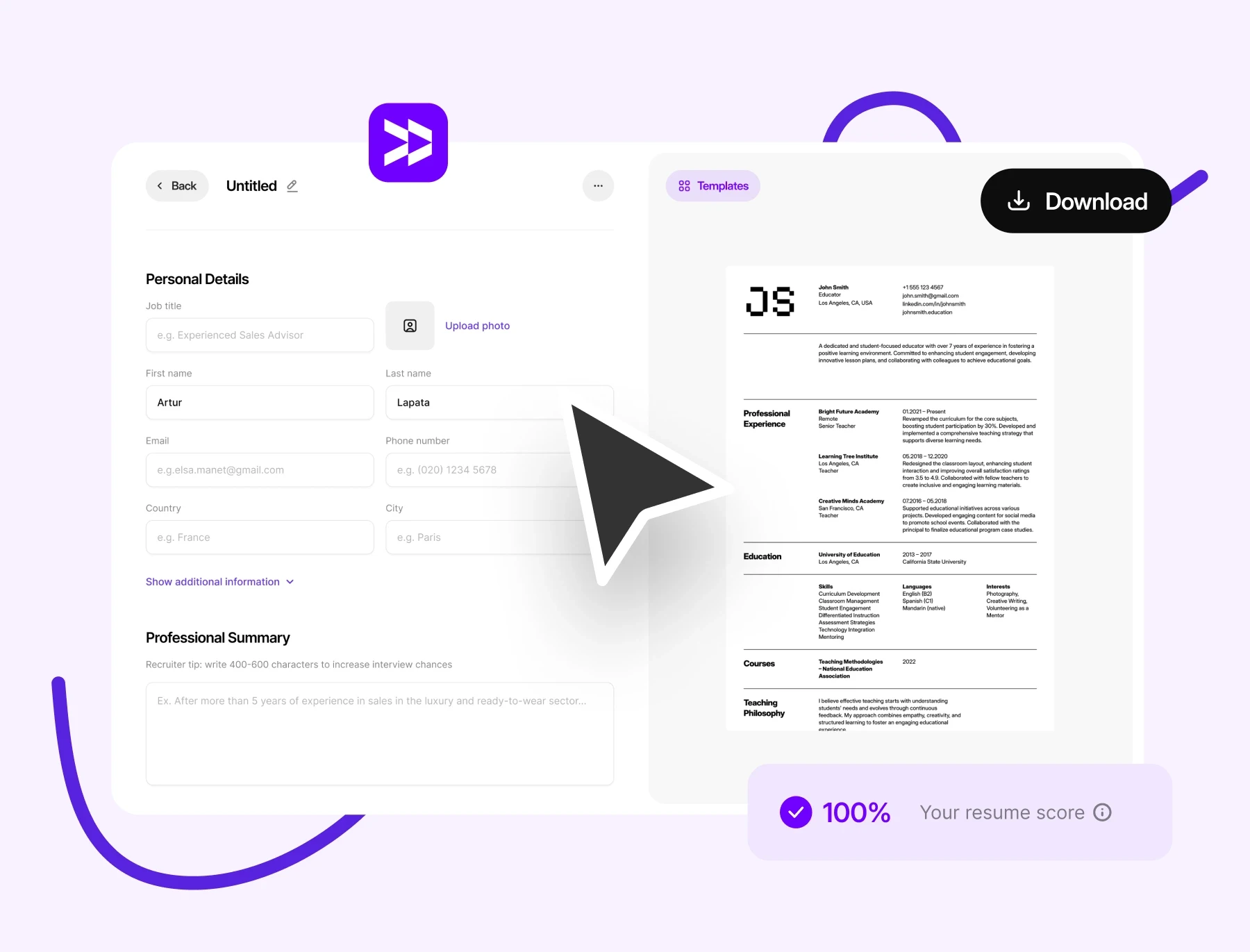
For the easiest way to build a professional, ATS-approved document, try Wensa’s Resume Builder. It creates clean, keyword-optimized resumes that pass scans and impress hiring managers.
Teanca Holt is a recruiting expert and digital content writer from Utah with over five years of experience helping people craft resumes that get noticed. At Wensa, she shares practical tips on writing, career growth, and landing the job you want.