Best Resume Builders in 2025 (Tried, Tested & Ranked for Every Job Type)
Compare the best resume builders in 2025. Discover which tools create ATS-friendly, professional resumes — including Wensa, Novorésumé, ResumeGenius, and more.


Updated Jan 1, 2026
Read
10 min
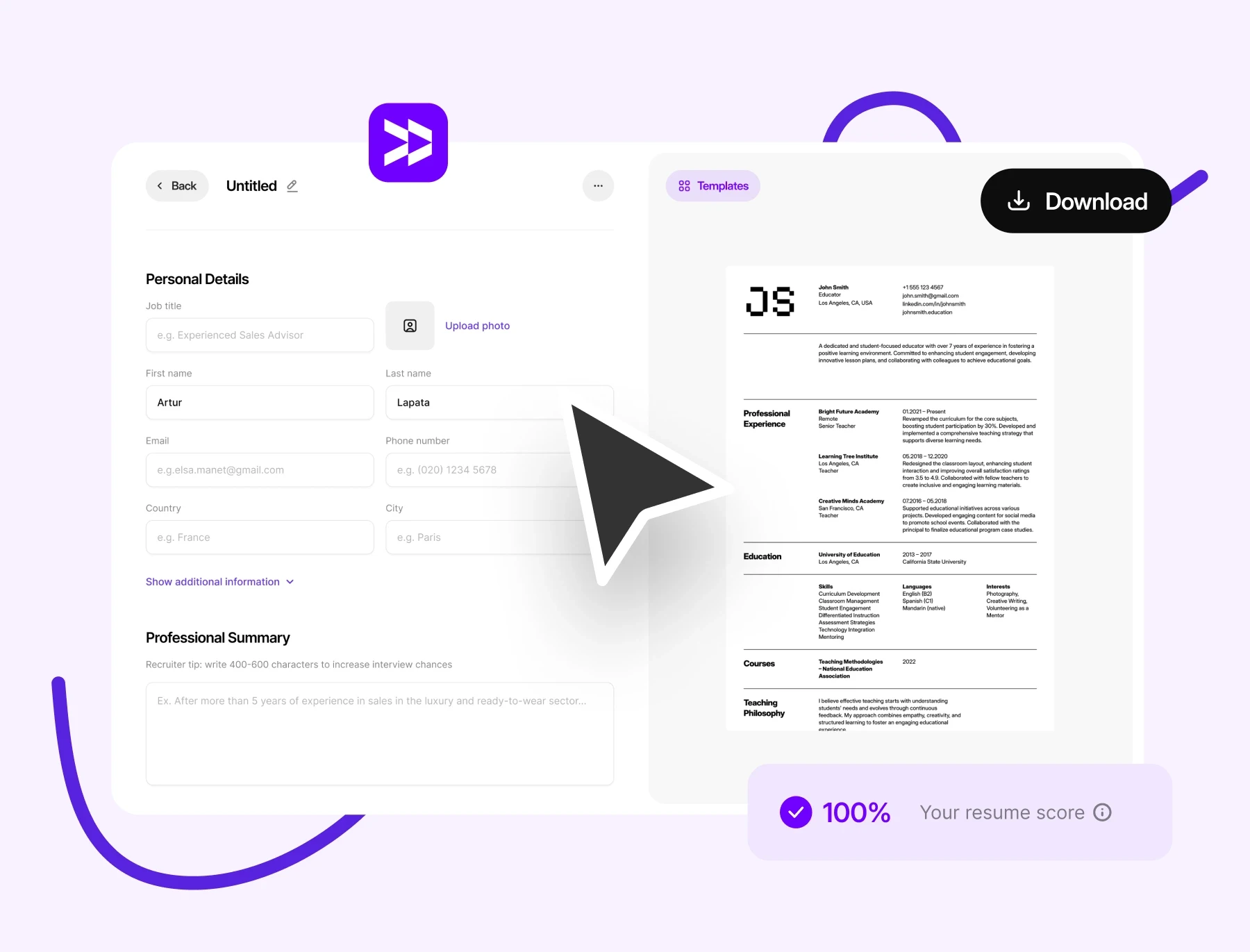
In 2025, a strong resume isn’t just about what you write — it’s about how you present it. A good resume builder can save you time and hassle. It formats your resume to ensure it passes through ATS systems.
Are you ready to transform your job search?
This guide highlights the best online resume builders. If you're starting your job search or updating your profile, you’ll find helpful options here. You can choose one that suits your style, needs, and budget.
What Is a Resume Builder — and Why It Matters
A resume builder is an online tool. It helps you create a professional resume step by step. Most come with templates, prewritten examples, and ATS-friendly formatting.
But in 2025, these tools do a lot more than save time. The best ones actually help your resume get seen. Here’s how:
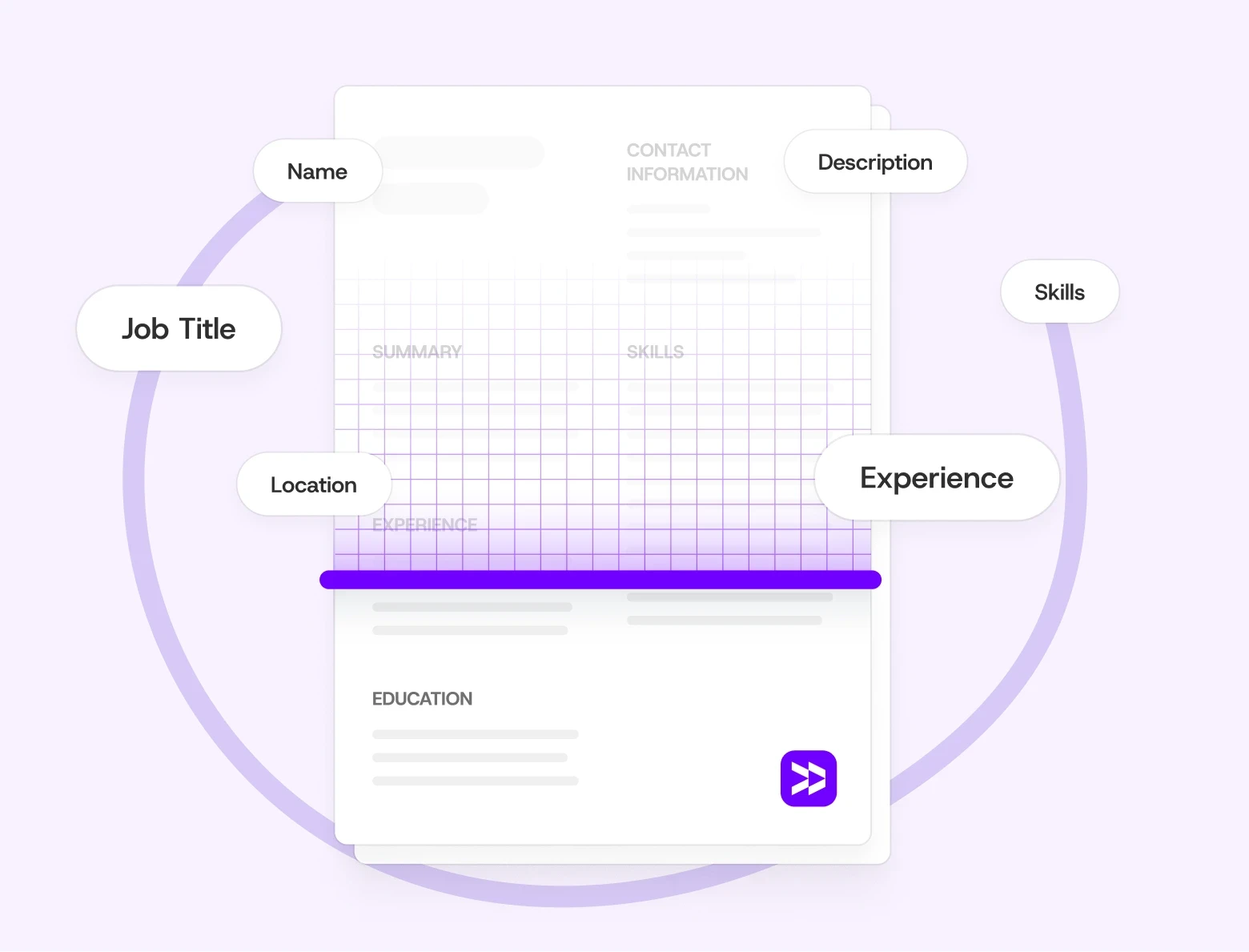
They format your resume to get past the automated systems (ATS) that many companies use to filter applications.
They suggest the right keywords for your field, so you match more job descriptions.
They help you showcase your impact and results. This type of language grabs a recruiter's attention right away.
For example, instead of “Worked on marketing projects,” a resume builder might prompt you to write “Developed campaigns that boosted engagement by 30%.” That’s the kind of detail hiring managers remember.
For more tips on customizing your resume for today’s hiring systems, see ATS Resume Tips: How to Make Sure Your Resume Passes in 2025.
How We Reviewed These Tools
We compared each resume builder based on five things:
User-Friendliness: Is it simple for beginners?
Customization Options: Can you edit layouts and design easily?
ATS Compatibility: Does it create machine-readable resumes?
Design Quality: Are the templates modern and professional?
Export Options: Can you download PDFs and Word files?
For advice on file types, see PDF vs Word Resume: Which Format Is Best for Job Applications in 2025?
Top Resume Builders for 2025 (Compared)
(Insert image: comparison chart of leading resume builders. Alt text: side-by-side comparison of best resume builders for 2025.)
1. Wensa Resume Builder (Best Overall for Customization and ATS)
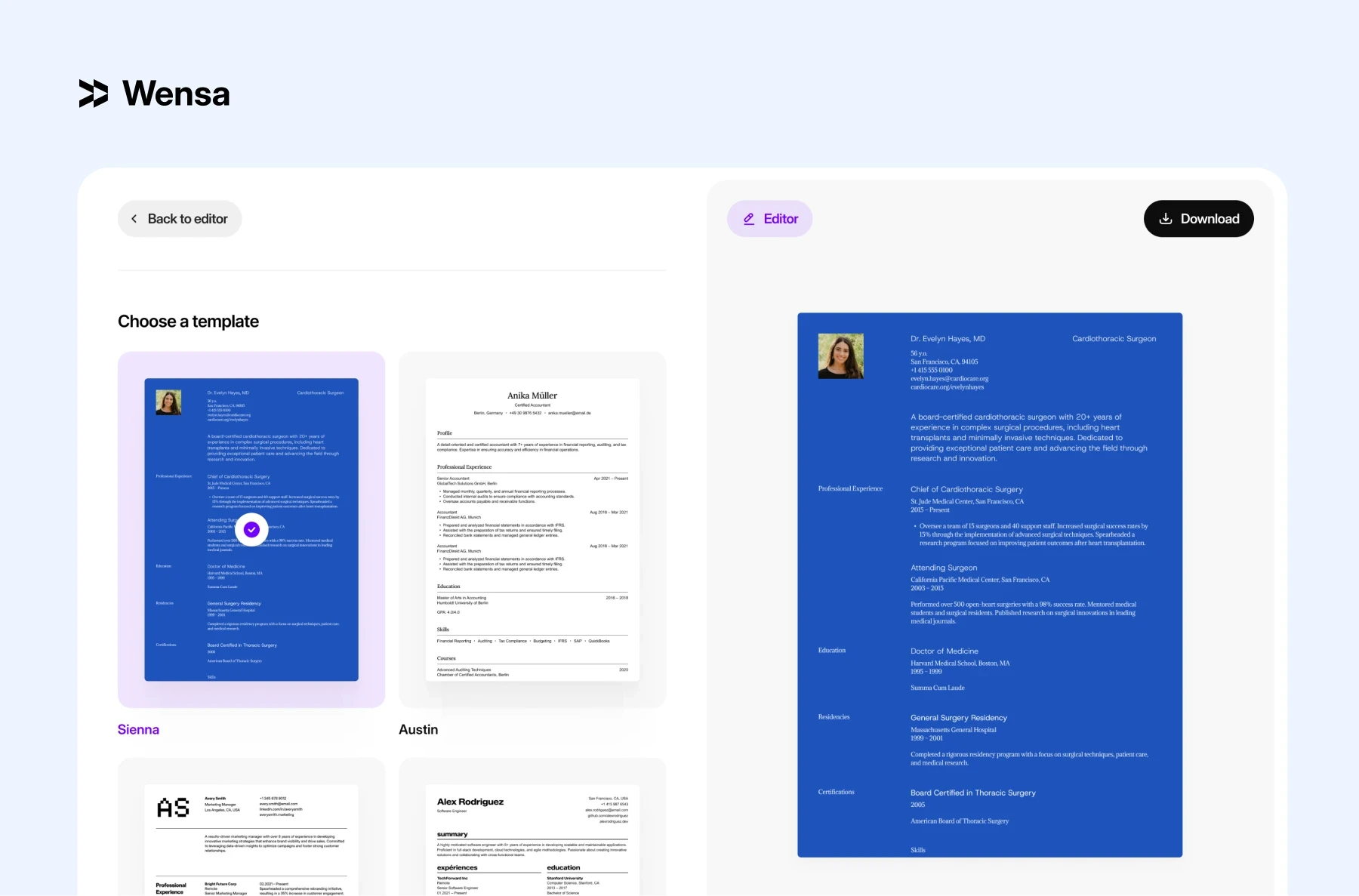
Our very own Wensa Resume Builder is one of the easiest tools to use. intuitive, recruiter-approved, and designed to make resume building quick and stress-free. It mixes real hiring insights with smart prompts. It also offers ATS-friendly formatting and modern, professional templates. You can create a polished resume in minutes — no design skills needed.
Why it stands out:
Built-in formatting that passes ATS scans
Templates crafted from real recruiter feedback
Seamless export to PDF or Word
Mobile-friendly and works flawlessly across all devices
Best for: Professionals looking for a clean, modern resume. It’s optimized for ATS, so you won’t need to stress about design rules.
Pros:
Easy to use with step-by-step guidance
ATS-ready by default
High-quality, recruiter-approved templates
Works well for multiple industries
2. Novorésumé (Best for Resource-Rich Resume Building)
Novorésumé is ideal for users seeking guidance, templates, and ready-made content ideas. Live previews and content suggestions help both beginners and pros create polished, ATS-friendly resumes quickly.
Why it stands out:
Guides, templates, and examples in one platform
Live formatting previews let you see changes in real time
Content suggestions help improve your resume writing
Best for: Job seekers looking for help to build a modern, professional resume.
Pros:
Extensive free resources and resume guides
Prewritten bullet points and section prompts
Easy-to-follow interface for beginners
Cons:
Free version limits downloads
Slight learning curve for users in the U.K. or U.S.
Templates offer limited visual variety
3. ResumeGenius (Best for Quick Resume Creation)
ResumeGenius focuses on speed and simplicity. It asks guided questions, then creates bullet points just for your role and industry. Built-in examples and tips help you organize your experience and highlight your achievements.
Why it stands out:
Quickly generates role-specific bullet points
Beginner-friendly interface
Templates suited for a wide range of job types
Best for: Users who want a quick and easy way to create a structured resume.
Pros:
AI-generated bullet points for your experience section
Clean interface that’s easy to navigate
Templates for almost every industry
Cons:
No free plan available
Costs more after trial period
Some layout elements are fixed and can’t be customized
4. Kickresume (Best for Students and Recent Graduates)
Kickresume offers career-specific templates and examples for entry-level job seekers. It also includes matching cover letter designs and a personal website builder. This makes it a great choice for students or new grads who want a complete professional package.
Why it stands out:
Career-focused templates for beginners
Matching cover letter and personal website options
AI tools like resume checker and Career Coach (Premium only)
Best for: Students, recent graduates, and entry-level candidates who want a professional resume with extra guidance.
Pros:
Free 6-month Premium access for students and educators
AI-powered resume tips and suggestions
Variety of formatting options
Cons:
Limited free templates
Slight learning curve for customization
Skill bars in some templates can reduce ATS readability
5. Enhancv (Best for Visual and Hybrid Layouts)
Enhancv is designed for professionals who want to showcase both personality and performance. It features creative layouts and customizable sections. This makes it great for hybrid or functional resumes that showcase both skills and experience.
Why it stands out:
Combines visual appeal with professional presentation
Real-time feedback and content analysis
Flexible layout options for hybrid resumes
Best for: Professionals who want a resume that showcases their achievements, skills, and personality.
Pros:
Highly customizable design
Built-in content analyzer offers tips and feedback
Intuitive drag-and-drop interface
Cons:
Some sections locked behind Premium plan
Higher cost for full access
Free plan adds watermark to resumes
Considering a hybrid layout? Look at Best Resume Formats in 2025: Chronological vs Functional vs Hybrid. It offers tips on picking the best structure.
How to Choose the Right Resume Builder for You
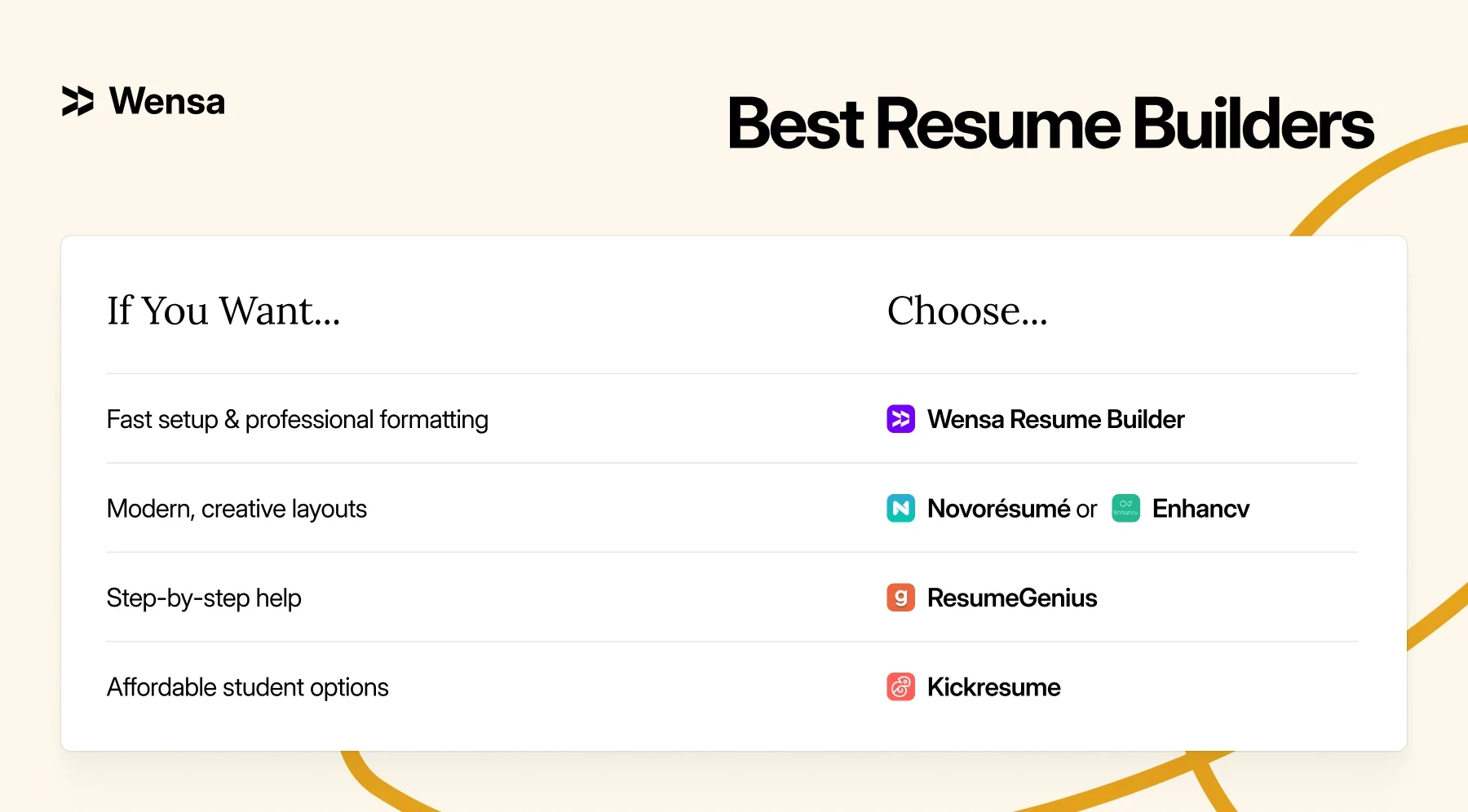
Every resume builder has its strengths. The right one depends on your needs:
Pro Tip: Even the best-looking resume can fall short if small errors slip through. Before you finish your design, check out Top Resume Mistakes to Avoid in 2025 (And How to Fix Them). This will help ensure your formatting and layout are ready for recruiters.
Common Mistakes When Using Resume Builders
Avoid these pitfalls that can hurt your resume’s readability or ATS score:
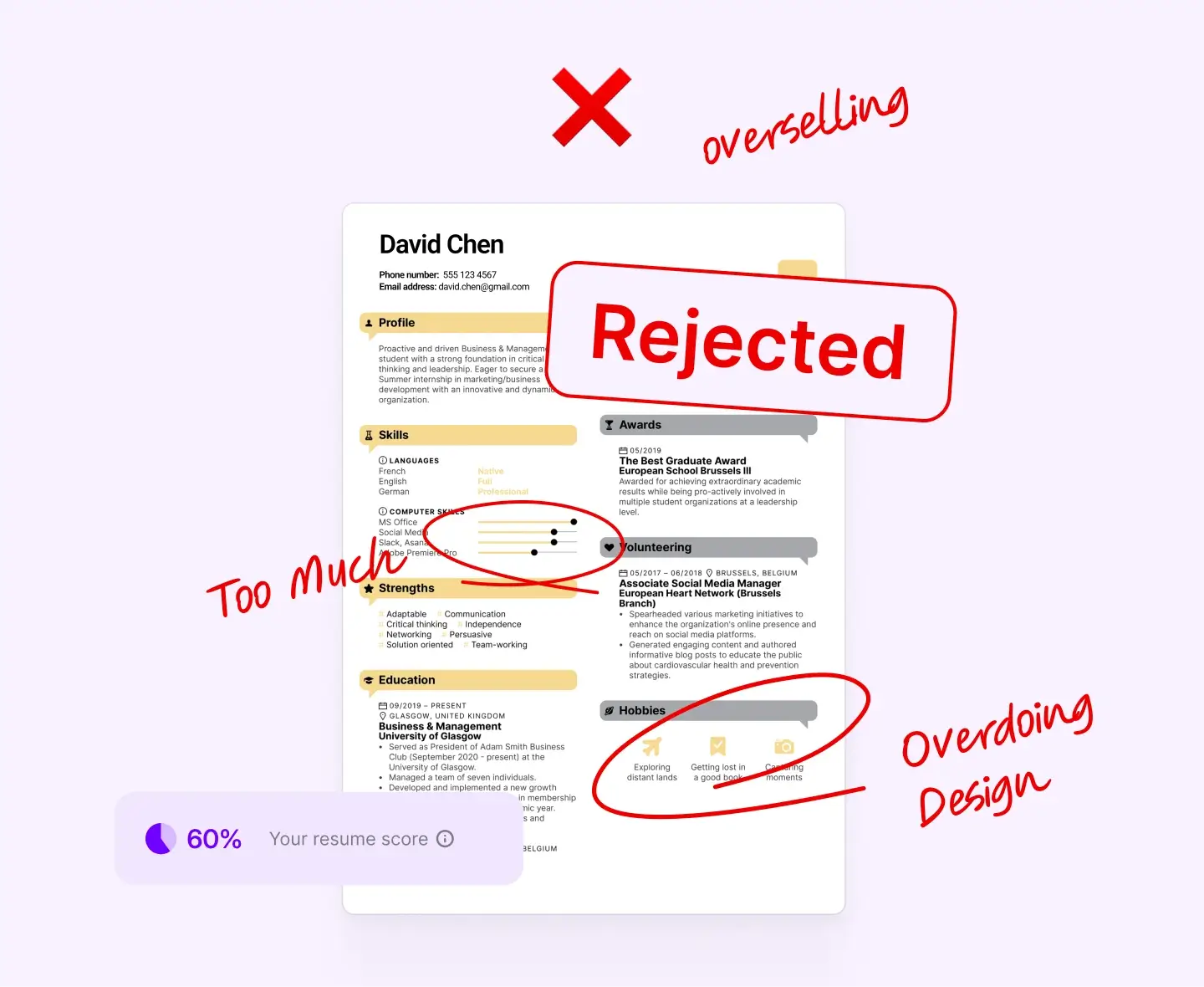
Overusing graphics or color-heavy designs
Ignoring text hierarchy and spacing
Forgetting to customize your skills and achievements
Exporting only a scanned PDF (ATS can’t read it)
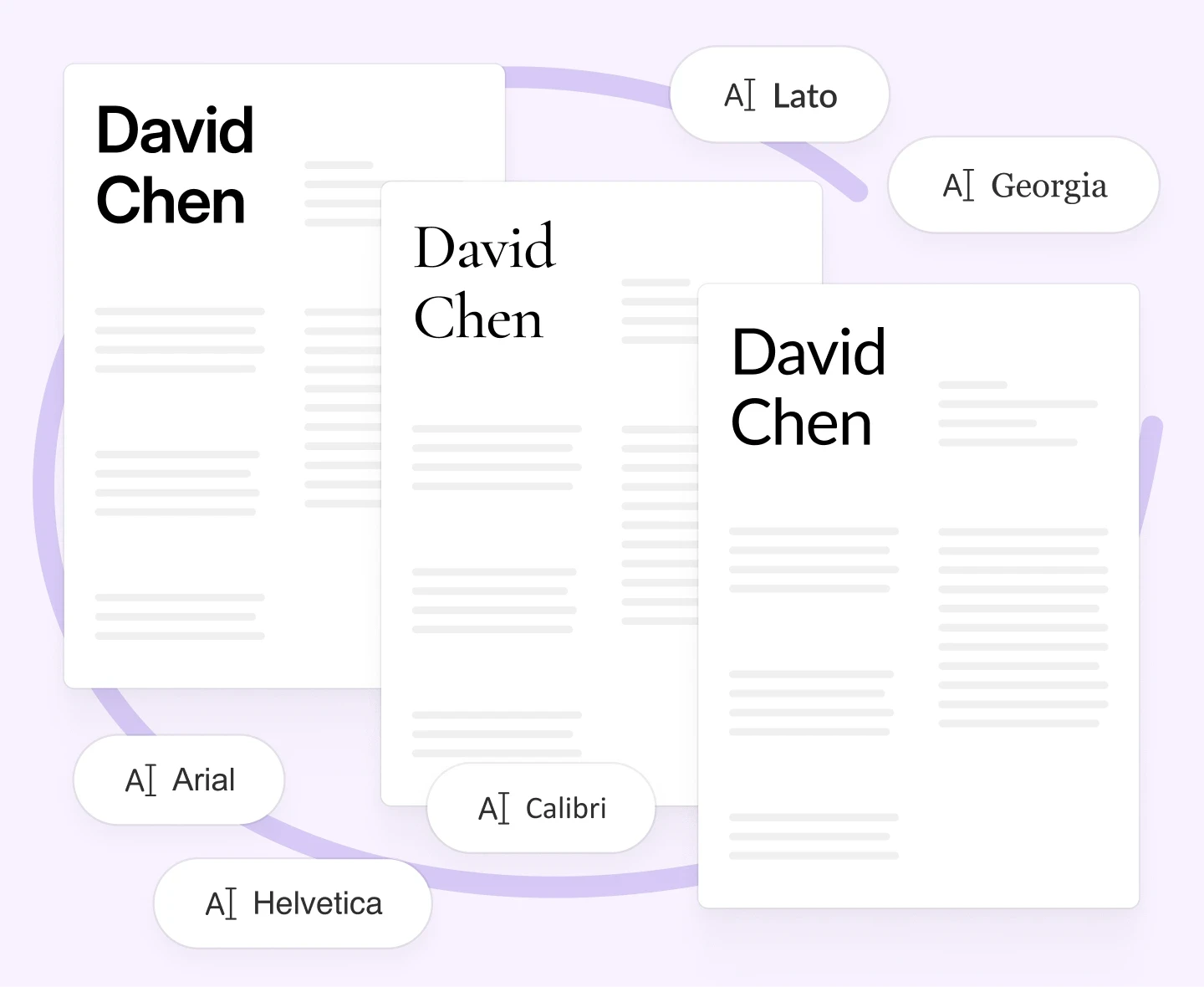
Using non-standard fonts that don’t render correctly
For a polished look, check out Resume Fonts & Design That Impress in 2025 (Without Breaking ATS Rules). It offers great font pairings and spacing tips that follow ATS rules.
FAQs — Resume Builders Compared
What is the best online resume builder?
Wensa stands out for ATS-safe formatting, customization, and ease of use.
Is it better to build a resume from scratch or use a template?
Builders save time and keep formatting consistent. If you want total control, write your resume first, then upload it to a builder to polish the design.
Start from scratch using our guide How to Write a Resume in 2025 (Step-by-Step Guide That Actually Works).
Conclusion — Build Smarter, Apply Faster
The best resume builder is the one that fits your workflow and goals. Whether you want speed, style, or ATS safety, the right tool makes a difference.
Take the time to explore these tools, and you'll be one step closer to landing your dream job
For most professionals, Wensa’s Resume Builder is the easiest way to create a polished, recruiter-ready resume. It works in both PDF and Word formats — no formatting stress required.
Teanca Holt is a recruiting expert and digital content writer from Utah with over five years of experience helping people craft resumes that get noticed. At Wensa, she shares practical tips on writing, career growth, and landing the job you want.