Top Resume Mistakes to Avoid in 2025 (And How to Fix Them)
Avoid the most common resume mistakes in 2025 that could cost you interviews. Learn how to fix formatting, content, and design errors with expert resume writing tips.


Updated Jan 1, 2026
Read
10 min
Why Avoiding Resume Mistakes Matters in 2025
You can have great experience — but one small mistake can stop your resume from ever reaching a real person.
With Applicant Tracking Systems (ATS) filtering resumes, details matter more than ever.
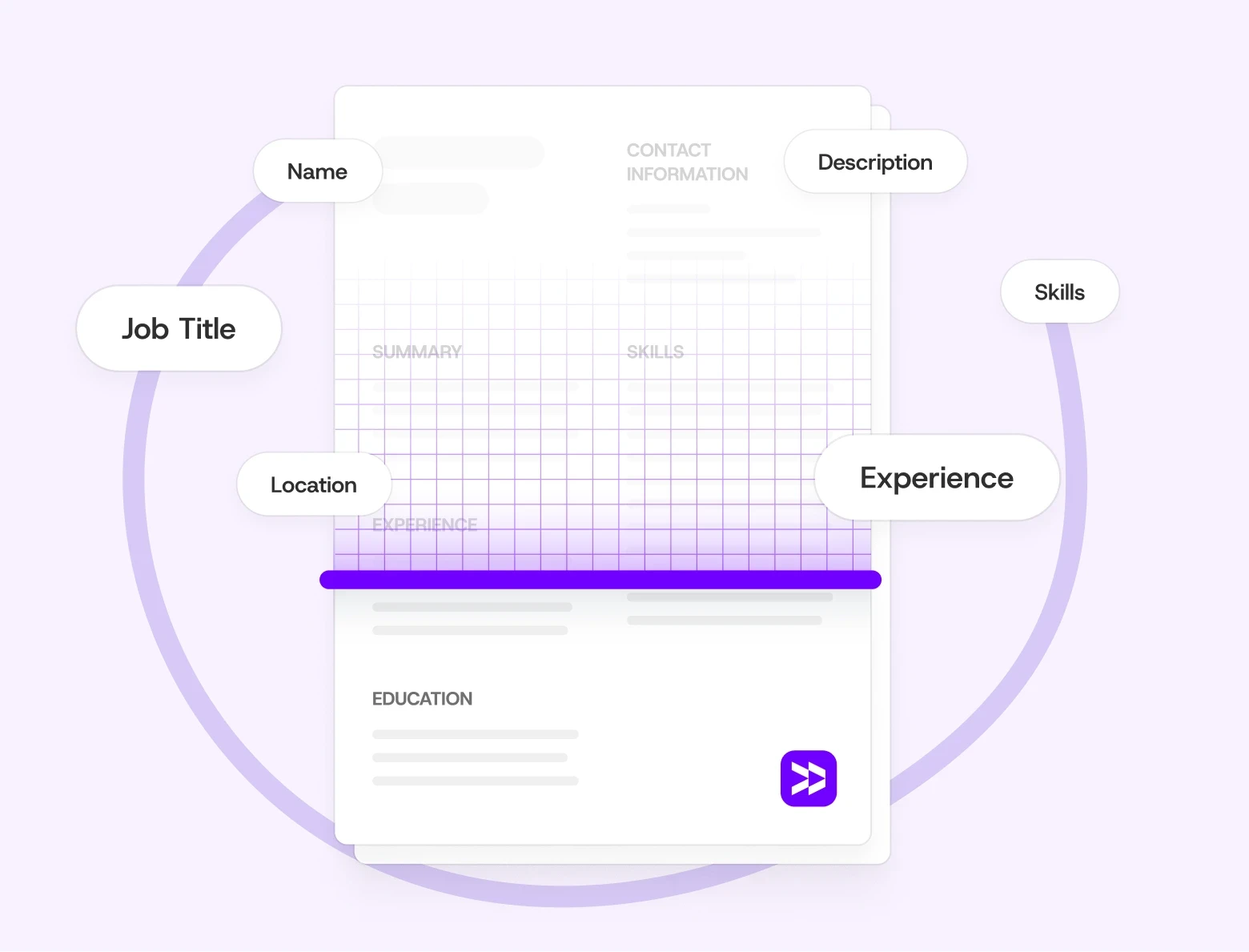
In 2025, hiring teams expect clean design, tailored content, and keyword alignment. Avoiding common resume mistakes can increase your chances of landing an interview. This applies to both first-time job seekers and those aiming for leadership roles.
For a quick pre-check before you apply, see ATS Resume Tips: How to Make Sure Your Resume Passes in 2025.
The Most Common Resume Mistakes (and How to Fix Them)
1. Using the Wrong Resume Format
A confusing layout can make your resume hard to read — or unreadable by ATS systems.
Fix:
Stick to a chronological or hybrid format for most roles.
Avoid columns, graphics, or unusual section titles.
Keep section headers simple and standard (e.g., Experience, Education, Skills).
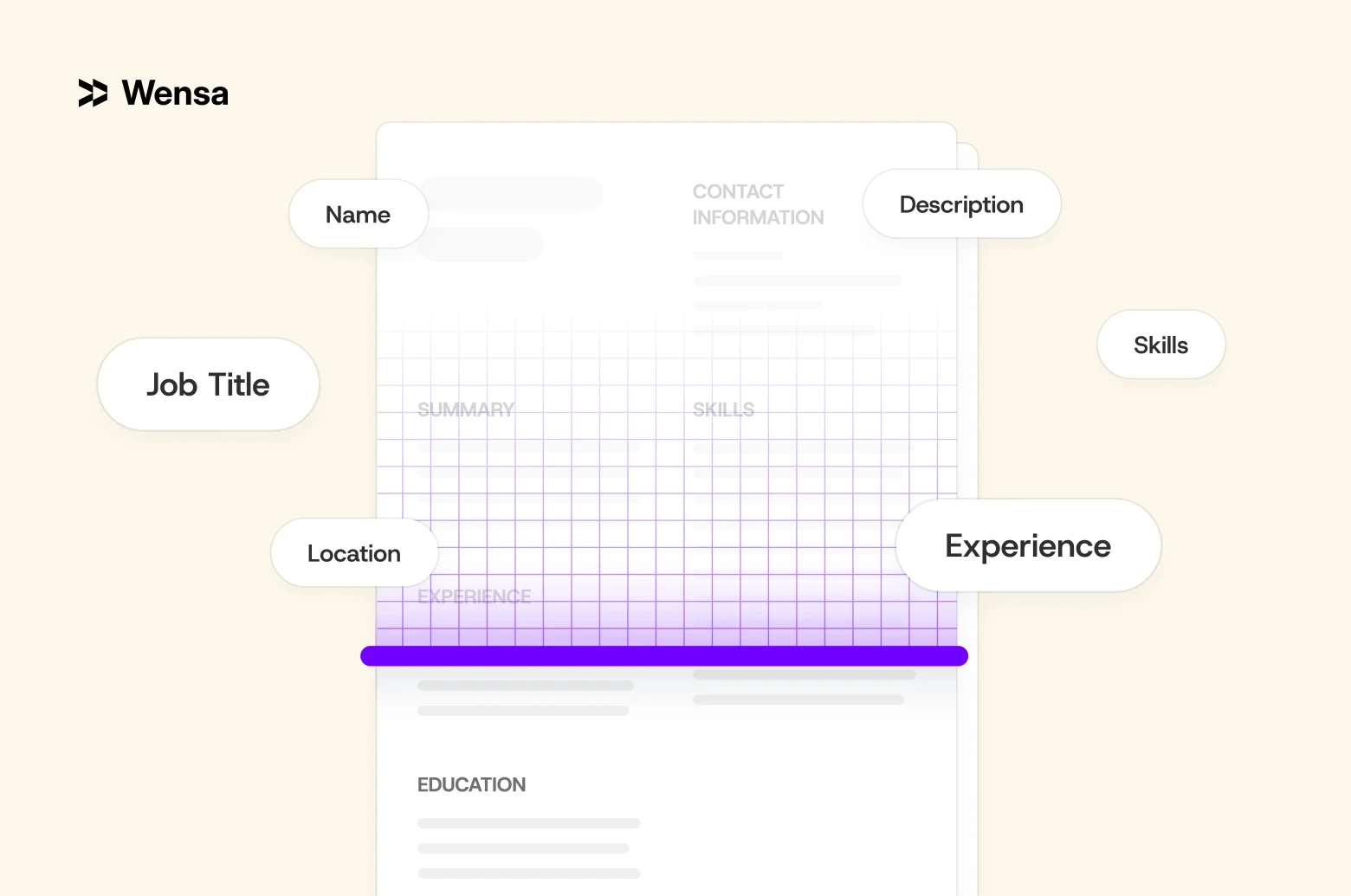
Pro Tip: Not sure which layout to choose? Choose a hybrid format. It’s organized but also flexible. This way, you can showcase both skills and experience effectively.
See examples in Best Resume Format in 2025: Chronological vs Functional vs Hybrid.
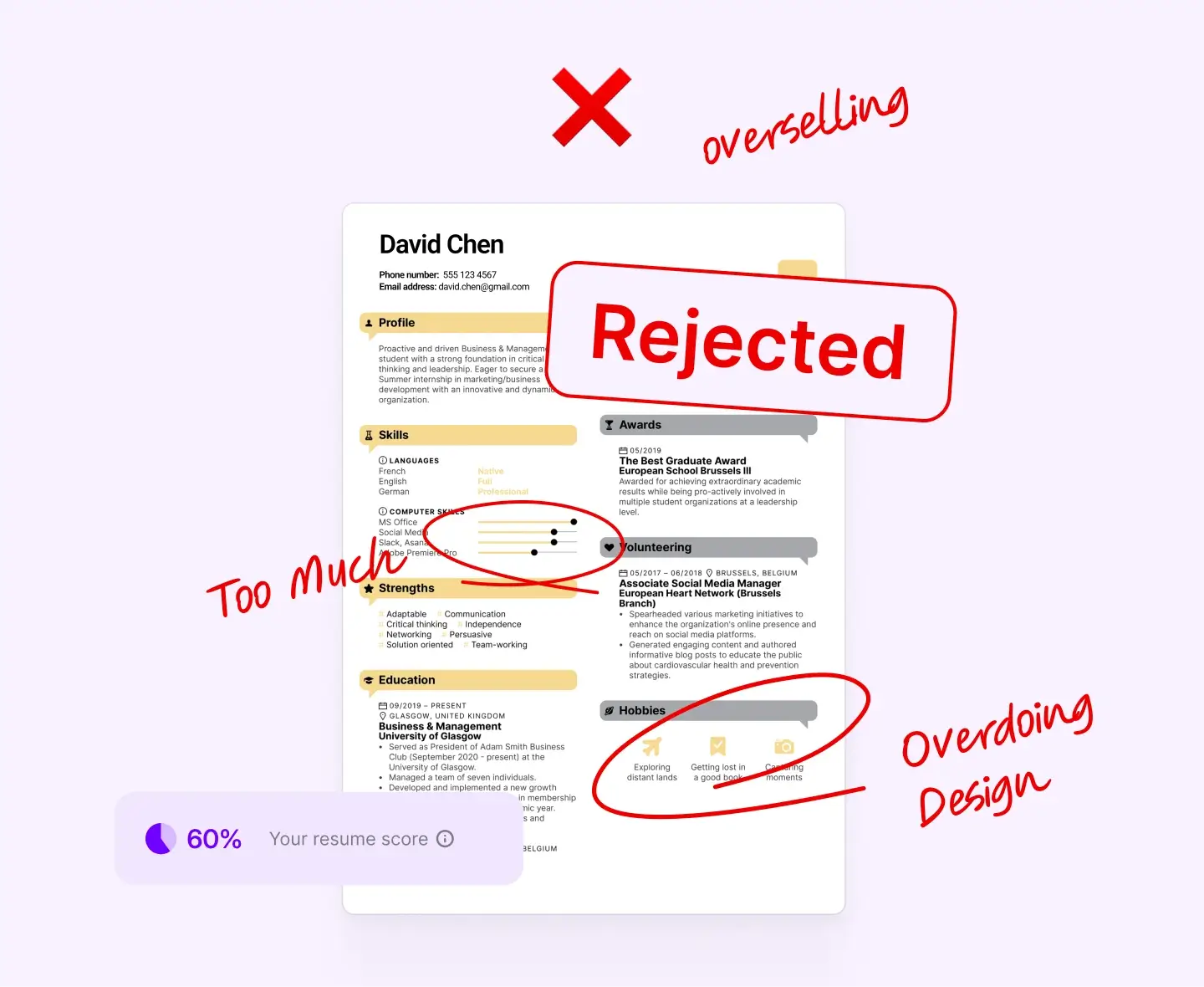
2. Overdoing Design or Fonts
A flashy template might look great, but it often breaks when scanned by an ATS.
Fix:
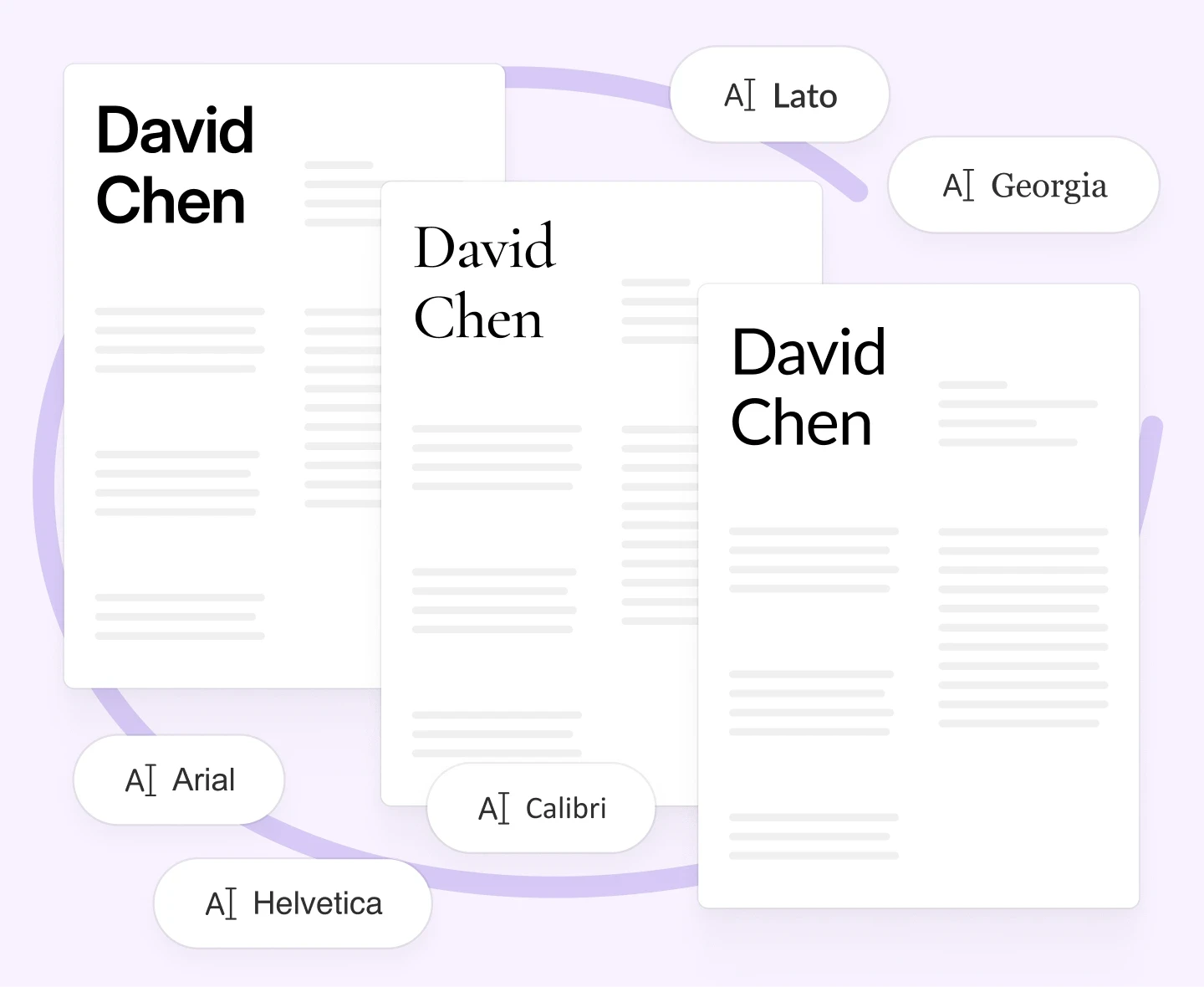
Use clean, readable fonts like Arial, Calibri, or Lato.
Stick to one or two font types and sizes throughout.
Skip text boxes, graphics, or decorative lines that can confuse scanners.
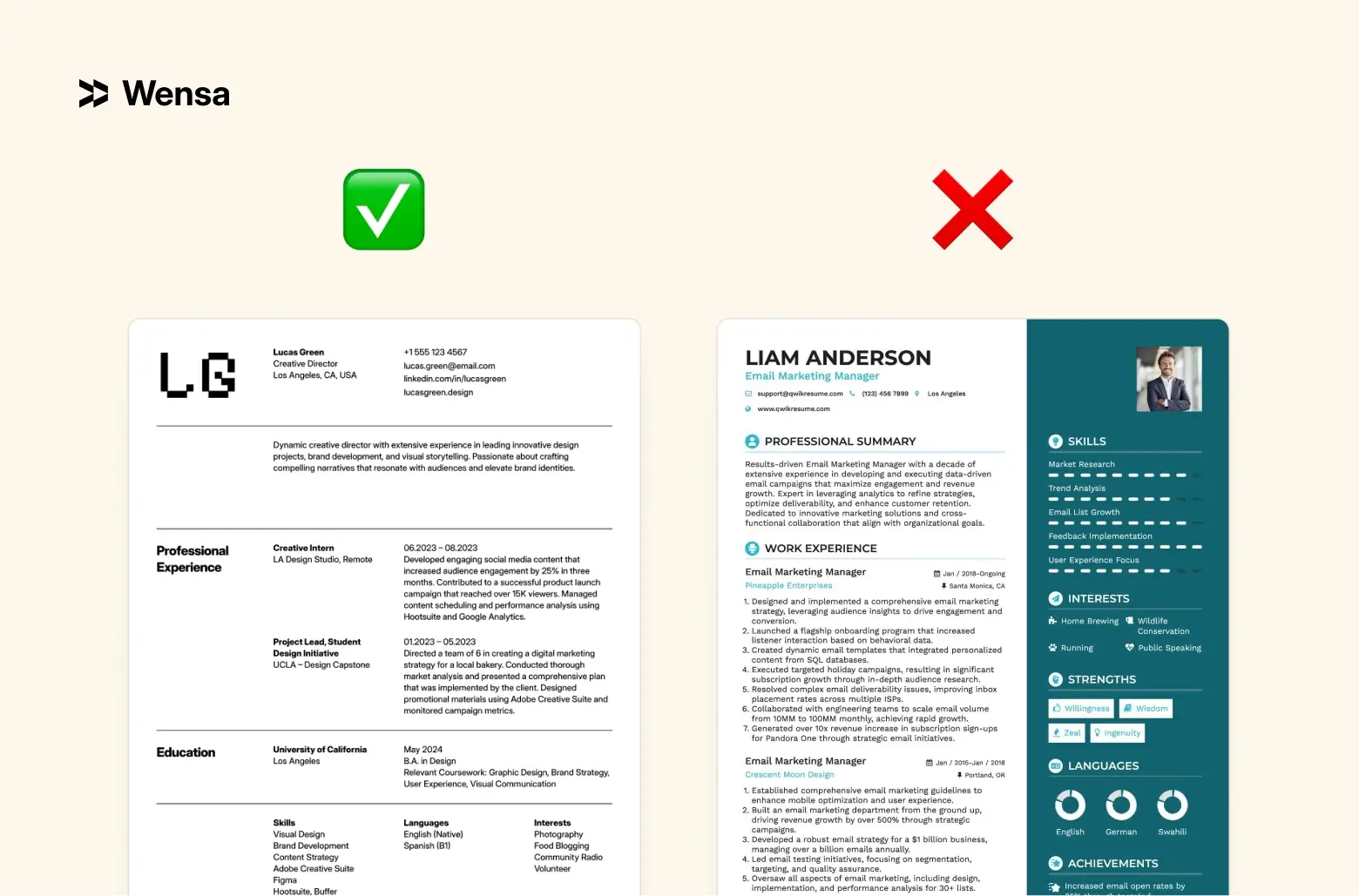
Pro Tip: Keep your resume easy on the eyes — recruiters spend seconds scanning it. Check out Resume Fonts & Design That Impress in 2025 (Without Breaking ATS Rules) for more.
3. Sending the Same Resume Everywhere
Recruiters can tell when a resume isn’t tailored — and so can ATS software.
Fix:
Adjust your summary and achievements for each job.
Use language directly from the job description.
Highlight the skills and results that matter most to that specific employer.
Pro Tip: Pick 3–5 important keywords from the job listing and work them naturally into your resume. For help, see Resume Skills Section Guide: Top Hard and Soft Skills for 2025.
4. Missing or Misusing Keywords
Without the right keywords, your resume might get filtered out before anyone reads it.
Fix:
Use industry-specific terms, tools, and software names.
Replace vague verbs with measurable impact.
Example: “Helped with social media” → “Managed social media campaigns using Meta Ads Manager.”
Make sure your keywords appear naturally — not stuffed in.
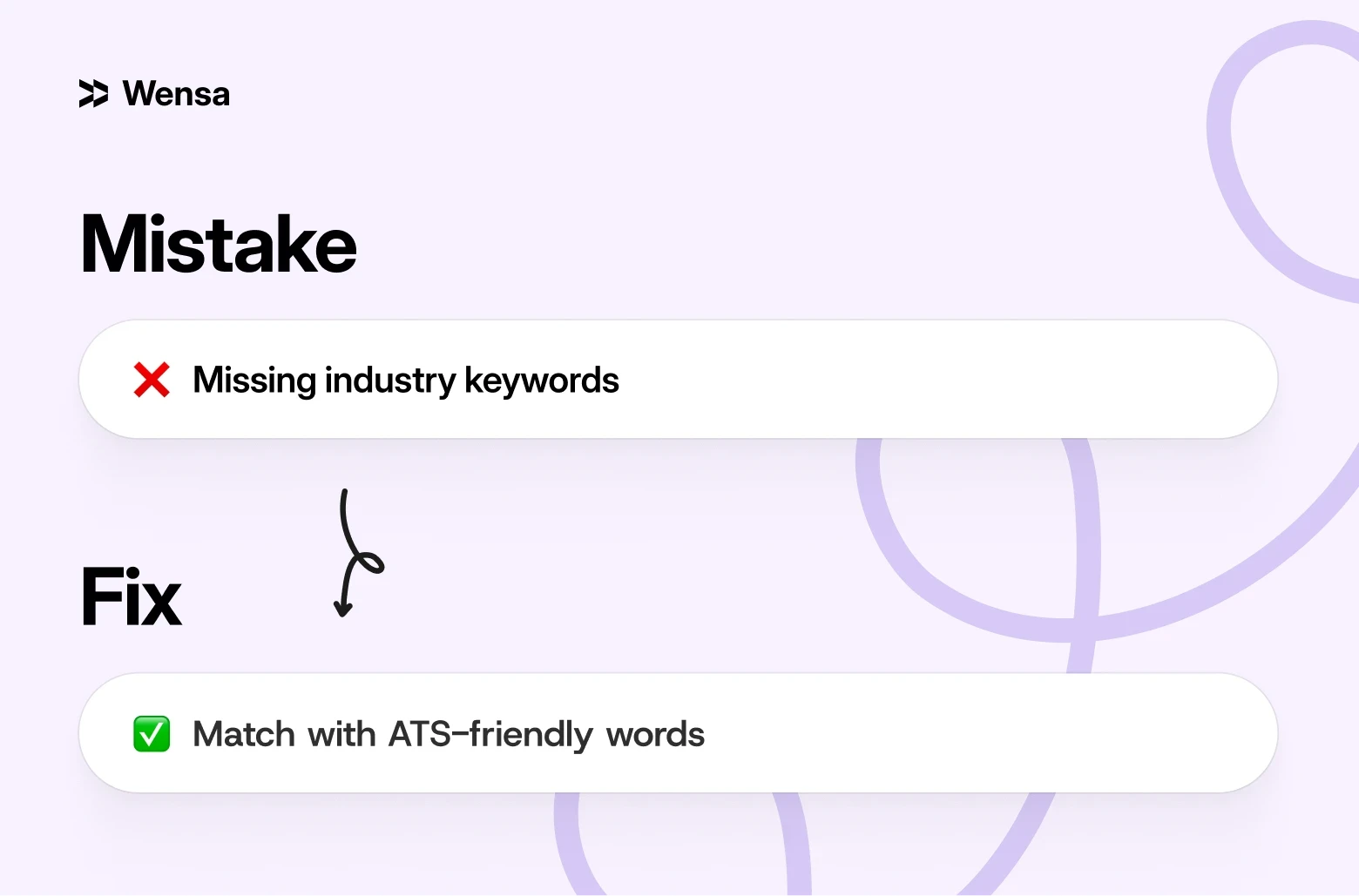
Pro Tip: Review several job postings in your field. The skills and software mentioned most often are the ones to include.
5. Typos and Grammar Errors
Even one typo can make your resume look careless.
Fix:
Proofread carefully — don’t rely only on spell check.
Read your resume aloud to catch awkward or repetitive phrasing.
Ask a friend or colleague to review it with fresh eyes.
Pro Tip: Use tools like Grammarly or Microsoft Editor. Then, always do a final human check.
6. Listing Duties Instead of Achievements
Recruiters don’t just want to know what you did — they want to know how well you did it.
Fix:
Focus on results, not just responsibilities.
Use numbers, percentages, or timeframes to show impact.
Example: “Managed projects” → “Led 5 cross-functional projects, all completed ahead of schedule.”
Start bullet points with strong verbs like led, delivered, built, improved, or increased.
Pro Tip: Measurable results make your resume memorable.
7. Outdated or Incorrect Contact Information
It sounds simple, but many resumes still have old or incorrect details.
Fix:
Double-check your email address and phone number.
Add a link to your LinkedIn profile.
Use a professional email (avoid personal or outdated ones).
8. Too Much Personal Information
Your resume isn’t a biography — and personal details can unintentionally invite bias.
Fix:
Include only:
City and state
Email address
Phone number
LinkedIn profile
Skip your full address, age, or marital status.
9. Messy or Inconsistent Formatting
Uneven spacing or misaligned text can make your resume look rushed.
Fix:
Keep margins consistent (around 0.5–1 inch).
Align job titles, companies, and dates neatly.
Use the same bullet style and spacing throughout.
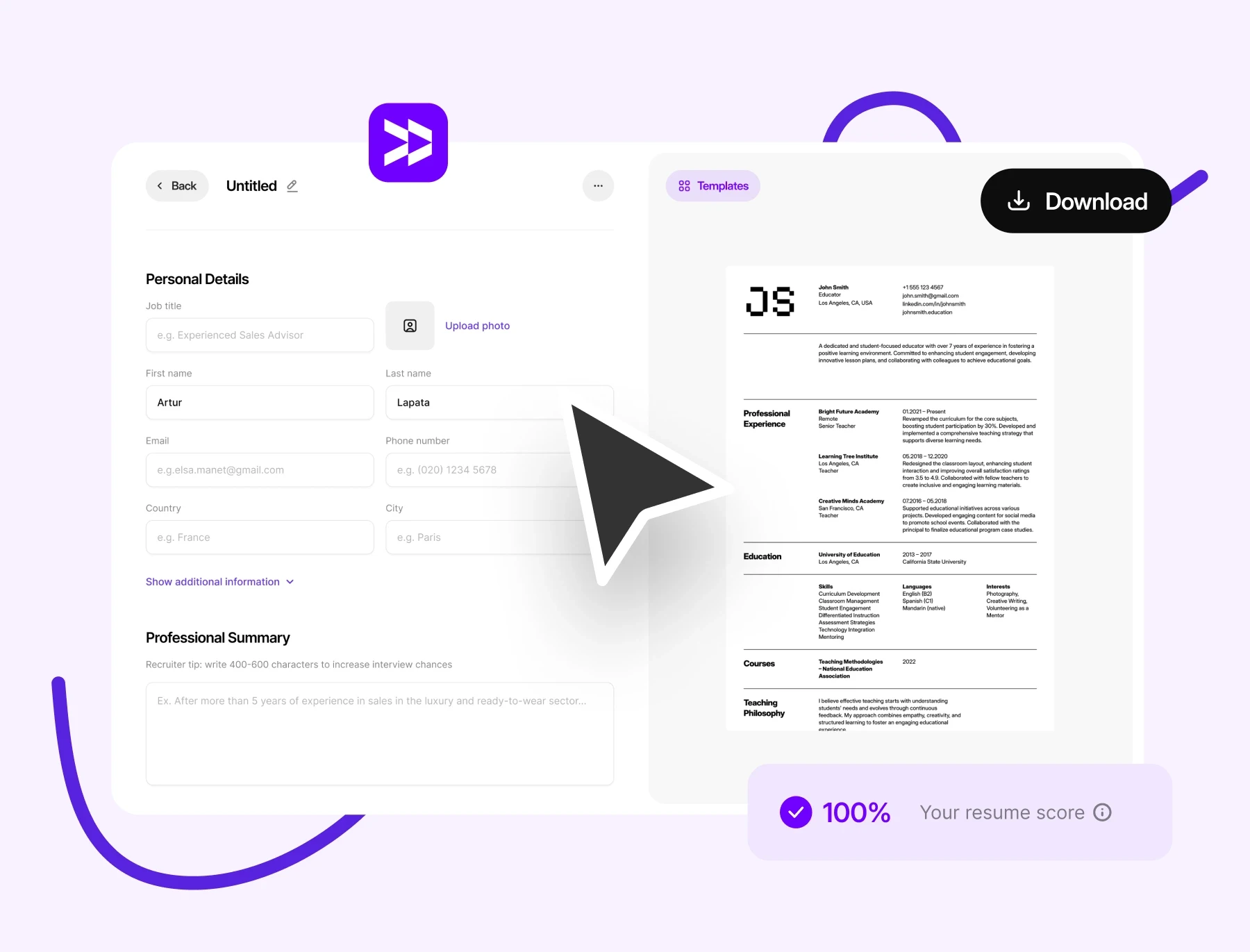
If formatting frustrates you, try Wensa’s Resume Builder. It can fix your resume for both ATS and recruiters.
10. Submitting the Wrong File Type
Some systems can’t read PDFs with graphics or scanned images.
Fix:
Save two versions of your resume:
PDF for email or portfolio submissions.
Word (.docx) for job portals or ATS uploads.
Test both versions before submitting to ensure everything displays correctly.
Pro Tip: Read PDF vs Word Resume: Which Format Is Best for Job Applications in 2025? for details.
Can Resume Mistakes Cost You an Interview?
Definitely. Recruiters scan resumes quickly, often in just seconds. Small mistakes can mean instant rejection.
But here’s the good news — once you know what to look for, these are some of the easiest issues to fix.
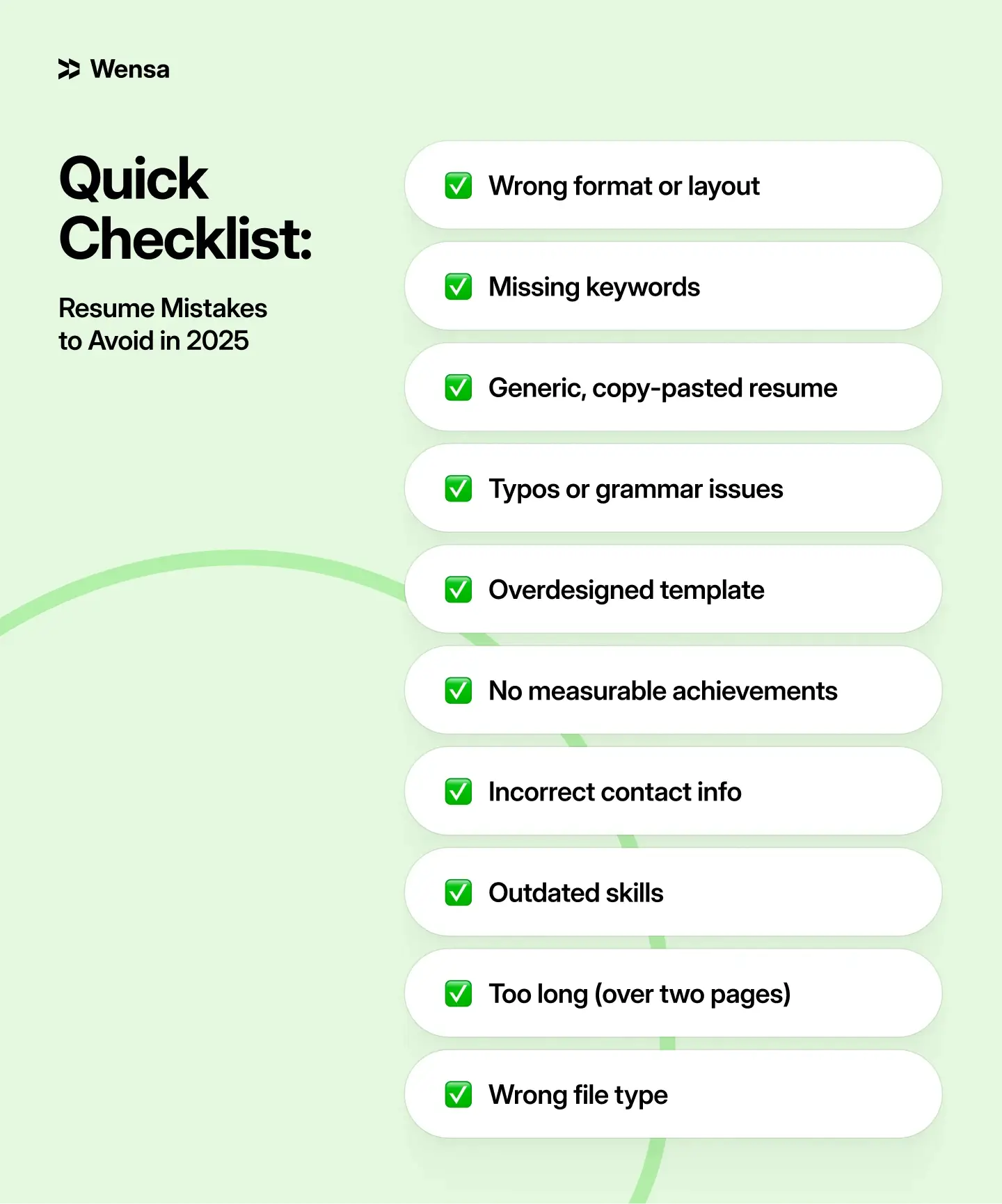
Quick Checklist: Resume Mistakes to Avoid in 2025
FAQs — Top Resume Mistakes in 2025
What are the top 10 resume mistakes?
Using the wrong format
Missing keywords
Typos
Overdesigning
Outdated contact info
Vague duties
Inconsistent layout
Irrelevant details
Outdated skills
Wrong file type
Can resume mistakes cost you an interview?
Yes. Even small errors can cause your resume to be filtered out or overlooked.
How can I avoid common resume errors?
Proofread your work carefully. Tailor it for each job. Use clean formatting. Test your file type before you submit.
What’s the fastest way to fix a weak resume?
Simplify and clarify. Use clear results, avoid unnecessary details, and match the job description.
Conclusion — Write Smarter, Not Harder
A great resume isn’t about perfection — it’s about clarity and impact.

Avoiding small mistakes can completely change your results. When your content is clear and your keywords are strong, your resume will work. An easy-to-read layout helps too. Together, they open doors.
It's like marketing. You're selling your skills, achievements, and story in one clear, confident page.
Teanca Holt is a recruiting expert and digital content writer from Utah with over five years of experience helping people craft resumes that get noticed. At Wensa, she shares practical tips on writing, career growth, and landing the job you want.