PDF vs Word Resume: Which Format Is Best for Job Applications in 2025?
Learn whether to send your resume as a PDF or Word document in 2025. Discover which format is best for ATS, recruiters, and different job applications.


Updated Jan 1, 2026
Read
10 min
Did you know that nearly 75% of resumes are filtered out before they even reach a human? The format you choose can make all the difference
In 2025, choosing between a PDF or Word file for your resume may seem minor. However, it can create a significant impact. The format you choose impacts your resume's appearance. It also impacts how Applicant Tracking Systems (ATS) read it. This affects how professional it looks to recruiters.
This guide explains when to use each format. It covers which one recruiters like best and how to save your file. This way, it always opens cleanly—no weird spacing or broken formatting.
PDF vs Word Resume: What’s the Real Difference?
Both PDF and Word files are common, but they work a little differently.
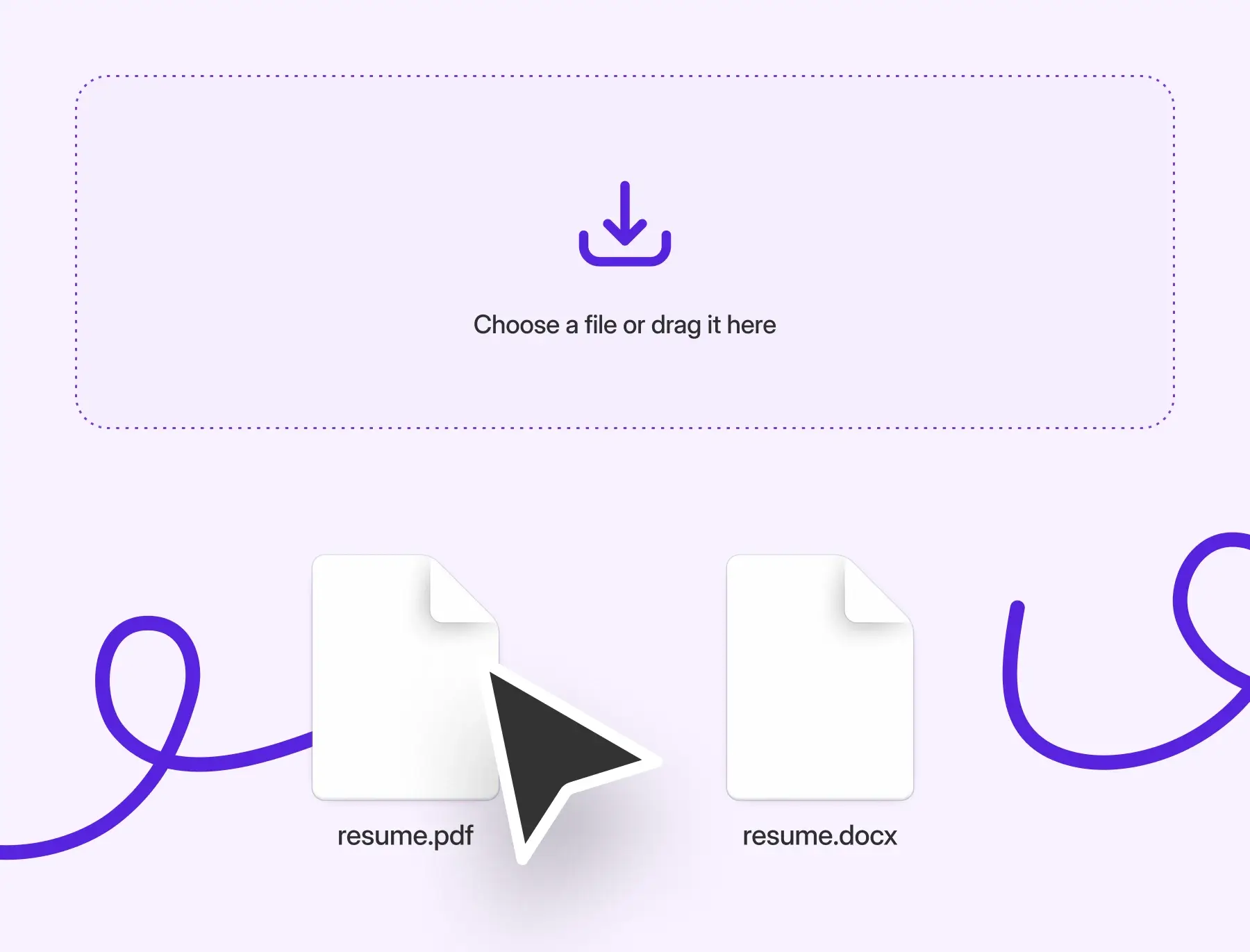
A PDF resume locks in your formatting, fonts, and layout exactly as you designed it. It’s the best choice for emailing or uploading to most modern job portals.
A Word resume (.docx) is editable. It’s also easier for some older ATS systems to read. This can be important for corporate or government jobs.
Think of it like this:
PDF = Final draft — polished, professional, and ready to send.
Word = Working copy — flexible and easy to tweak.
If you’re still building your resume, check out our guide on How to write a resume in 2025. First, ensure your layout is solid. Then, choose the right file type.
When to Use a PDF Resume
Choose a PDF for your resume. It keeps your layout exactly how you designed it, no matter what device or browser someone uses.
Best time to use a PDF resume:
When emailing directly to a recruiter or hiring manager
Uploading to LinkedIn, Indeed, or modern ATS platforms like Greenhouse, Lever, or Workday
Sharing during networking or referrals
Using a designed template (like from Canva or Adobe)
Why PDFs work well:
Keep your layout and fonts consistent
Prevent accidental edits
Look professional on any screen
Work with most modern ATS systems
Pro tip: Always read the job posting carefully. If it asks for a Word document, follow the instructions. Some older systems still need .docx files.
When to Use a Word Resume (.docx)
A Word resume is best for employers who use older ATS systems or need editable files. Recruiters like this format because it’s flexible. They can make quick edits, change spacing, or tweak details. This helps your resume stand out to hiring managers. It gives you the best chance of getting an interview and can actually help your resume get seen faster.
Use a Word resume when:
The job listing says “Submit as Word document”
You’re applying through an internal portal or government site
You’re working with a recruiter who might want to edit your file
Why it’s helpful:
Easy to update for each application
100% readable by any ATS
Lets recruiters copy and paste info
Great for customizing quickly
Can ATS Read PDF Resumes?
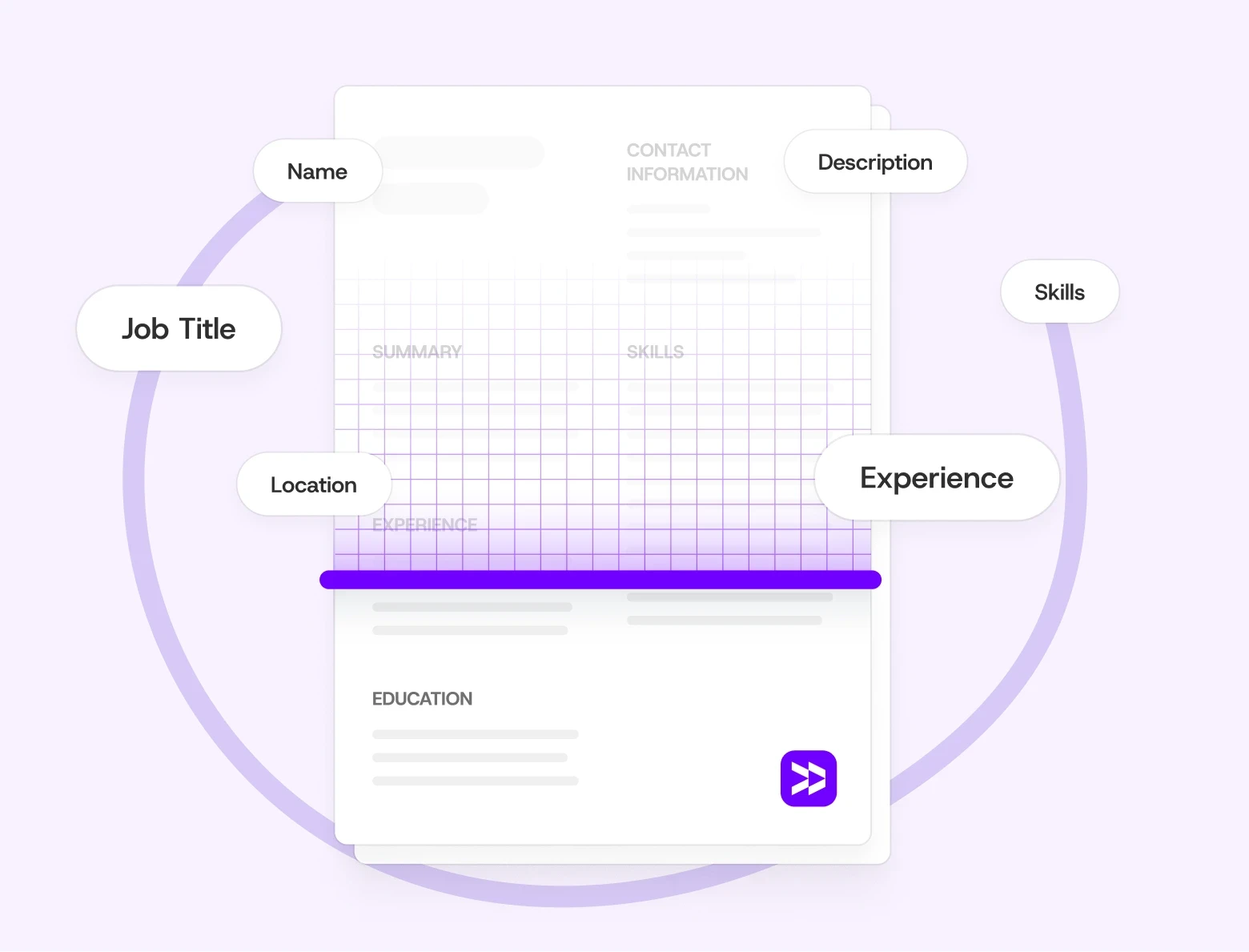
Yes, most modern ATS systems, like Greenhouse, Lever, and Workday, can read PDFs easily. The key is making sure your PDF is searchable and not just an image of your resume.
To make your PDF ATS-friendly:
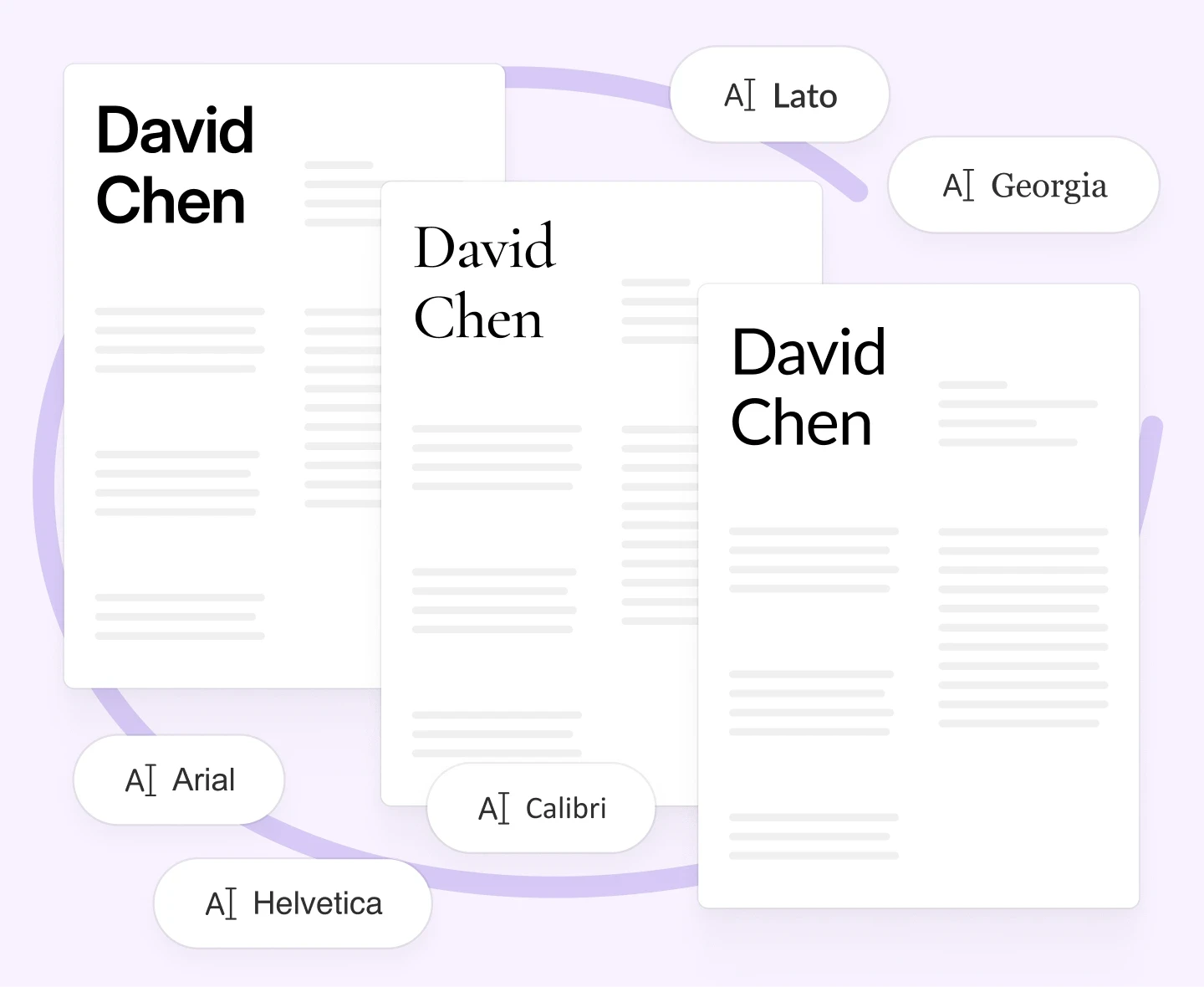
Use simple fonts like Arial or Calibri.
This makes your text easy to read on all systems and avoids formatting issues.Avoid columns, text boxes, and graphics.
Many ATS tools can’t read complex layouts. This may make your content look jumbled or incomplete.Save as a searchable PDF (not a scan).
ATS software can’t read scanned or image-based files at all.Test it by copying and pasting the text.
If it pastes well into a blank document, your PDF is searchable and ATS-ready.
Export a clean, text-based PDF of your resume if you used Canva or Figma. Always keep a Word version as a backup in case the system needs it.
See ATS Resume Tips: How to Make Sure Your Resume Passes in 2025 for more help with creating an ATS-friendly resume.
How to Save and Name Your Resume File Correctly
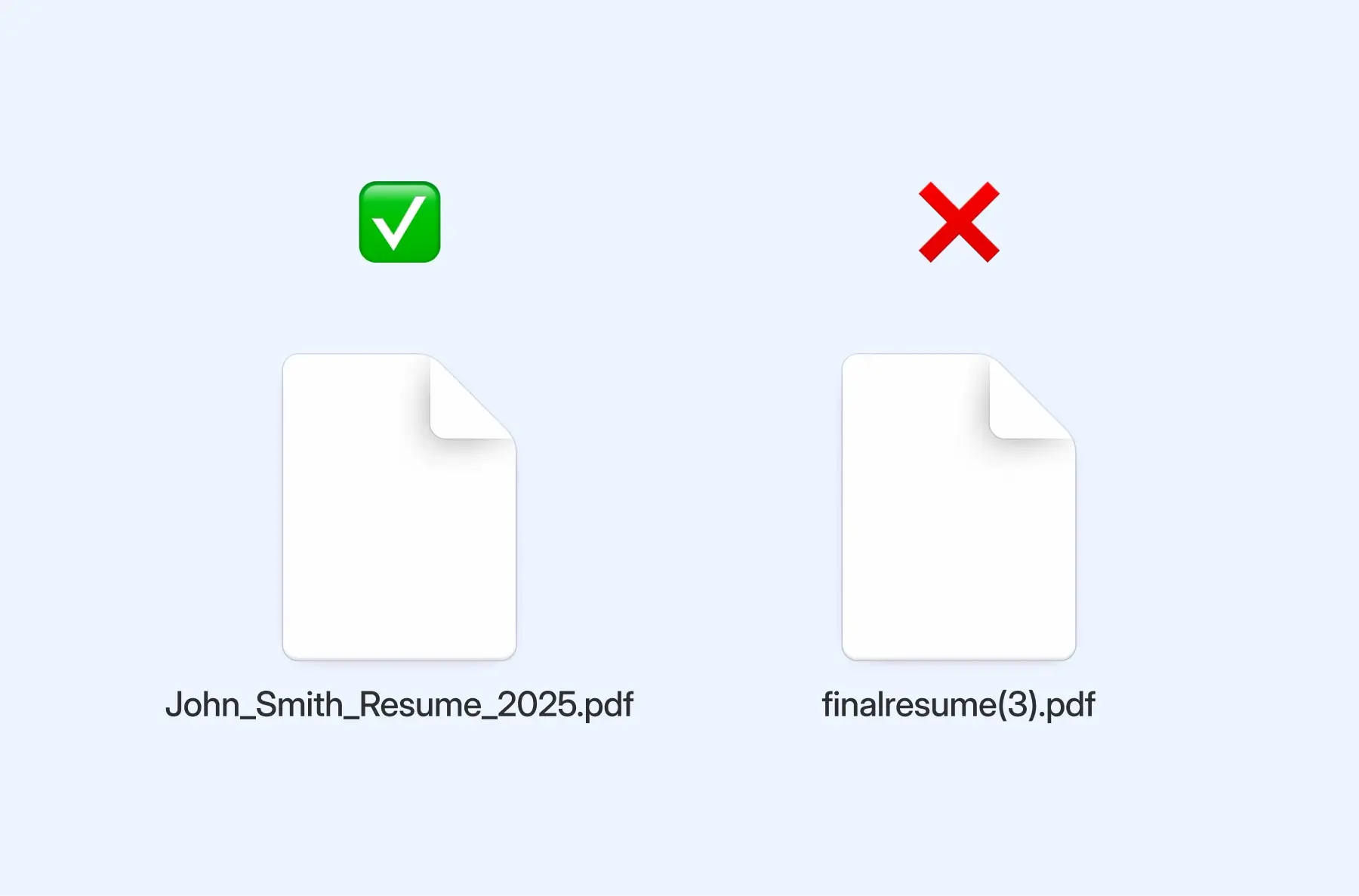
How you name your resume file might seem like a small detail, but it says a lot about your attention to detail. A clear file name helps recruiters find your document with ease. It shows you’re organized and professional.
Best practices for naming your file:
FirstName_LastName_Resume_2025.pdf
FirstName_LastName_Resume_CompanyName.pdf
Example:
John_Smith_Resume_2025.pdf
Avoid generic or confusing names like resume.docx or finalresume(3).pdf..
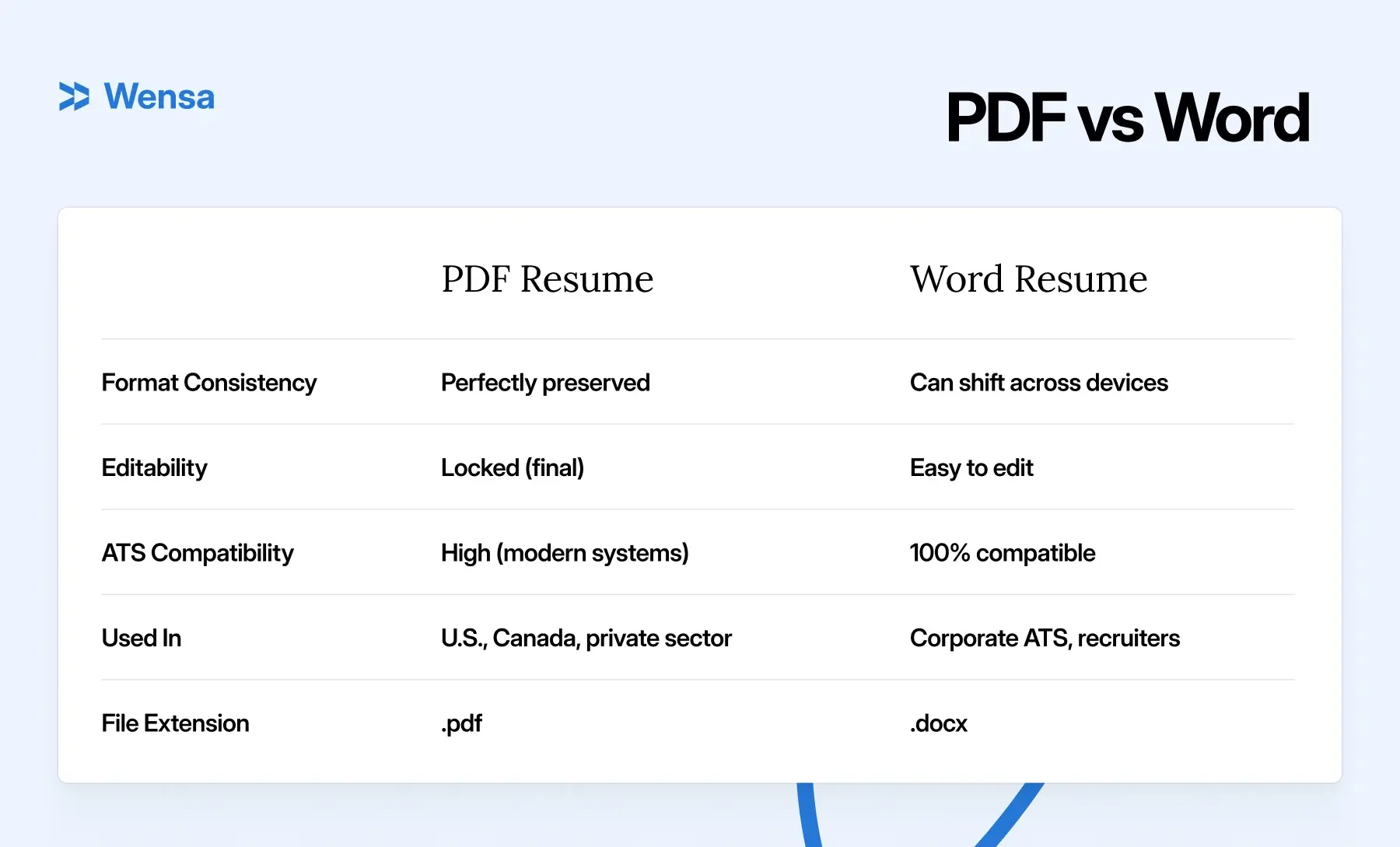
PDF vs Word Resume: Quick Comparison Table
Common Mistakes to Avoid
Sending a scanned or image-only PDF.
ATS can’t read it, and recruiters may not either.Using fancy fonts or odd symbols in file names.
Imagine a recruiter sorting through stacks of resumes, like finalresume(3).pdf and resume💼.docx. It’s messy and unprofessional.Uploading .pages or .txt files instead of .pdf/.docx.
Your resume might not open at all for some recruiters.Ignoring the employer’s file format request.
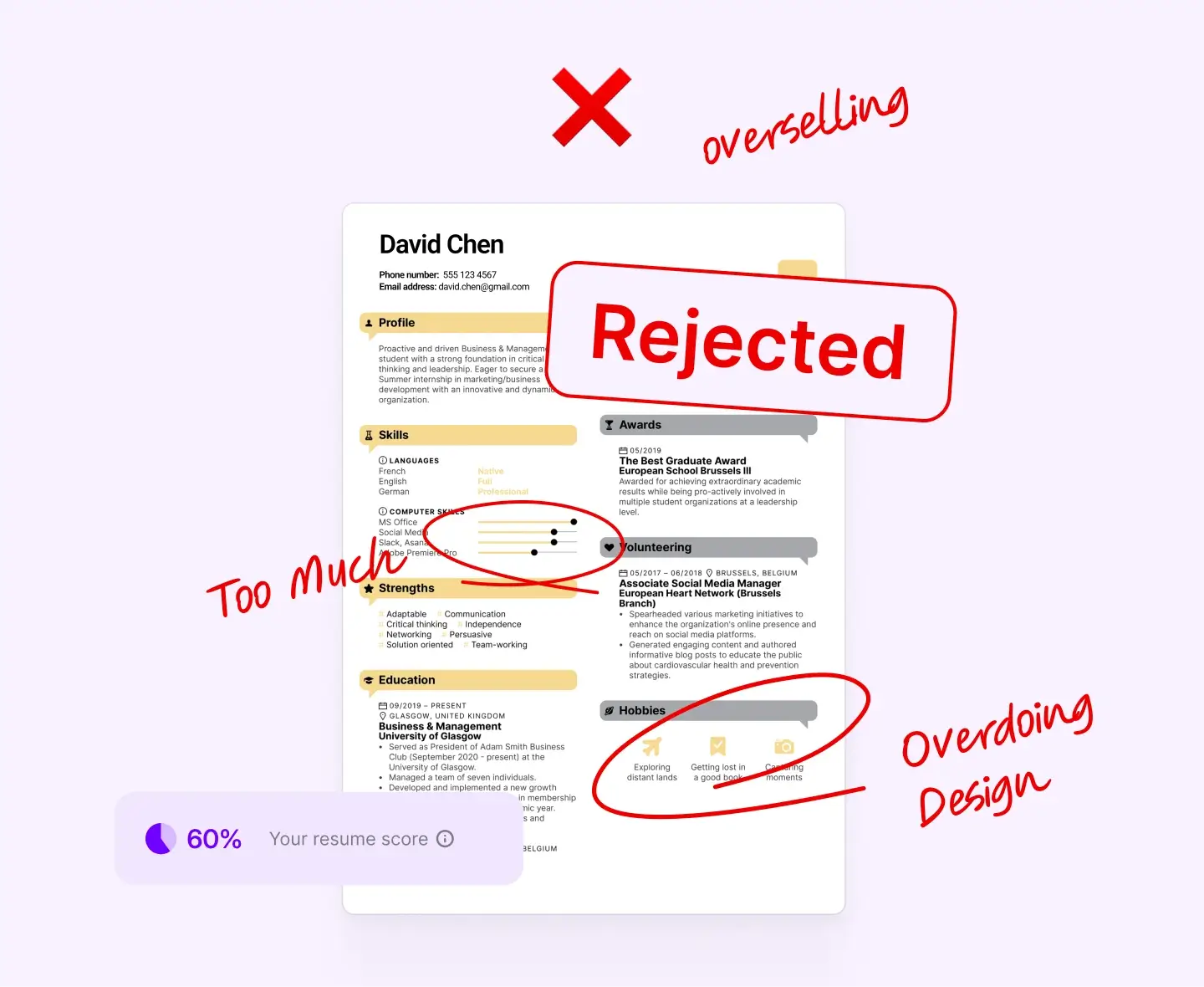
If they ask for Word and you send PDF, your resume could get ignored.Avoid Over-Designing Your Layout.
Too many graphics or colors can confuse ATS parsing. They can also distract human readers.
If you’re using a Canva or Adobe resume, always export a text-based version for online submissions.
Pro Tip: Think of your resume from the recruiter’s perspective. A clear and well-formatted file shows your value. Anything less can hold you back.
Need a starting point? See Best Resume Builders in 2025 (Tried, Tested & Ranked for Every Job Type) for tools that make both PDF and Word resumes easy.
FAQs — PDF vs Word Resume
Should I send my resume as a PDF or Word document?
If the job posting doesn’t specify, go with a PDF. It’s the safest bet — clean, professional, and it keeps your formatting exactly how you designed it. But if the listing does ask for a Word file, follow the instructions. Recruiters notice those small details.
Can ATS read PDF resumes?
Most modern ones can, yes. Just make sure you’re uploading a searchable PDF — meaning you can highlight and copy text from it. If you can’t, the ATS can’t either.
What format do recruiters prefer?
Recruiters often prefer PDFs for readability and Word files for editing. If you’re unsure, you can attach both versions when emailing directly.
Does file name matter when sending a resume?
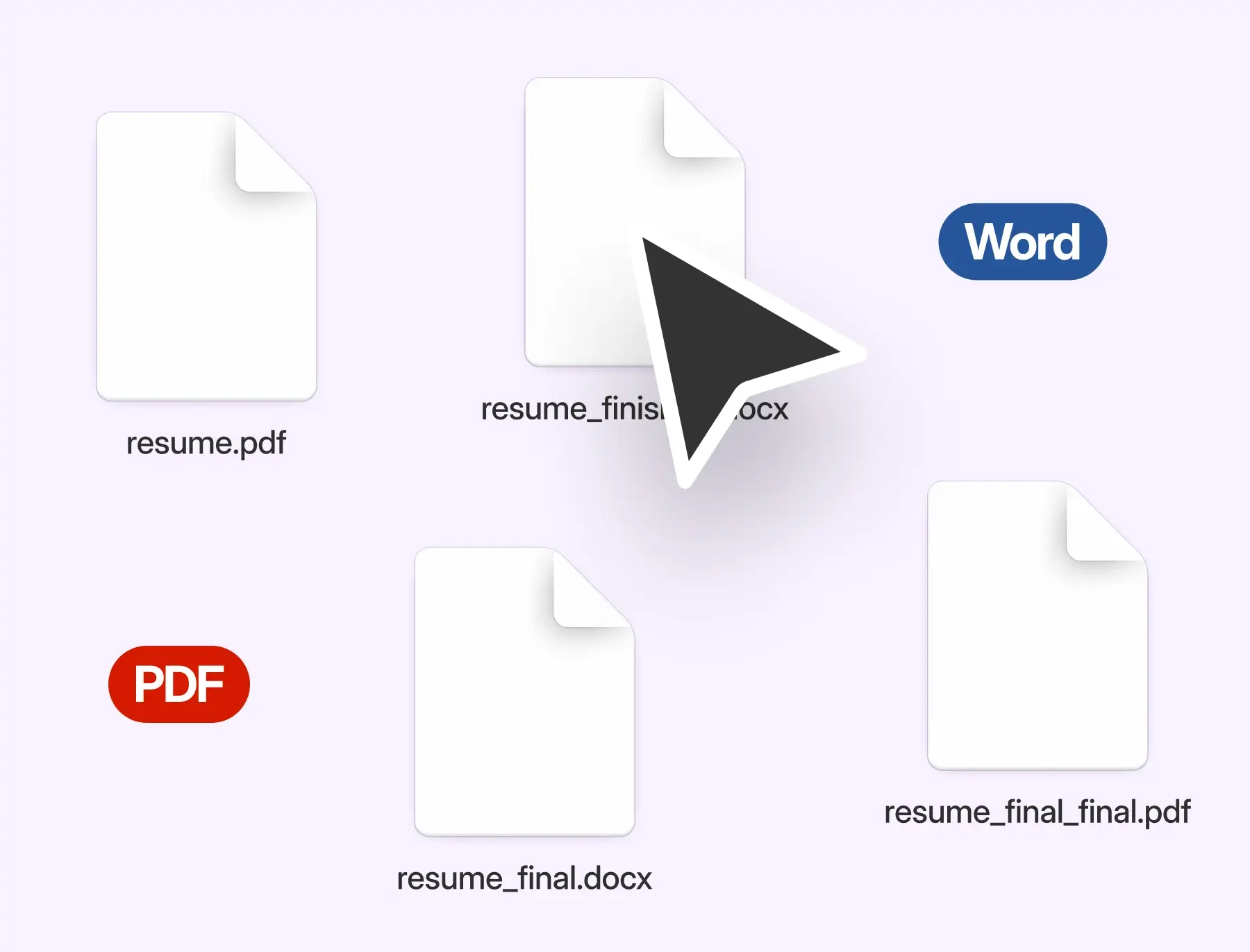
It does! A clean file name like FirstName_LastName_Resume.pdf makes you look organized and professional. It also helps recruiters avoid guessing whose file belongs to whom. Trust me, we often see many “resume_final_final.pdf” files.”
Conclusion — Choosing the Right Resume Format for 2025
Here’s the truth: there’s no single “best” format for every situation. But there is a right one for each application type. Before you hit send, ask yourself: Is my resume in the right format for this opportunity?"
Use a PDF when you want your resume to look sharp and polished. It’s perfect for emails, job boards, and most modern platforms. Use a Word document when applying to corporate portals or government sites. It’s also best when working with a recruiter who might need to edit your file.
If you keep both versions handy, you’ll never have to second-guess which one to send. It’s a simple move that shows you’re thoughtful and prepared — qualities every employer values.
And once your format’s set, take a few extra minutes to make sure your design looks just as good. Check out Resume Fonts & Design That Impress in 2025 (Without Breaking ATS Rules) — it’ll help you create a resume that’s not only ATS-safe, but visually impressive too.
Teanca Holt is a recruiting expert and digital content writer from Utah with over five years of experience helping people craft resumes that get noticed. At Wensa, she shares practical tips on writing, career growth, and landing the job you want.