ATS Resume Templates That Pass Every Automated Screen
15 ATS-optimized resume templates at wensaresume.com, built to clear Workday, Greenhouse, and Taleo. Get past the bots. Reach the humans.
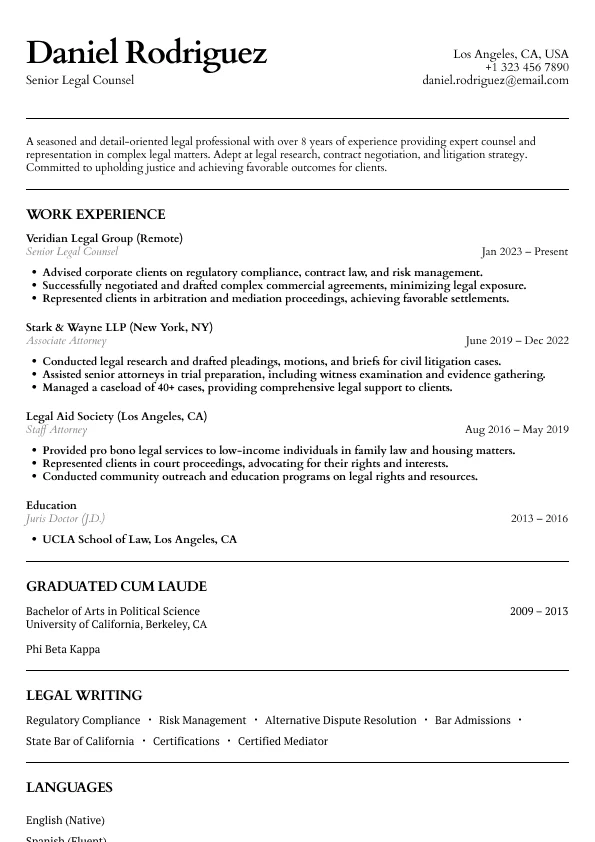
Atlas
Classic legal resume layout with clear hierarchy and refined section styling.
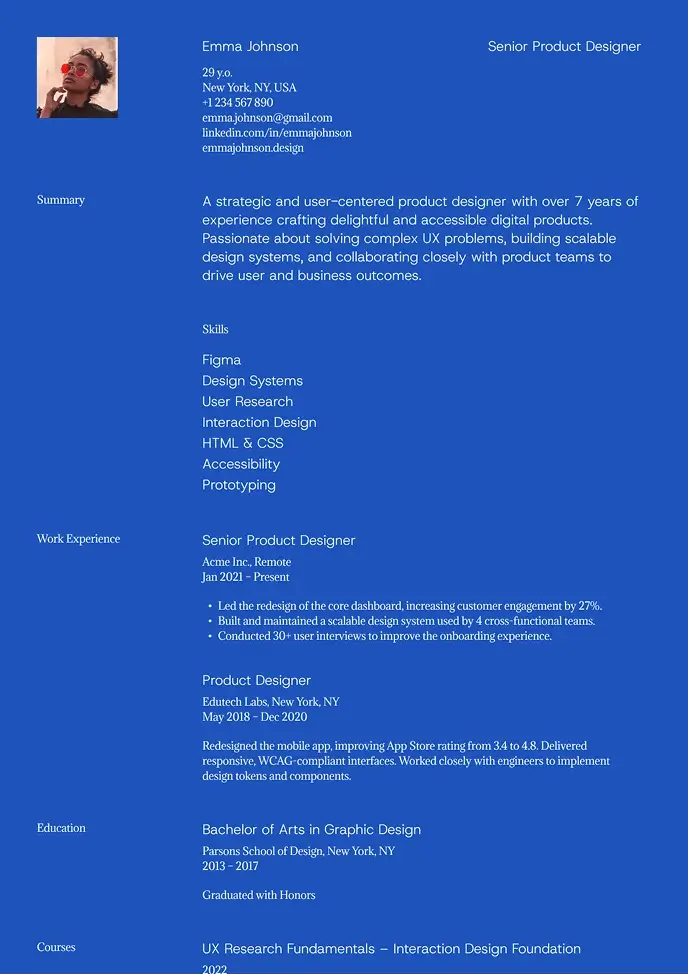
Kyoto
Bold and modern resume with strong contrast and easy structure.
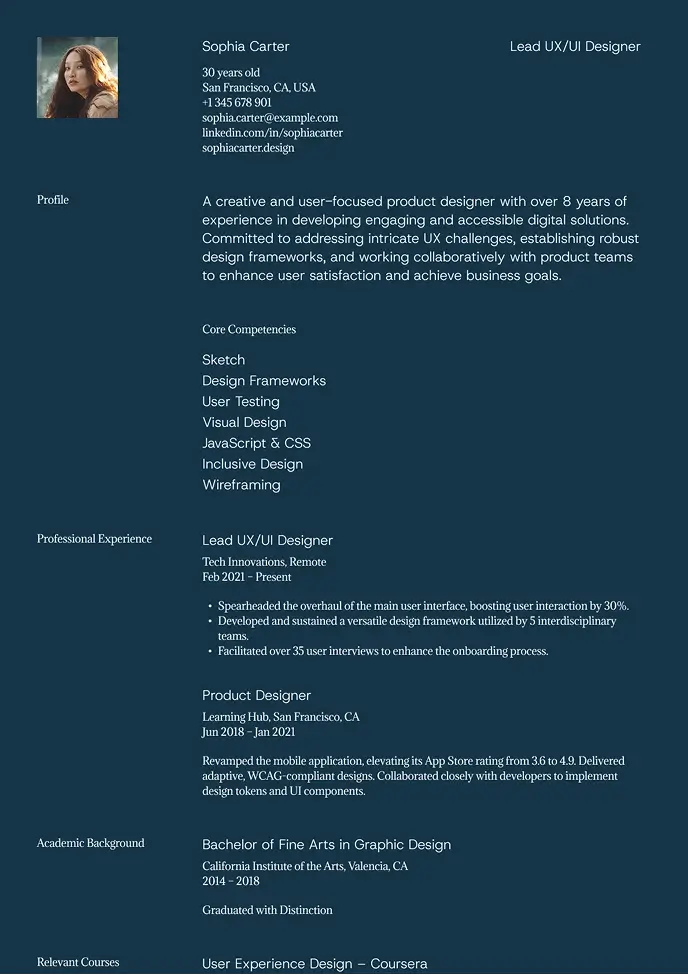
Denali
Dark, stylish design that highlights key details with contrast.
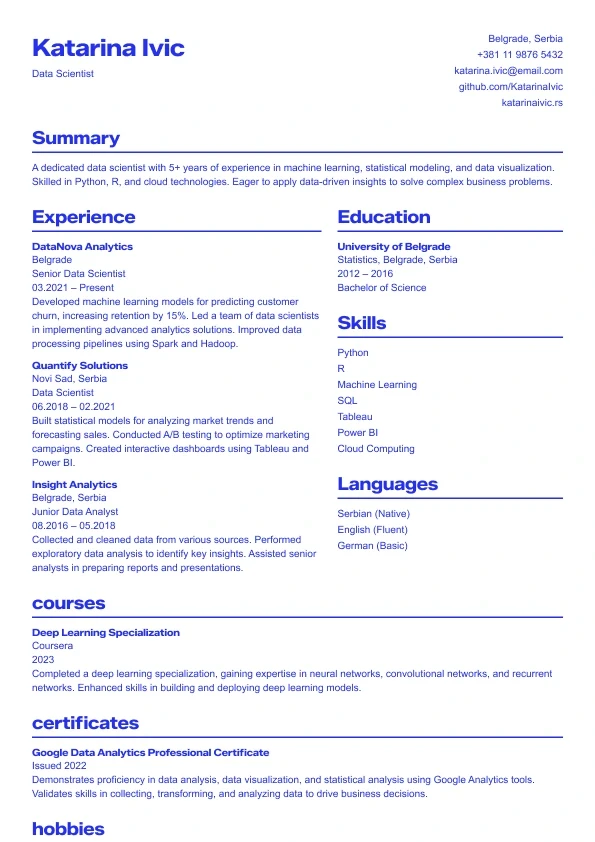
Sapphire
A bold, modern resume template with strong blue accents.
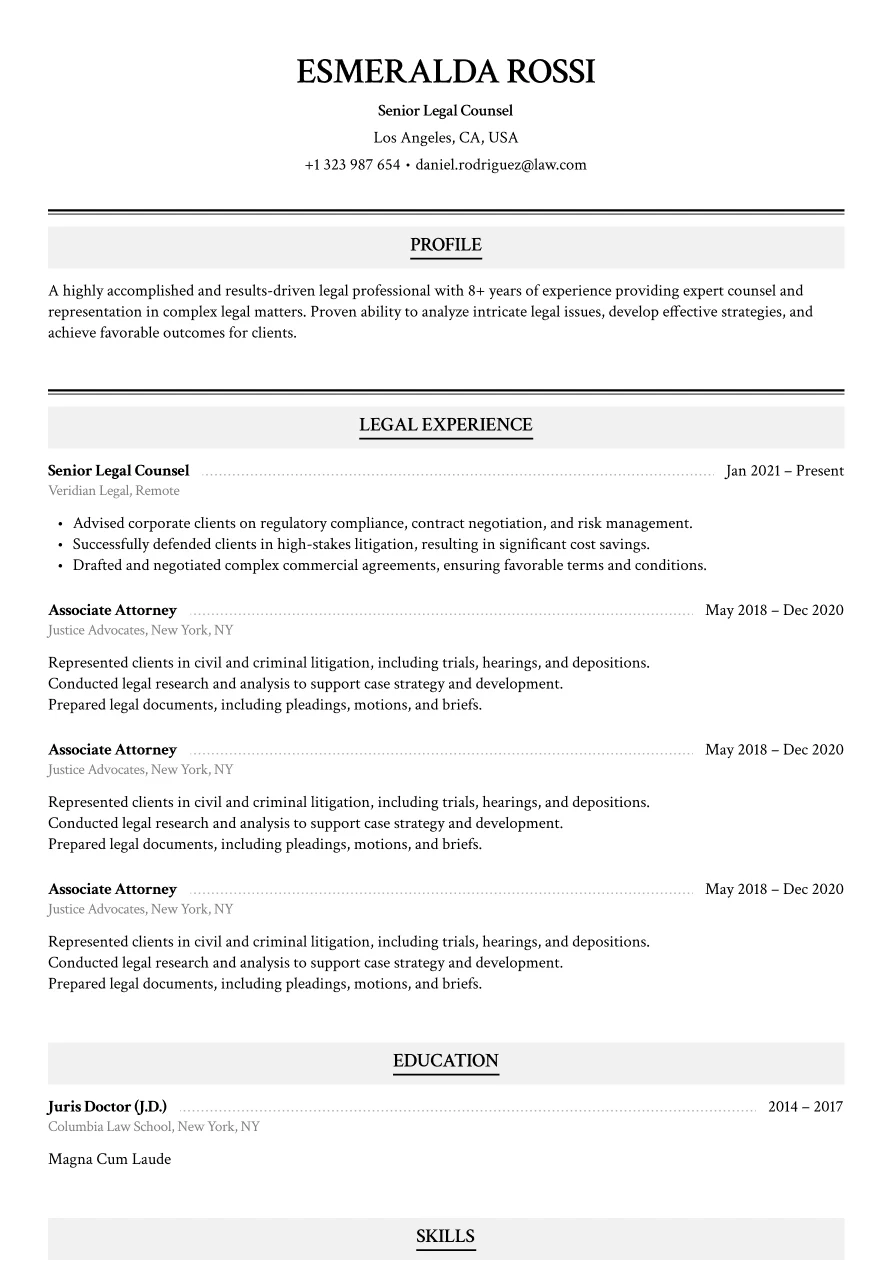
Haven
Classic legal layout with refined section styling.
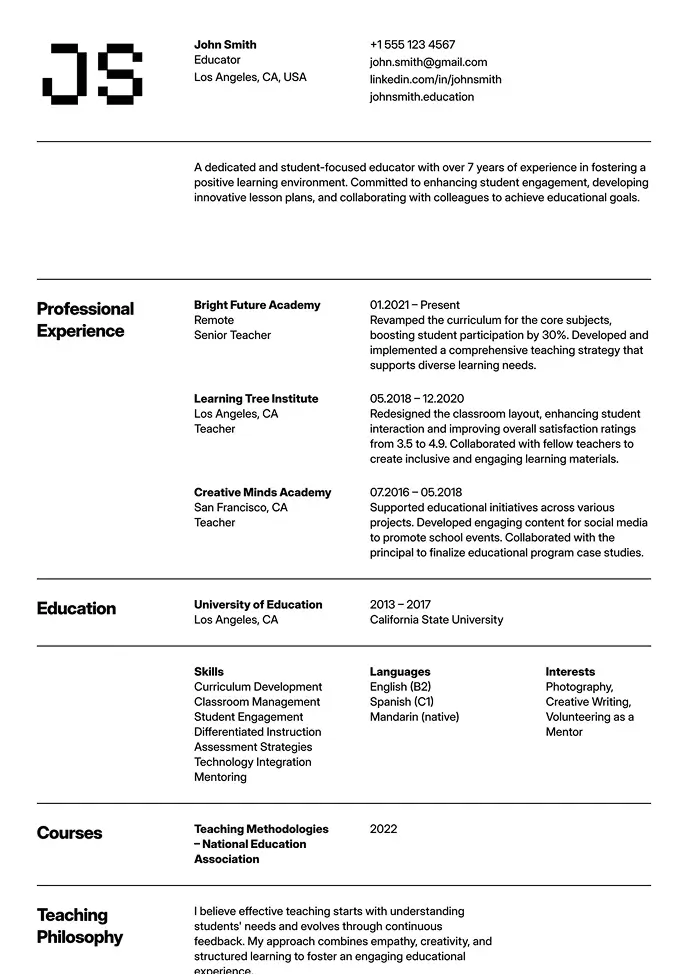
Oslo
Classic structure with modern typography and grid-based layout.
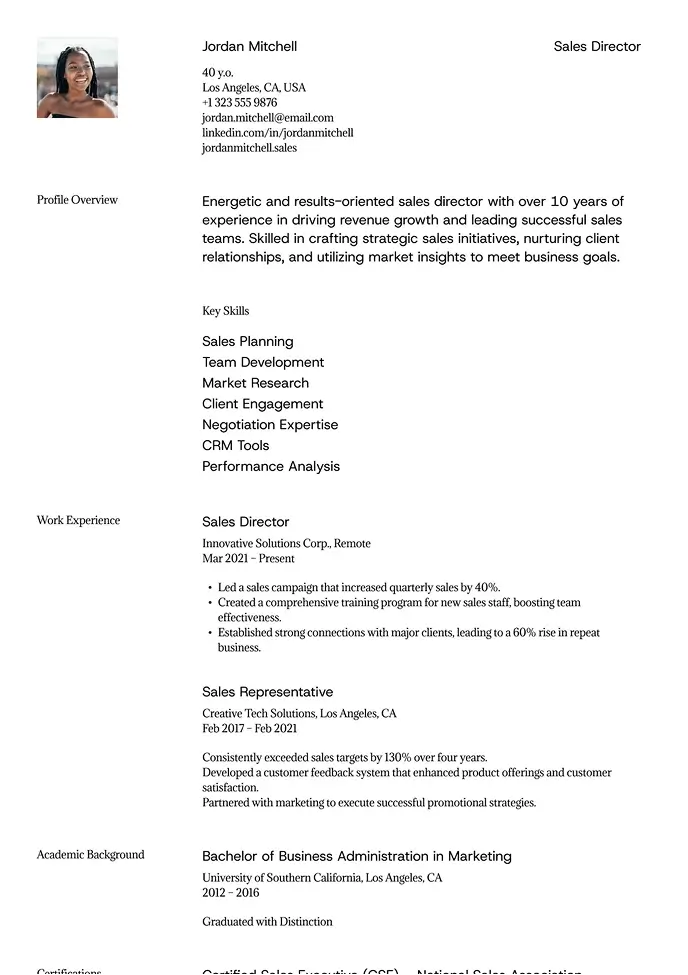
Sienna
Professional layout with a clear focus on leadership.
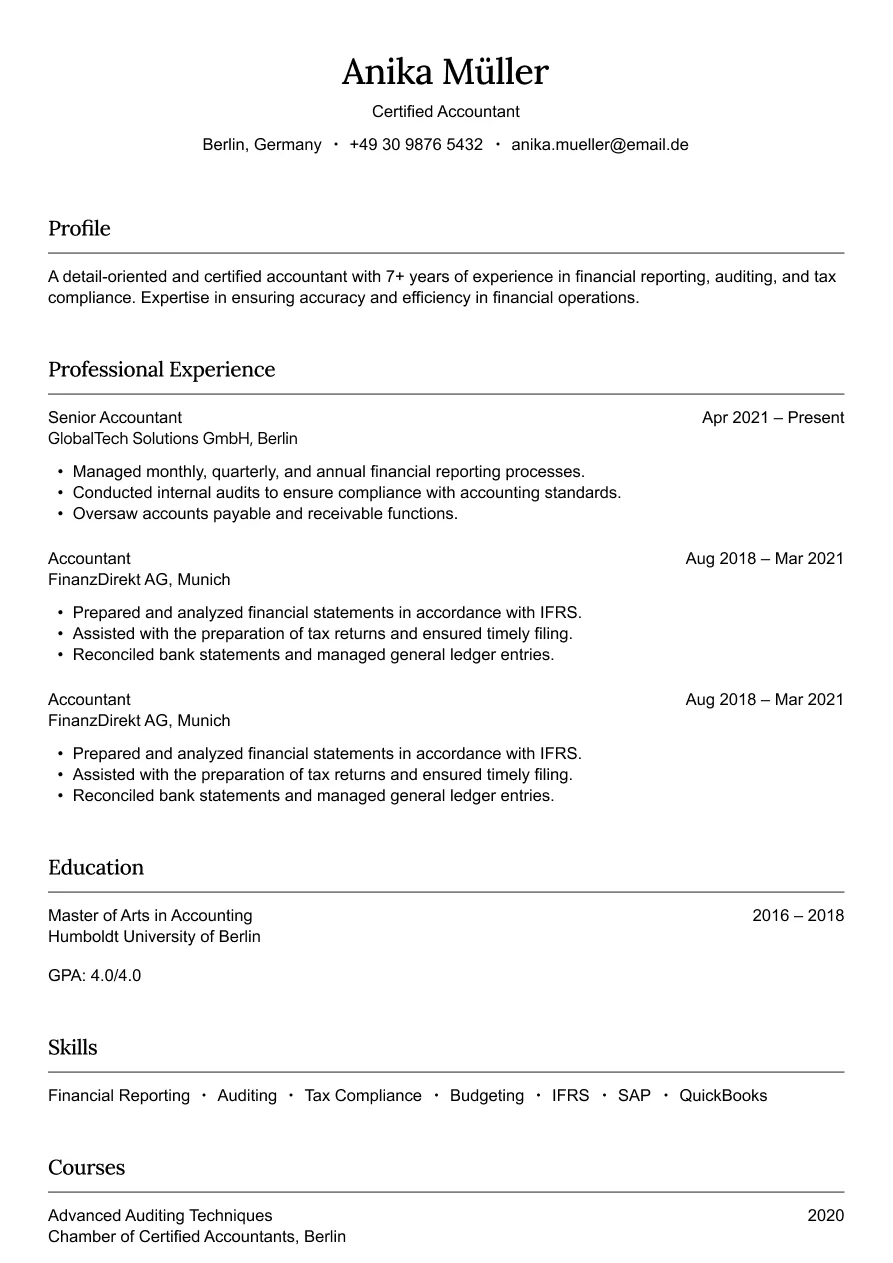
Austin
Simple and professional design for finance roles.
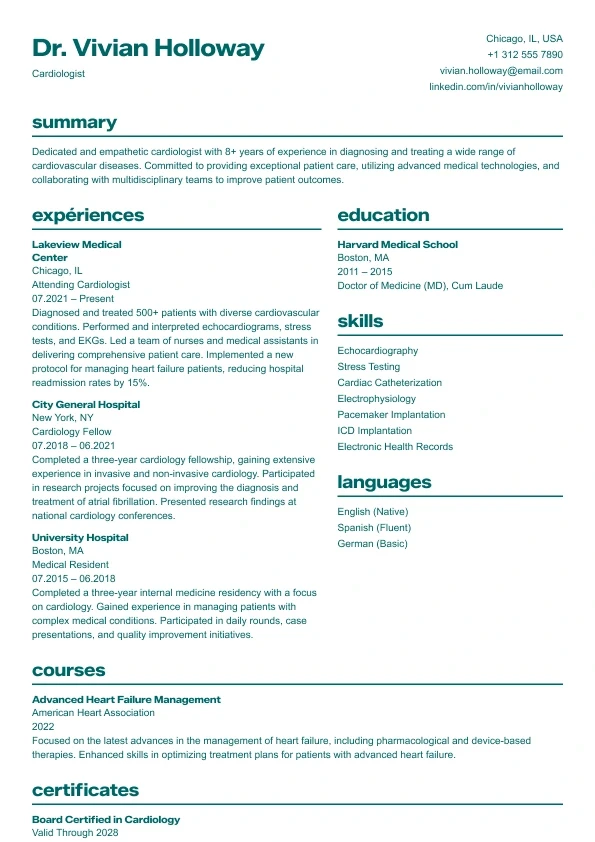
Aurora
Clean and structured layout with bold headings and a clear two-column design.
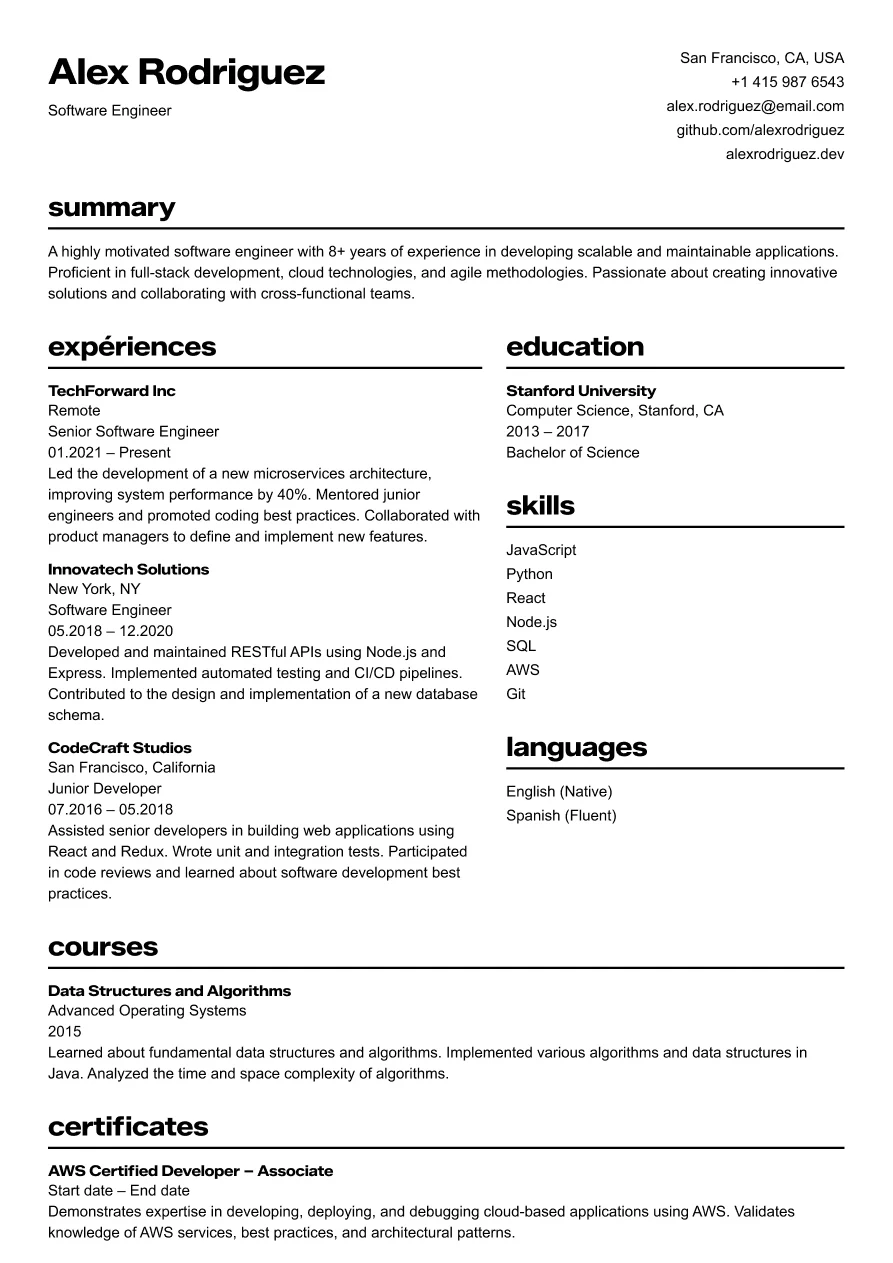
Osaka
Clear and structured layout for tech professionals.
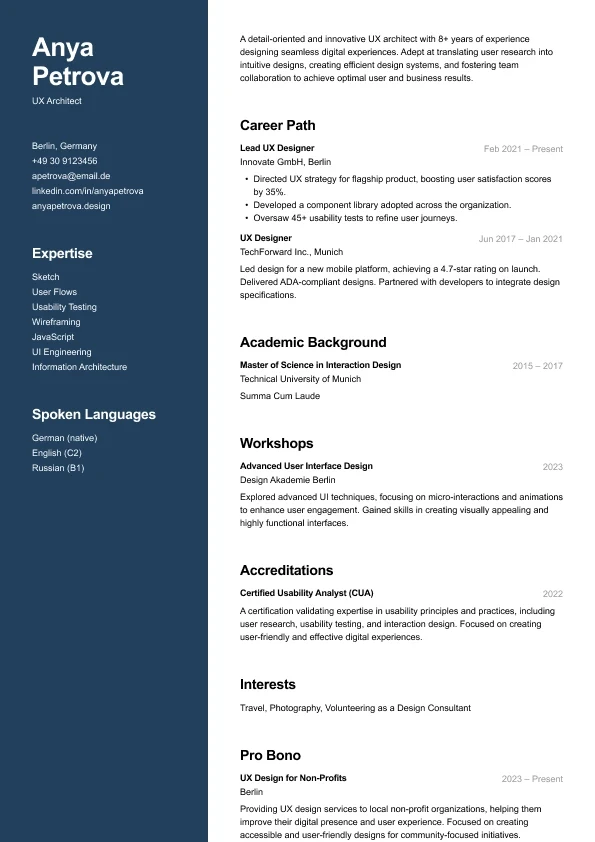
Carbon
A modern two-column resume who want strong visual hierarchy and clean structure.
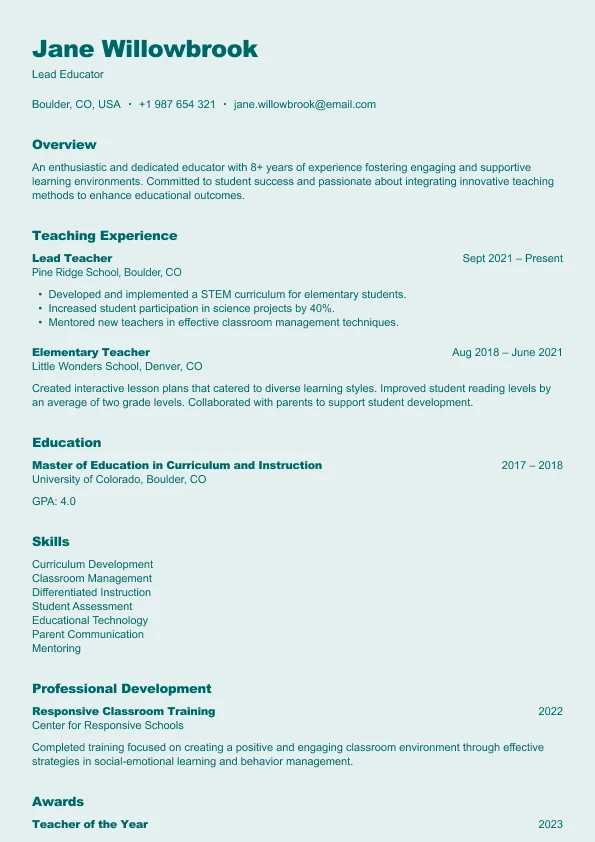
Harbor
A clear, reader-friendly layout built who want a structured and approachable resume.
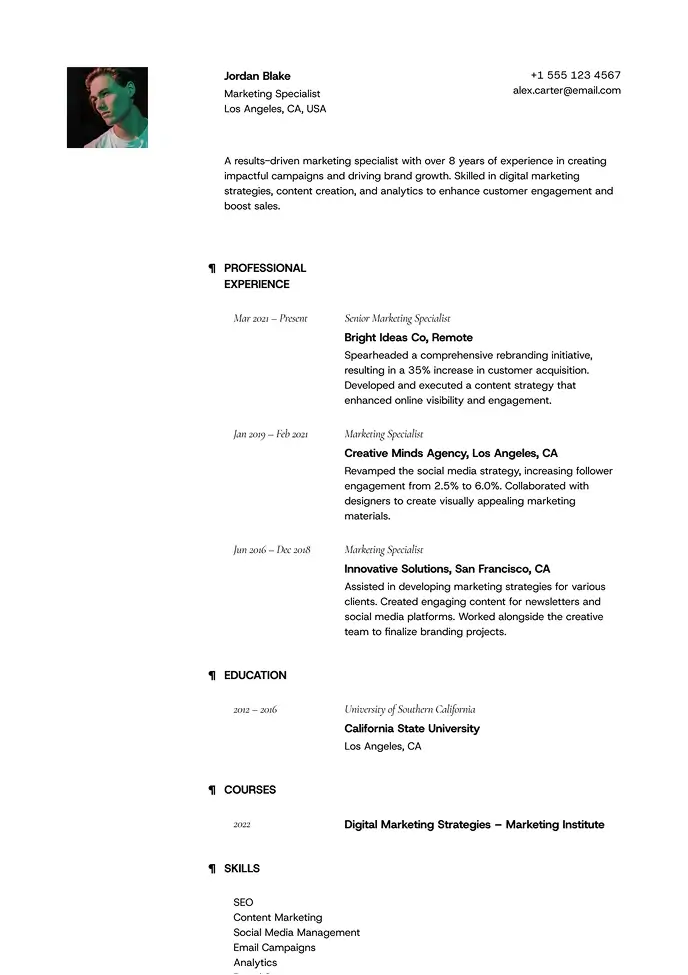
Lima
Minimal and airy, perfect for professionals who value clarity.
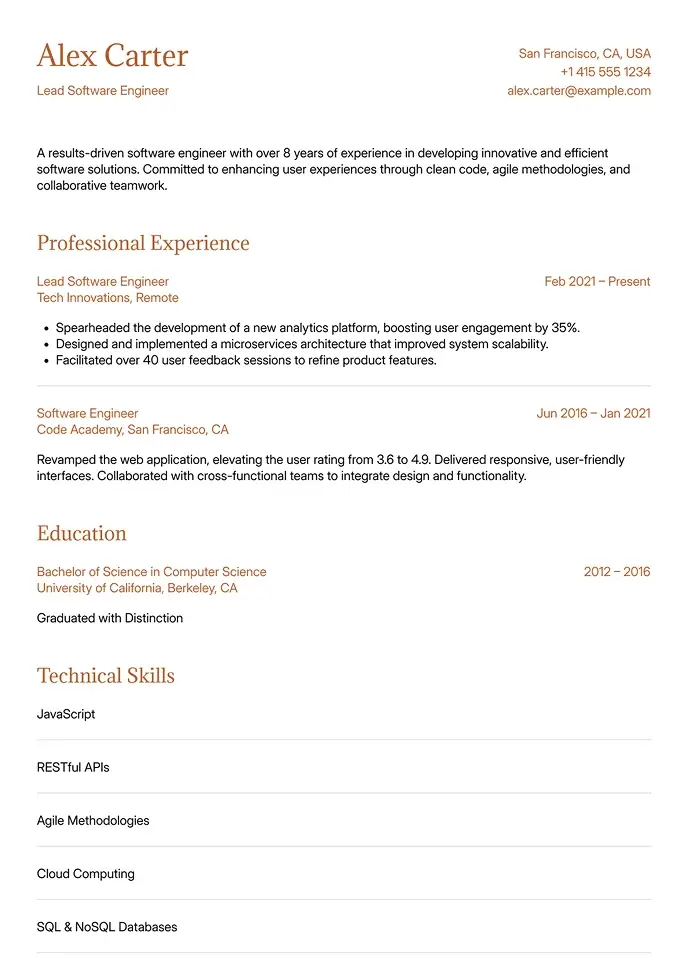
Canyon
Simple and clean, built for technical or structured resumes.
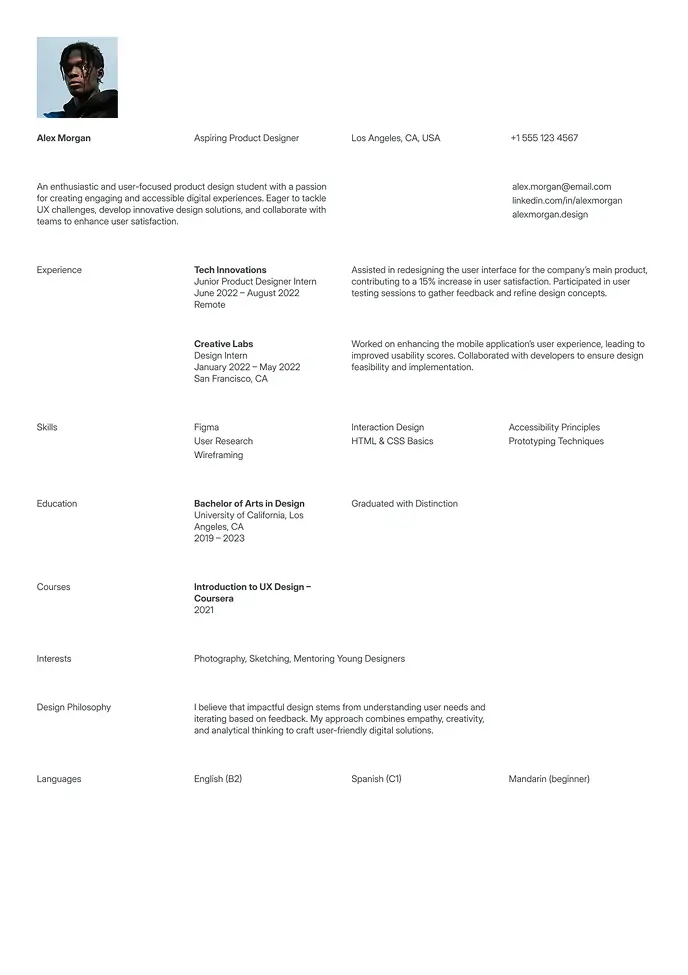
Berlin
Clean and simple resume, great for students or interns.
Why ATS Compatibility Is Non-Negotiable in 2026
Over 99% of Fortune 500 companies use Applicant Tracking Systems to screen resumes before any human reviews them. Systems like Workday, Greenhouse, Lever, and Taleo parse your resume, extract key information, and rank your application against the job description — automatically.
The problem: many popular resume templates — including visually impressive ones — fail basic ATS parsing. They use text boxes, multi-column layouts, embedded images, and decorative headers that confuse parsing software. When an ATS can't read your resume correctly, it either scores you low or drops your application entirely — regardless of how qualified you are.
The 6 Formatting Rules ATS Resume Templates Follow
Single-column layout — ATS systems read left-to-right in a single pass. Two-column layouts cause jumbled parsing where skills end up inside experience sections.
Standard section headings — "Work Experience," "Education," "Skills." Not "Career Story" or "What I Bring." ATS needs conventional labels to categorize content correctly.
No text boxes or tables — Content inside text boxes or tables is frequently skipped entirely by older ATS versions still widely in use.
No embedded graphics or icons — Profile photos, skill-level graphics, and decorative icons can't be parsed and create noise in the system.
Contact info in the main body — Headers and footers are often not parsed at all. Your name, email, and phone belong in the body text.
Standard fonts — Arial, Calibri, Helvetica, or Times New Roman. Decorative fonts may not render correctly and confuse character recognition.
ATS Score by Template Style
Template Type | ATS Score | Visual Appeal | Best For |
|---|---|---|---|
ATS-optimized | Excellent | Clean, professional | Large company applications |
Simple | Excellent | Minimal | Most industries |
Professional | Very good | Polished, formal | Corporate roles |
Modern | Good (varies) | Contemporary | Tech, startups |
Creative | Low to moderate | Distinctive | Design roles (apply directly) |
ATS templates don't sacrifice visual quality for compatibility — they prioritize it without compromise. For a simpler approach, see our simple resume templates. For corporate-specific formatting, check our professional resume templates.
Optimizing Your Content for ATS (Beyond the Template)
An ATS-friendly template gets your resume through the door — but your content determines your score. Four rules that maximize your ATS ranking:
Mirror job description language exactly. ATS systems compare your resume against the posting keyword by keyword. If they say "project management," don't write "program coordination."
Include both acronyms and full terms. Write "Search Engine Optimization (SEO)" rather than just "SEO" — different ATS versions look for different formats.
Use a dedicated Skills section. Many ATS systems specifically extract from a clearly labeled skills section. Make it easy to find and parse.
Add dates to every position. Missing employment dates cause ATS scoring penalties with most modern systems.
Need Word format for ATS portals? See our Word resume templates. One-page ATS format? Try our one page resume templates. Or start free: our free resume templates are all ATS-compliant.
Word
12 Word resume templates in .docx format — open, edit, submit. No design software, no learning curve. The format most employers and recruiters ask for.
Recruiter Approved
Build a Resume That Works. Literally.
Our templates are designed to get you noticed, shortlisted, and hired — fast.