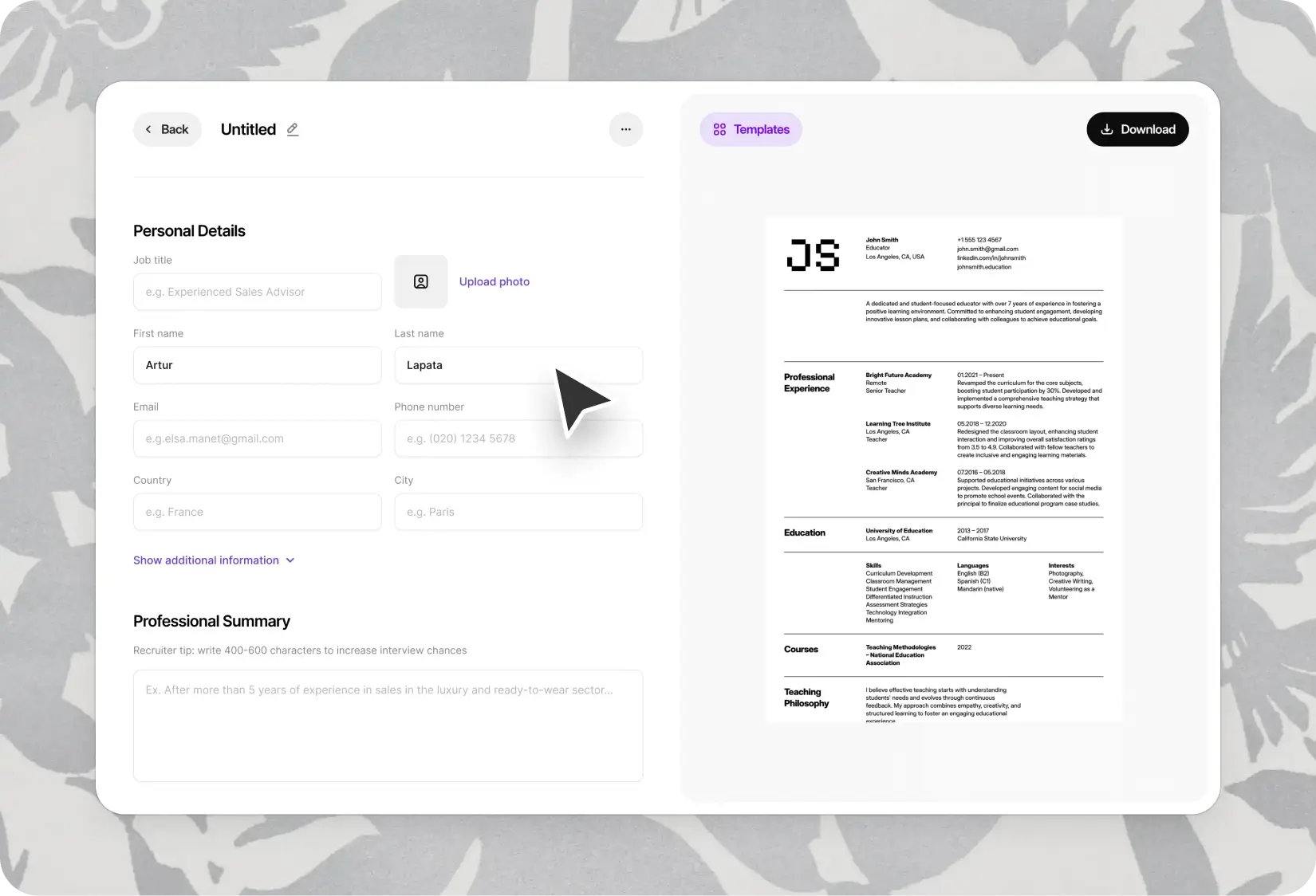
Word Resume Templates — Edit, Customize, and Apply Fast
12 Word resume templates in .docx format — open, edit, submit. No design software, no learning curve. The format most employers and recruiters ask for.
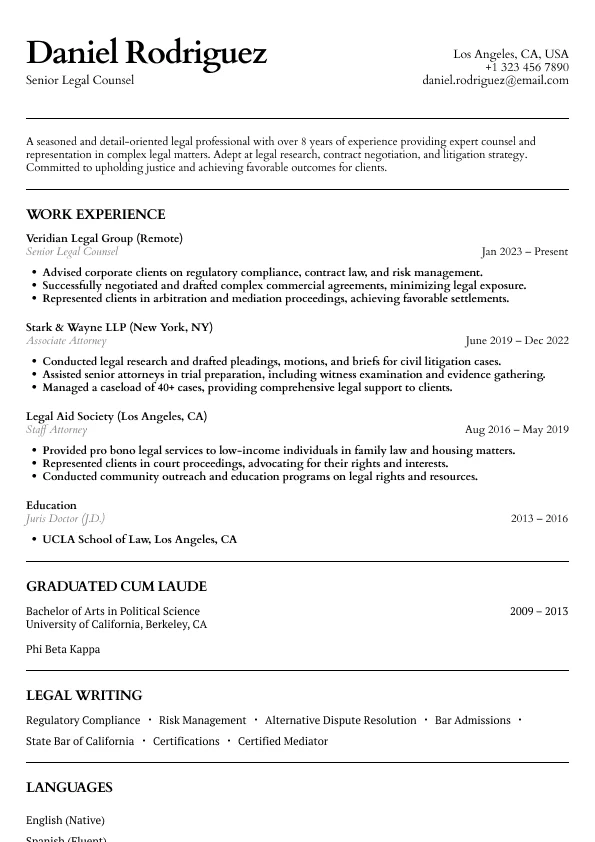
Atlas
Classic legal resume layout with clear hierarchy and refined section styling.
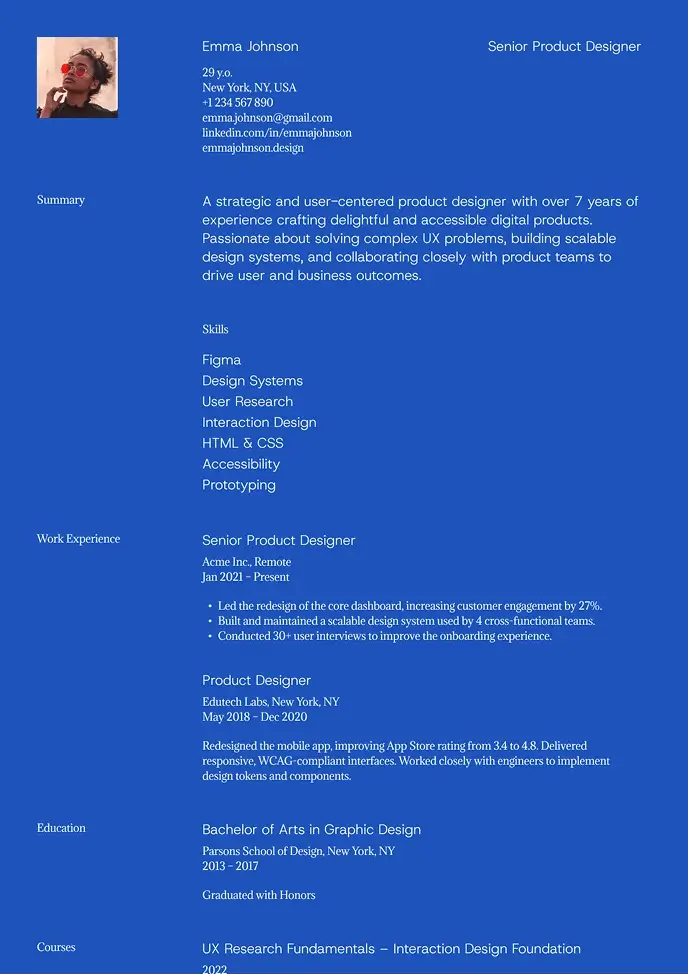
Kyoto
Bold and modern resume with strong contrast and easy structure.
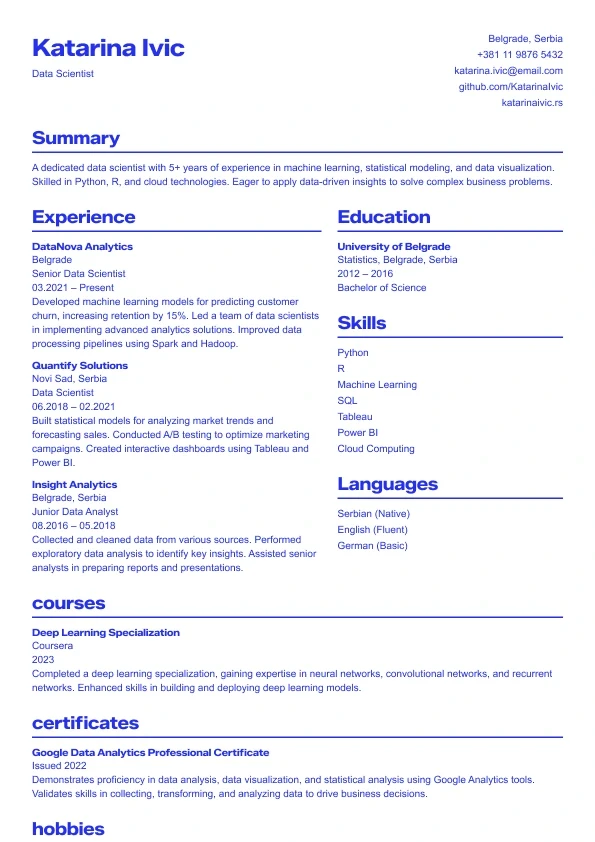
Sapphire
A bold, modern resume template with strong blue accents.
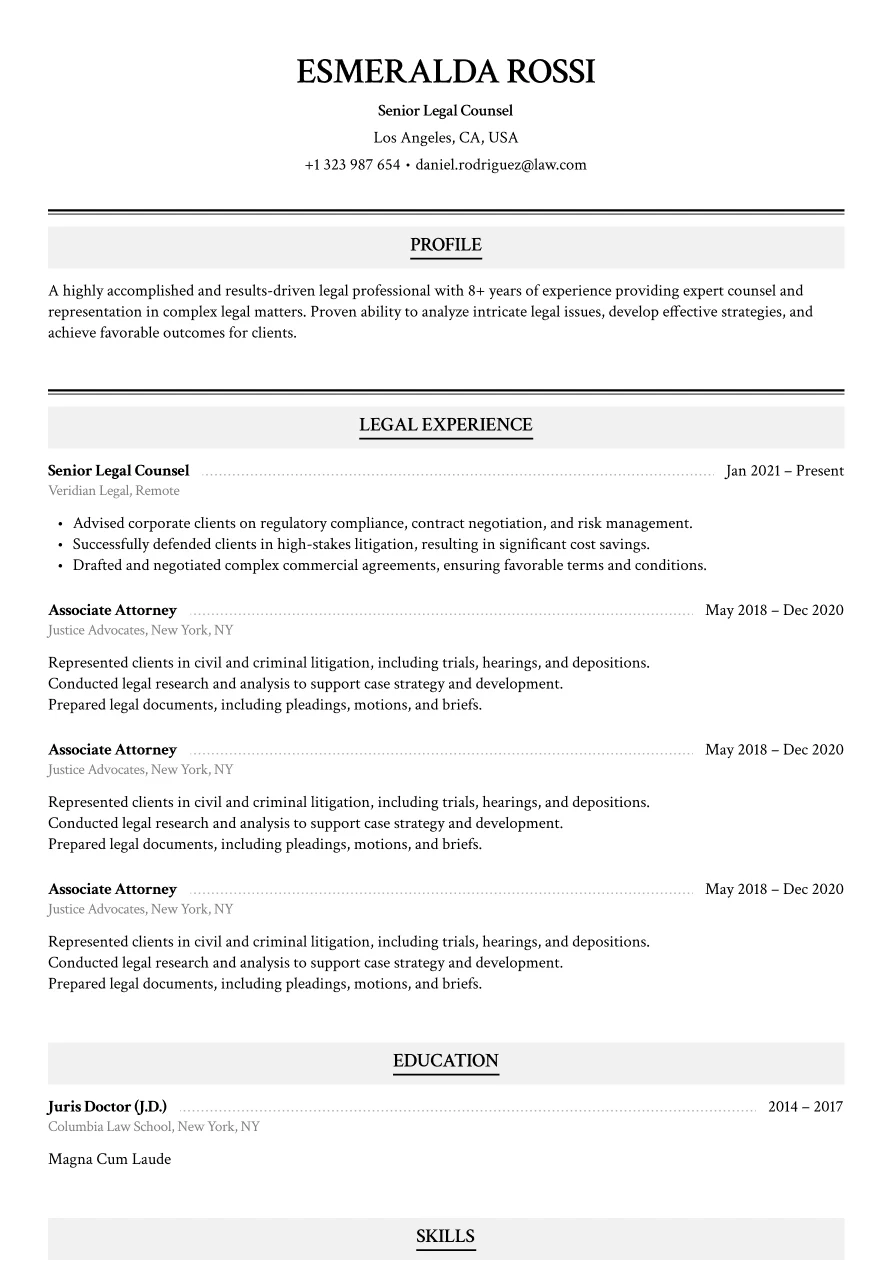
Haven
Classic legal layout with refined section styling.
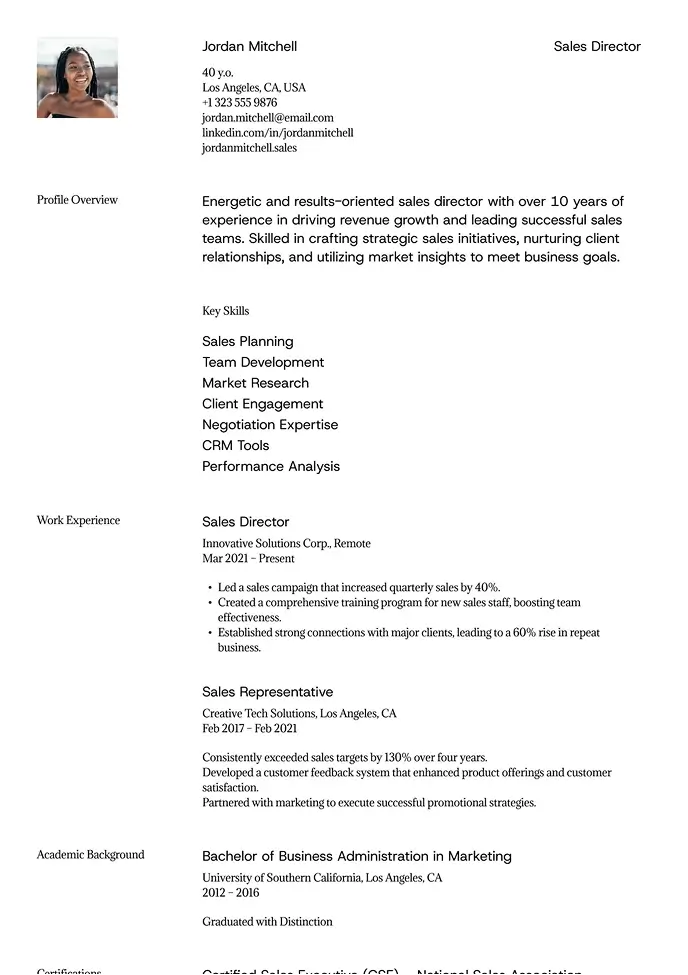
Sienna
Professional layout with a clear focus on leadership.
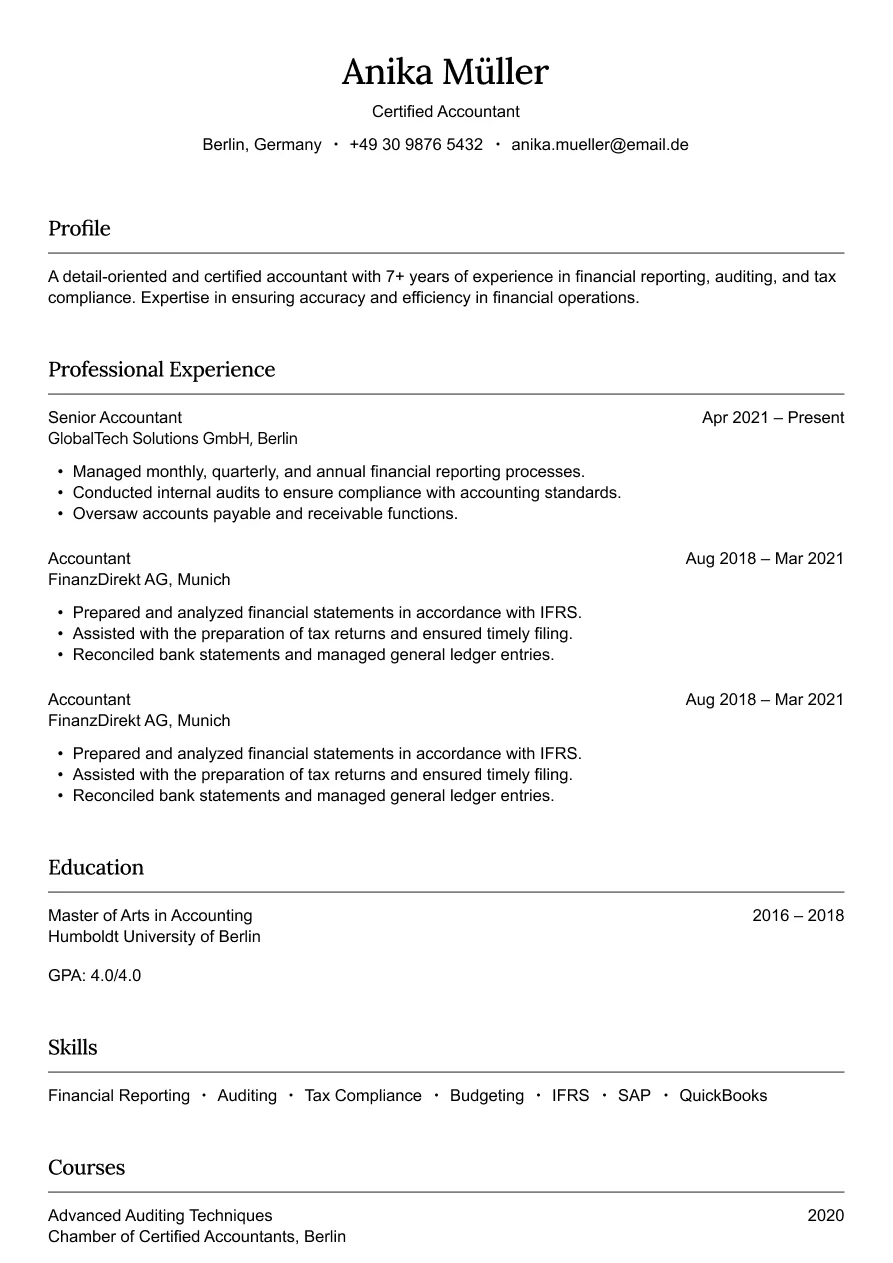
Austin
Simple and professional design for finance roles.
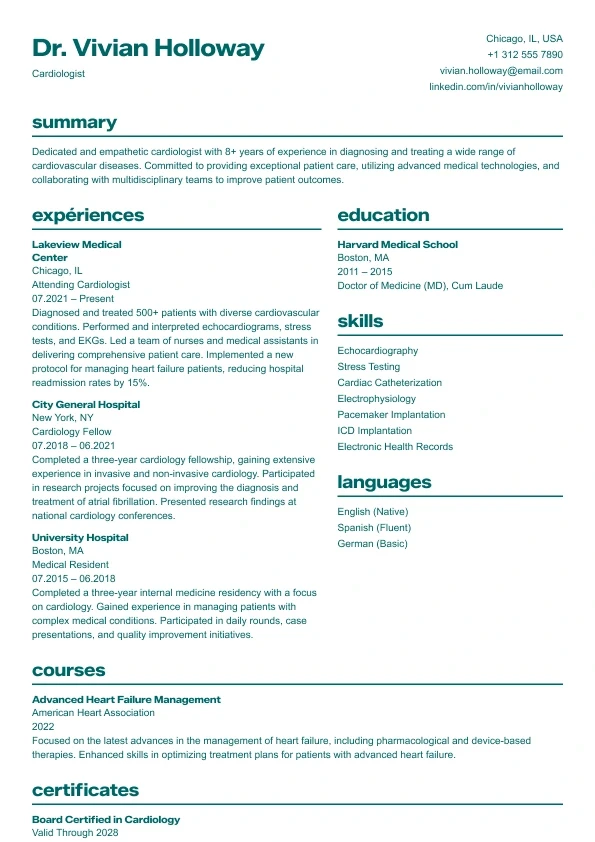
Aurora
Clean and structured layout with bold headings and a clear two-column design.
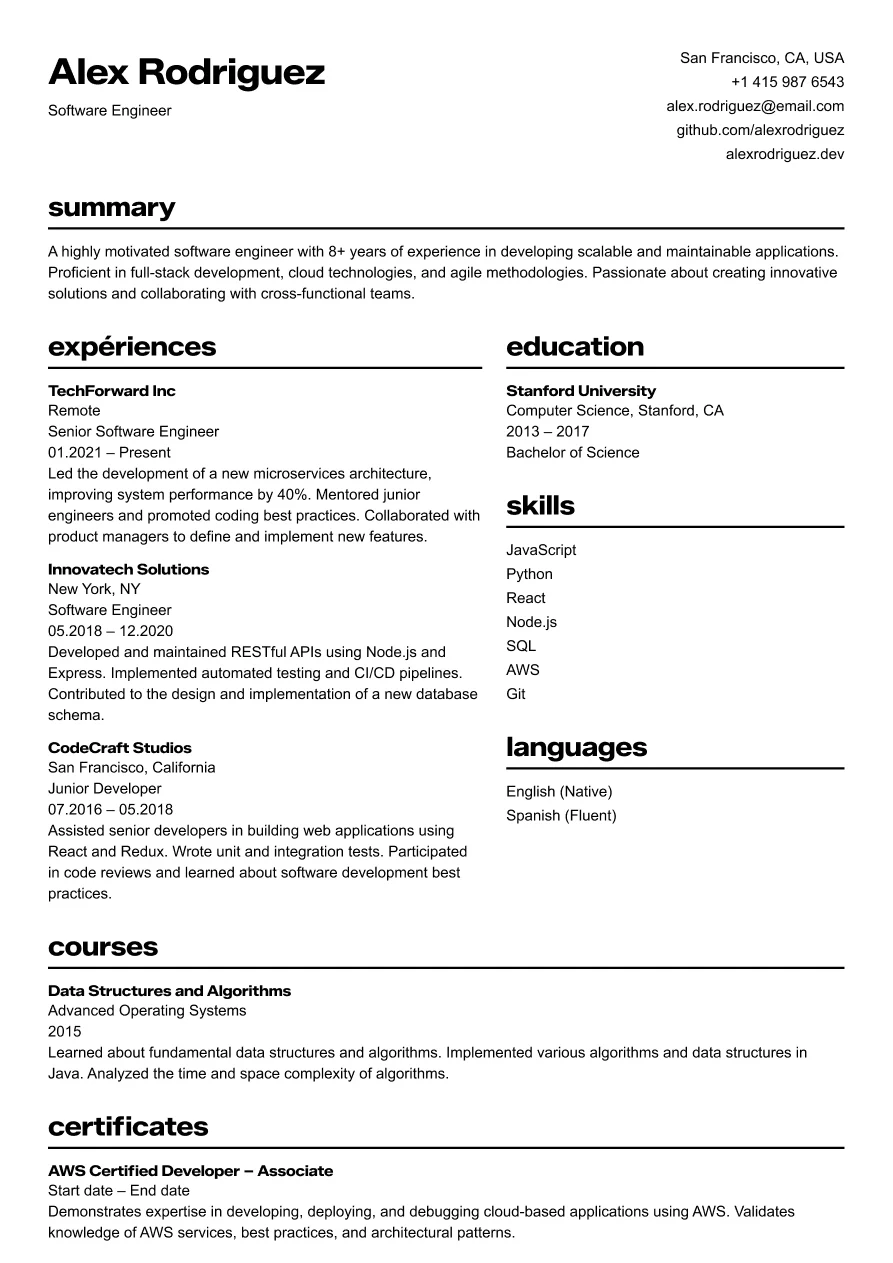
Osaka
Clear and structured layout for tech professionals.
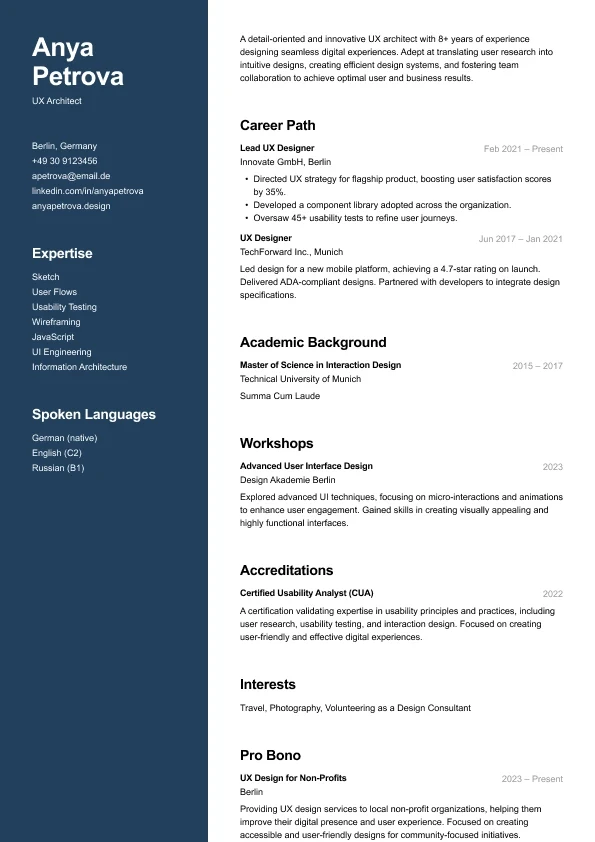
Carbon
A modern two-column resume who want strong visual hierarchy and clean structure.
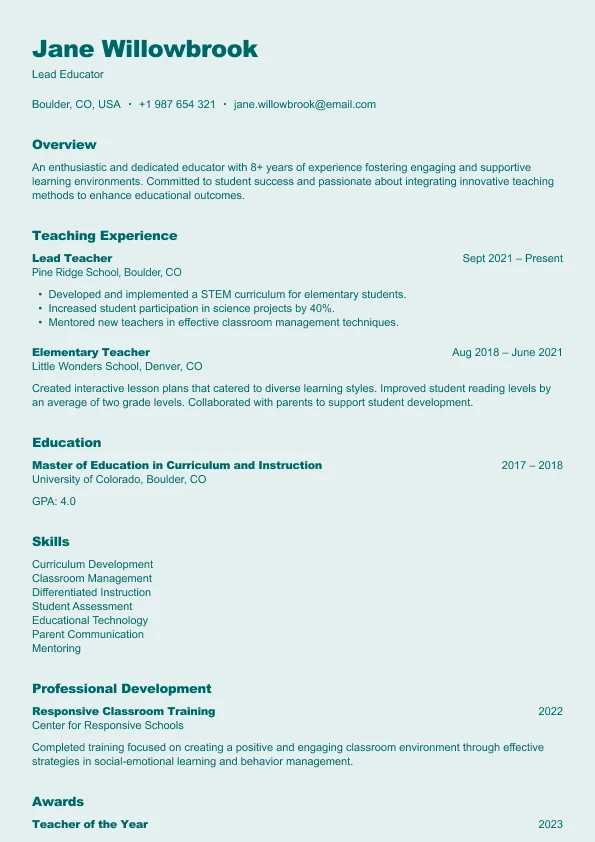
Harbor
A clear, reader-friendly layout built who want a structured and approachable resume.
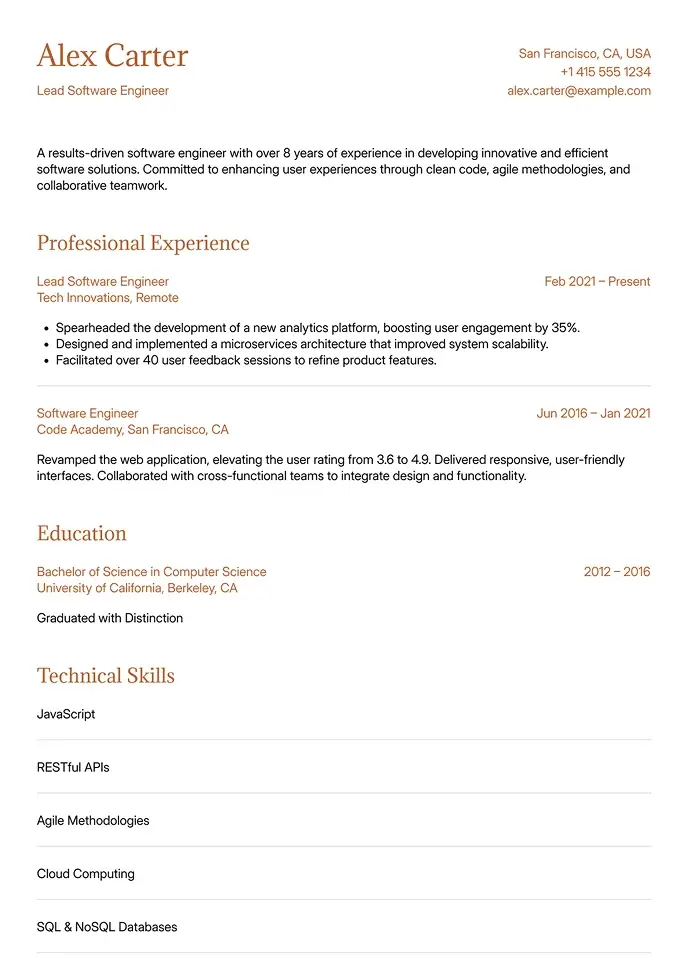
Canyon
Simple and clean, built for technical or structured resumes.
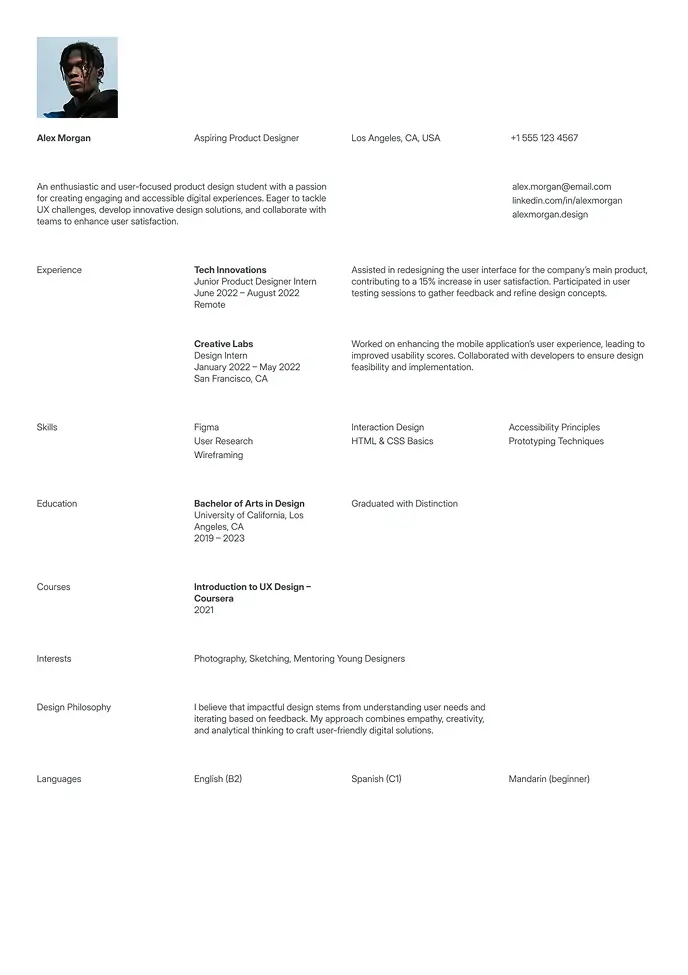
Berlin
Clean and simple resume, great for students or interns.
Word or PDF? A Scenario-by-Scenario Guide
The format you submit matters — and the right answer changes depending on where and how you're applying:
Submission Scenario | Best Format | Why |
|---|---|---|
Online ATS application portals | Word (.docx) | More reliable parsing in most systems |
Emailing directly to a hiring manager | Formatting guaranteed on any device | |
Submitting through a recruiter or agency | Word | Agencies reformat before sending to clients |
Applying to creative or design roles | Visual formatting preserved exactly | |
Job posting says "Word preferred" | Word | Follow instructions explicitly |
The practical solution: start with a Word template, customize your content, then save as PDF when you need it. For PDF-specific templates, browse our PDF resume templates.
Why Word Stays the Default Format for US Job Applications
In 2026, despite the proliferation of PDF-first design tools, Microsoft Word (.docx) remains the most accepted resume format among US employers. Many large companies' ATS systems — including older Taleo installations — parse Word files more accurately than PDFs. Some postings explicitly request Word.
More practically: Word files are fast to update. Change a job title, add a new certification, or swap your summary statement for a different role in under two minutes. For active job seekers applying to multiple positions simultaneously, that speed compounds over dozens of applications.
Recruiters at staffing agencies also request Word versions specifically so they can format or anonymize resumes before sending to clients. If you work with recruiters at all, always have a Word version ready alongside your PDF.
5 Mistakes That Make Word Resumes Look Unprofessional
Word gives you a lot of control — which means there's more room for formatting errors that undercut an otherwise strong resume:
Using text boxes for contact info or highlights. They look clean on screen but are invisible to ATS. Move everything into the main body as standard paragraphs.
Manually formatting font sizes instead of using styles. When you change content, manually formatted text breaks. Use the built-in heading and body text styles.
Saving as .doc instead of .docx. The legacy format has more compatibility issues with modern ATS systems and opens inconsistently on different devices.
Setting margins below 0.5 inches to squeeze in content. This causes edge content to misparse in ATS. The answer is fewer bullet points, not smaller margins.
Not checking formatting on a different device before submitting. Fonts and spacing shift when custom typefaces aren't installed on the recipient's machine.
For clean Word-compatible structure, pair these templates with our simple resume templates. For Google Docs access, see our Google Docs resume templates. ATS-specific guidance at our ATS resume templates page.
16 PDF resume templates that look exactly right wherever they're opened. Your layout, preserved perfectly — on any device, any operating system.
Recruiter Approved
Build a Resume That Works. Literally.
Our templates are designed to get you noticed, shortlisted, and hired — fast.