Two-Column Resume Templates That Maximize Every Inch

11 two-column resume templates for professionals with diverse skill sets. More content on one page — without crowding.
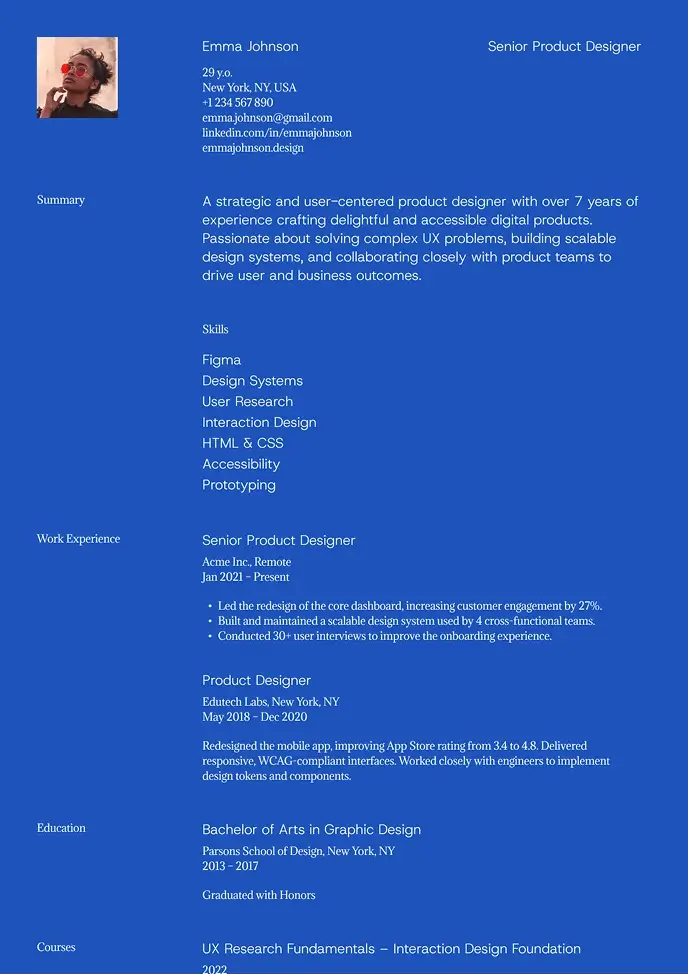
Blue modern resume template with bold layout

Kyoto

Bold and modern resume with strong contrast and easy structure.
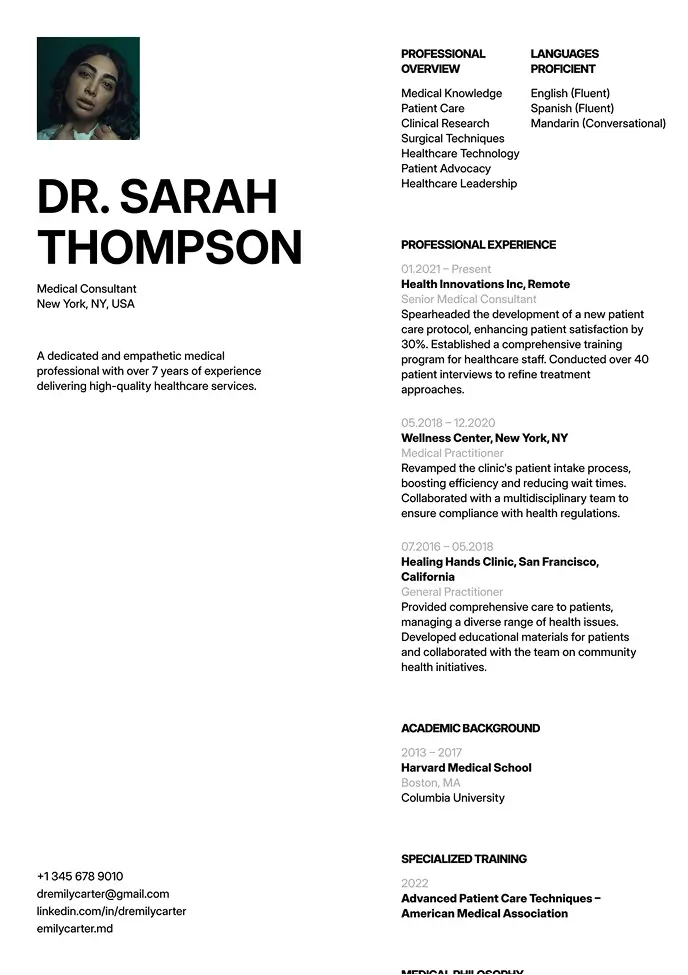
White minimal resume template with strong structure

Oxford

Clean layout for clear info flow, great for formal industries.
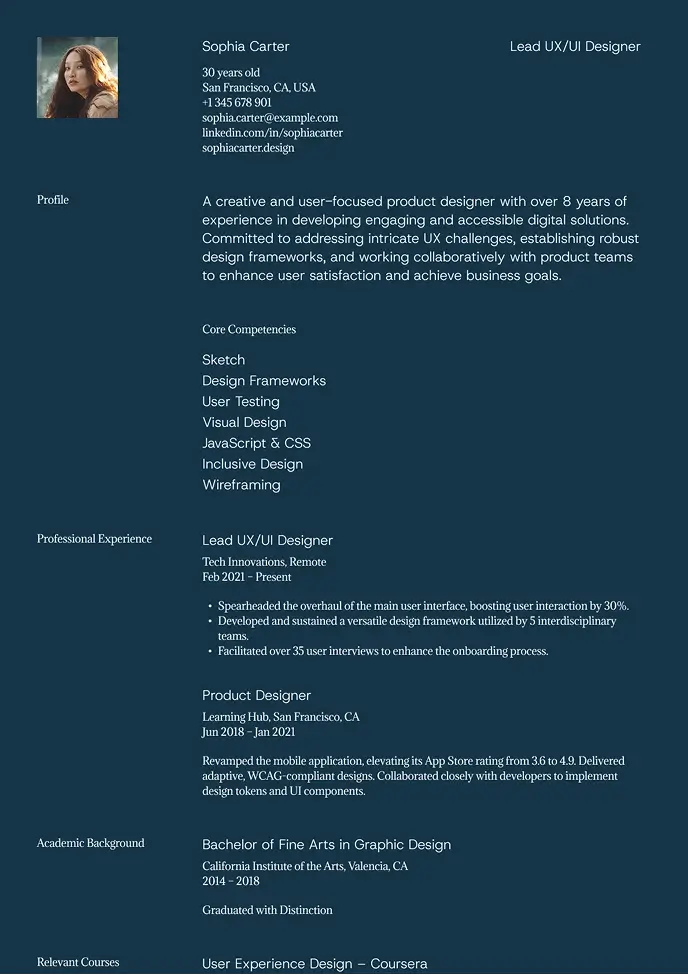
Dark resume layout with bold accents

Denali

Dark, stylish design that highlights key details with contrast.
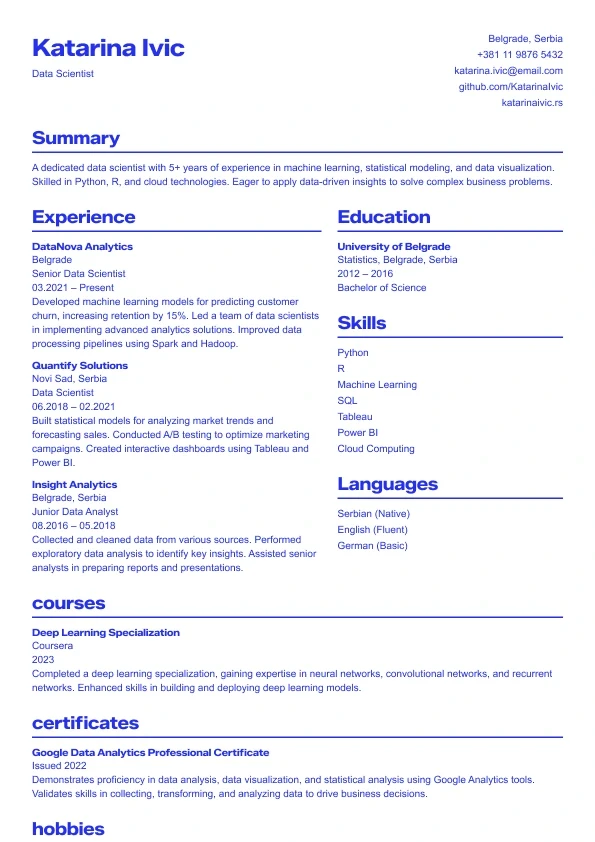
Sapphire resume template — bold blue professional layout.

Sapphire

A bold, modern resume template with strong blue accents.
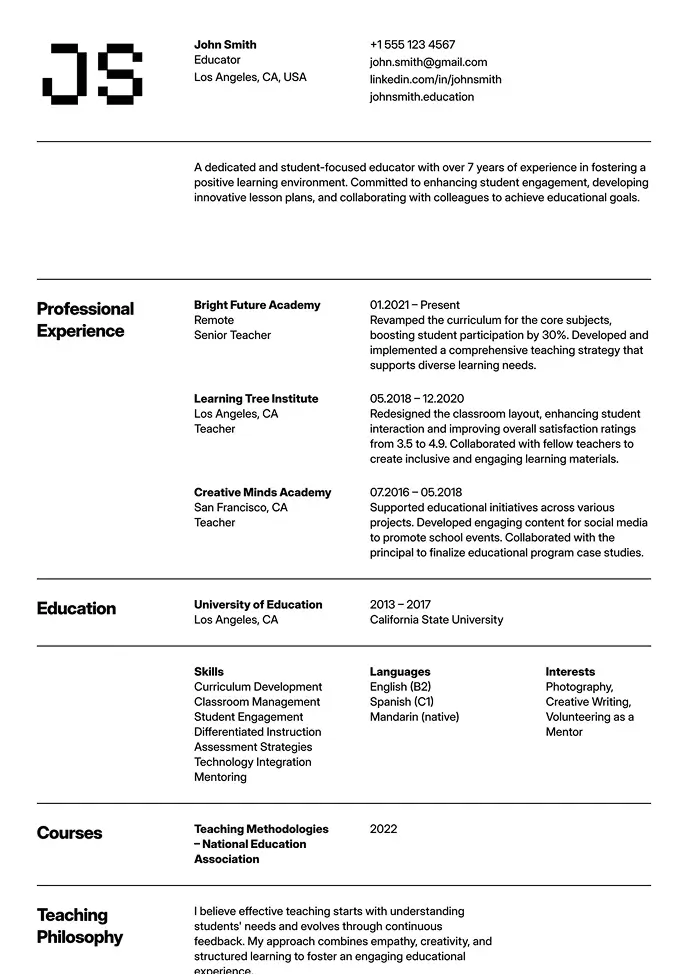
Black-and-white resume with academic feel

Oslo

Classic structure with modern typography and grid-based layout.
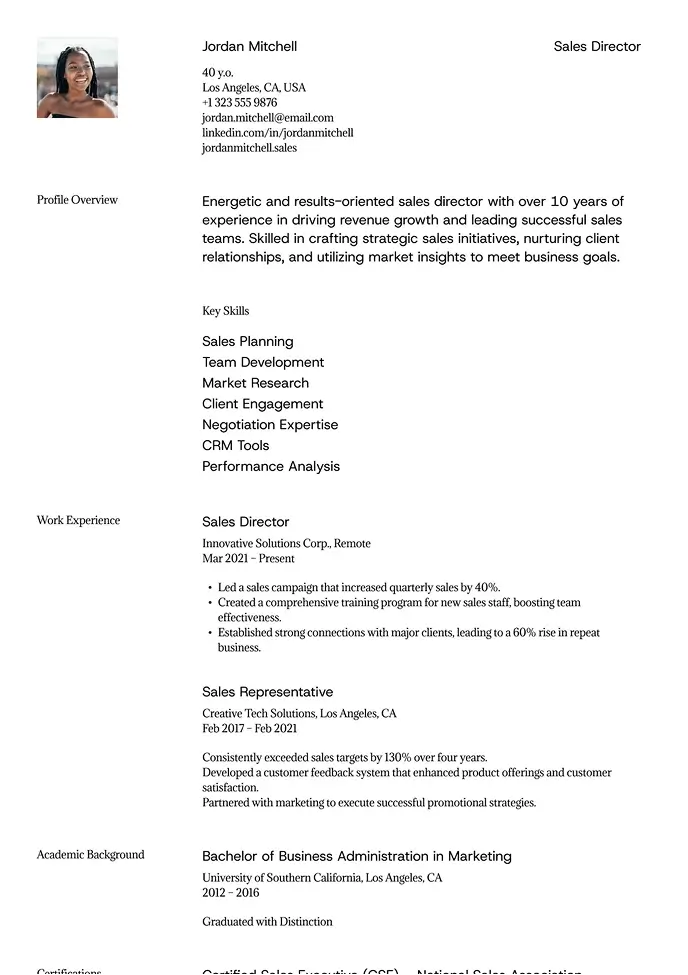
Business-style resume template with strong hierarchy

Sienna

Professional layout with a clear focus on leadership.
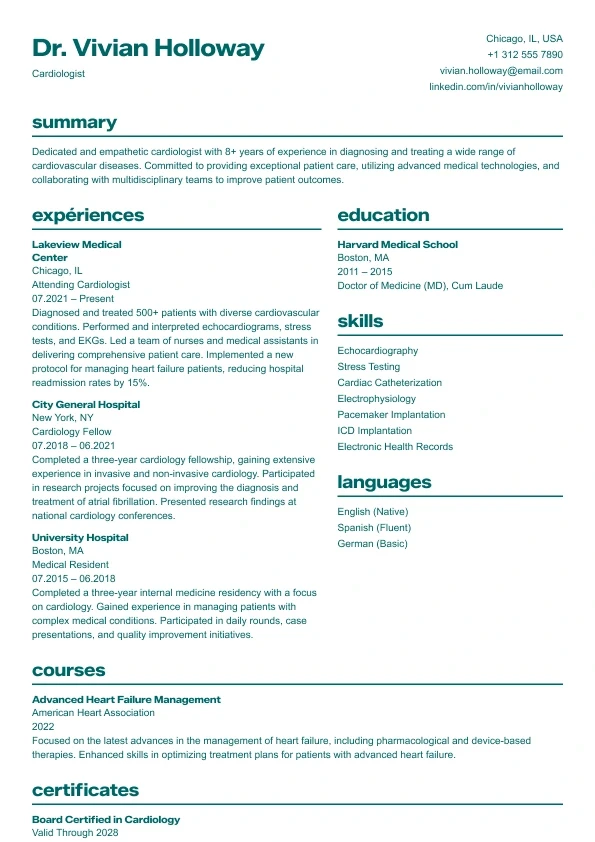
Aurora resume template — clean two-column professional layout.

Aurora

Clean and structured layout with bold headings and a clear two-column design.
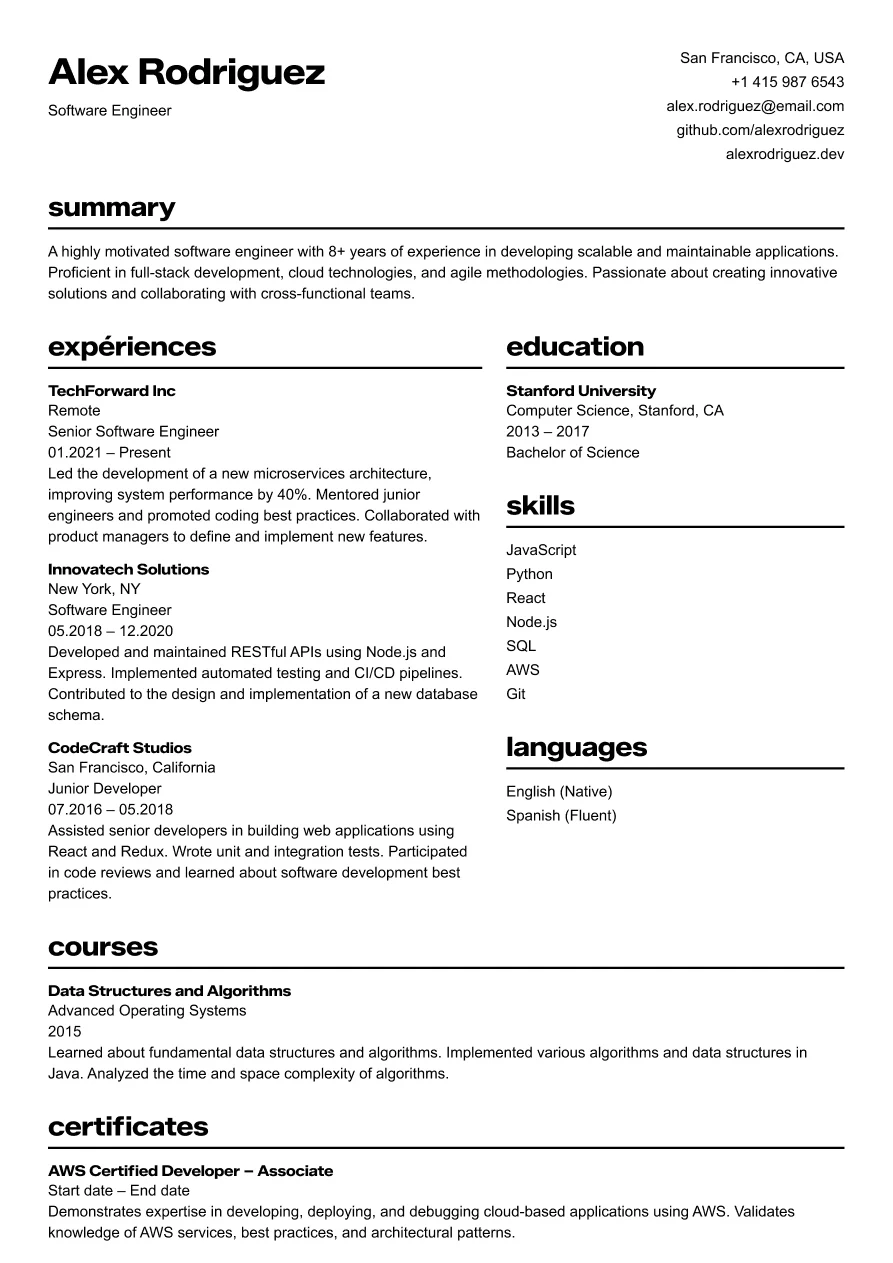
Two-column modern resume for software engineer with strong typography and clear section layout.

Osaka

Clear and structured layout for tech professionals.
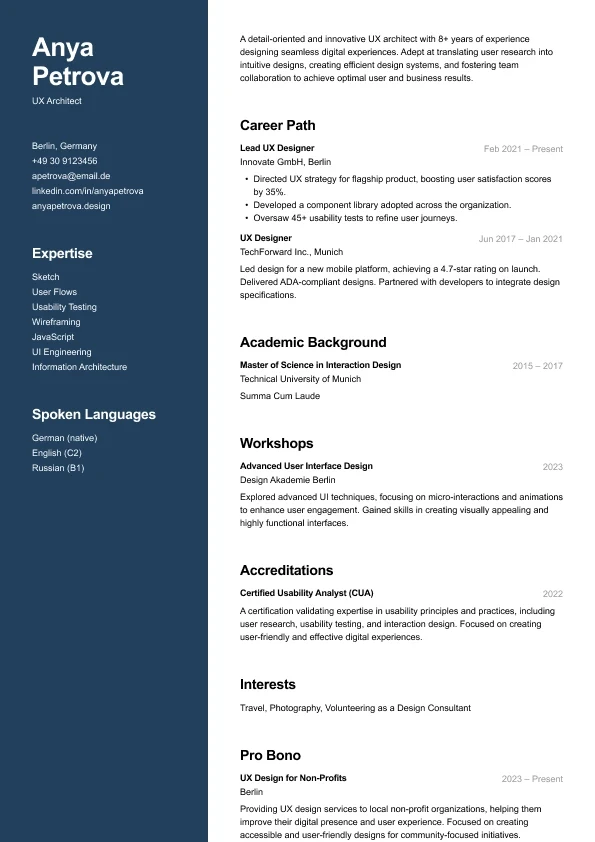
Carbon resume template — modern two-column layout for designers

Carbon

A modern two-column resume who want strong visual hierarchy and clean structure.
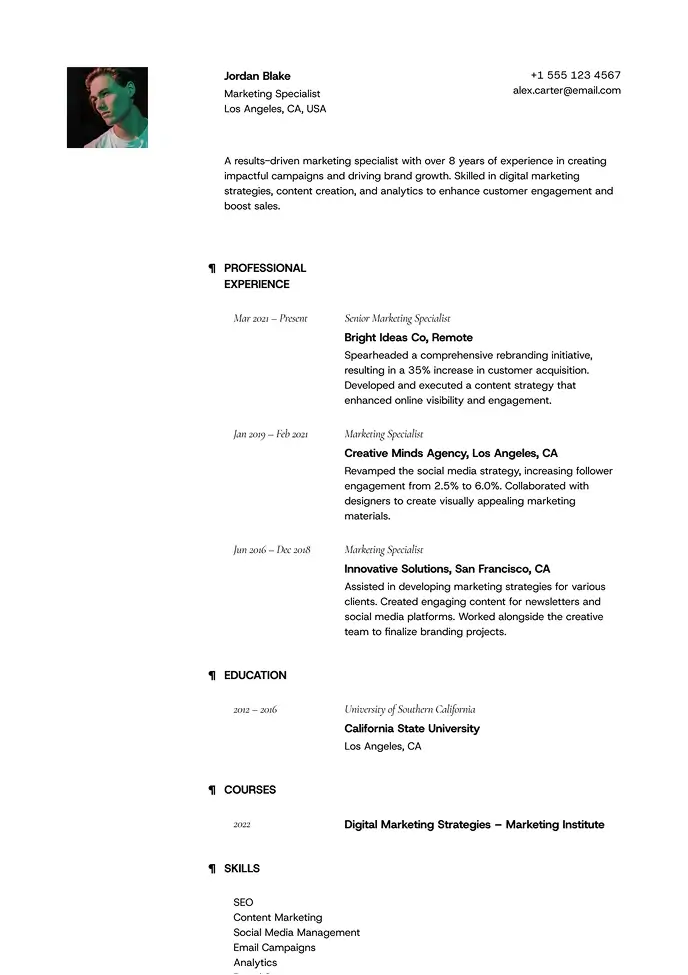
Light resume template with clean sections

Lima

Minimal and airy, perfect for professionals who value clarity.
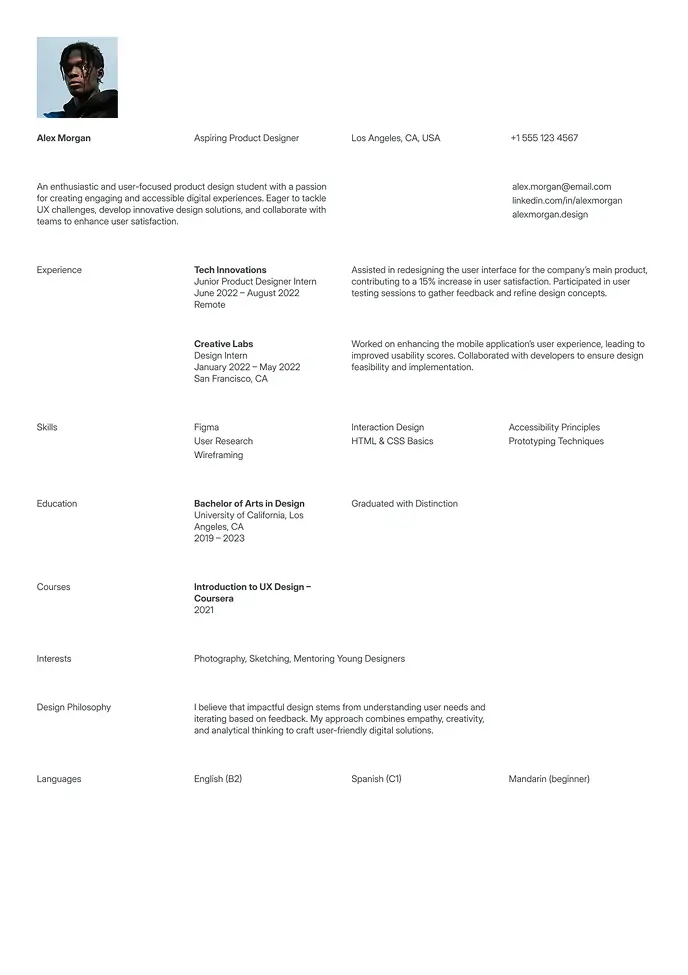
White neutral resume template for entry-level jobs

Berlin

Clean and simple resume, great for students or interns.

The Space Efficiency Case for Two-Column Layouts

Two-column resume templates solve a specific problem: how do you fit a comprehensive profile — meaningful work history, broad technical skills, certifications, and relevant extras — on a single page without resorting to 9pt fonts and half-inch margins?

The answer is using the full page width. A well-designed two-column layout can present 30–40% more content than a single-column format at the same font size and line height. The narrower sidebar handles contextual information — skills, tools, certifications, languages — while the main column carries the work history that needs more space to communicate properly.

From a visual standpoint, two-column layouts also signal structure and organization. For mid-career professionals applying to roles where analytical thinking and systematic approach matter, the layout itself says something before the content is read.

The ATS Reality Check: What Can Go Wrong

Two-column resumes work — but only when built correctly. This is the category where design ambition most often creates ATS problems.

Many ATS systems read resumes left-to-right across the full page width, not column by column. A two-column layout built with text boxes can produce parsing results like "NamePhone" or insert your skills list in the middle of a job description. The visual result on screen looks fine. The ATS-parsed result can look like a scrambled document.

The wensaresume.com two-column templates avoid this through structure rather than text boxes:

  • Contact information sits in a single-width header above both columns — never split across them

  • Less ATS-critical content (skills, certifications, languages) goes in the narrower column

  • Work experience — the most parse-sensitive section — stays in the wider main column

  • The column structure uses CSS-compatible formatting rather than floating text boxes

When applying to large companies through ATS-heavy portals, always keep a single-column backup. Our ATS resume templates show exactly what fully ATS-safe formatting looks like.

Roles and Industries Where Two-Column Resumes Consistently Work

  • Software development and data science: A dedicated skills column showcases your technical stack — languages, frameworks, tools — without crowding the work experience section

  • Marketing and growth: A mix of strategic skills and performance-oriented tools that benefit from clear sidebar organization

  • Design and creative: A two-column layout signals spatial awareness and visual thinking — the resume format becomes part of the portfolio

  • Project management: Certifications (PMP, Agile, Scrum), methodologies, and tools deserve prominent placement that a sidebar handles naturally

  • Sales and business development: Key metrics, CRM tools, and target markets can anchor a skills column that recruiters scan first

For a more design-forward two-column option, see our creative resume templates or modern resume templates. For a PDF that preserves the two-column layout exactly, browse our PDF resume templatesBrowse all resume templates.

FAQ — Two-Column Resume Templates

Is a two-column resume ATS-friendly?

It depends on how it’s built, not on the two-column format itself. Templates that use real, structured text — like the ones on this page — parse correctly in modern ATS platforms including Workday, Greenhouse, and Taleo. Templates built with floating text boxes or graphics can scramble the reading order. See our ATS resume templates for a single-column alternative built specifically for high-volume ATS portals.

When should I avoid a two-column resume format?

Skip it for entry-level applications with limited content — a sparse sidebar draws attention to what’s missing rather than hiding it. It’s also worth avoiding for government, legal, and traditional academic roles that expect single-column formatting, and for any job posting that explicitly requests a plain-text or Word document through a legacy application portal.

What’s the difference between a two-column and a single-column resume?

A two-column resume splits the page into a narrower sidebar — skills, certifications, tools — and a wider main column for work history, fitting roughly 30–40% more content at the same font size. A single-column resume reads top to bottom in one block: simpler, safer for older ATS software, but tighter on space if you have a lot to say.

Can a two-column resume fit more experience onto one page?

Yes — that’s the main reason candidates choose it. Moving skills, tools, and certifications into a sidebar frees up the main column for work history. Most mid-career candidates with 5–10 years of experience can keep a full one-page resume with a two-column layout where a single-column version would spill onto a second page. For more on when a strict one-page limit matters, see our one page resume templates.

Which roles work best with a two-column resume?

Software engineering, data science, marketing, project management, and sales roles benefit most — any position where a skills-heavy sidebar (languages, certifications, tools) adds real value next to a detailed work history. For role-specific examples, see our Software Engineer Resume Example. Similar guidance applies for project management roles.

What’s the difference between a two-column resume and a two-column CV?

Structurally, nothing — the layout works the same way. “Resume” is the standard term in the US and Canada; “CV” is used in the UK, Europe, Australia, and most international markets. If you’re applying outside North America, see our two-column CV templates.

Sidebars work best with a well-organized skills list — see our guide to writing a strong resume skills section.

FAQ — Two-Column Resume Templates

Is a two-column resume ATS-friendly?

It depends on how it’s built, not on the two-column format itself. Templates that use real, structured text — like the ones on this page — parse correctly in modern ATS platforms including Workday, Greenhouse, and Taleo. Templates built with floating text boxes or graphics can scramble the reading order. See our ATS resume templates for a single-column alternative built specifically for high-volume ATS portals.

When should I avoid a two-column resume format?

Skip it for entry-level applications with limited content — a sparse sidebar draws attention to what’s missing rather than hiding it. It’s also worth avoiding for government, legal, and traditional academic roles that expect single-column formatting, and for any job posting that explicitly requests a plain-text or Word document through a legacy application portal.

What’s the difference between a two-column and a single-column resume?

A two-column resume splits the page into a narrower sidebar — skills, certifications, tools — and a wider main column for work history, fitting roughly 30–40% more content at the same font size. A single-column resume reads top to bottom in one block: simpler, safer for older ATS software, but tighter on space if you have a lot to say.

Can a two-column resume fit more experience onto one page?

Yes — that’s the main reason candidates choose it. Moving skills, tools, and certifications into a sidebar frees up the main column for work history. Most mid-career candidates with 5–10 years of experience can keep a full one-page resume with a two-column layout where a single-column version would spill onto a second page. For more on when a strict one-page limit matters, see our one page resume templates.

Which roles work best with a two-column resume?

Software engineering, data science, marketing, project management, and sales roles benefit most — any position where a skills-heavy sidebar (languages, certifications, tools) adds real value next to a detailed work history. For role-specific examples, see our Software Engineer Resume Example. Similar guidance applies for project management roles.

What’s the difference between a two-column resume and a two-column CV?

Structurally, nothing — the layout works the same way. “Resume” is the standard term in the US and Canada; “CV” is used in the UK, Europe, Australia, and most international markets. If you’re applying outside North America, see our two-column CV templates.

Sidebars work best with a well-organized skills list — see our guide to writing a strong resume skills section.

One Page Resume Templates

6 one-page resume templates for focused, high-impact applications. Choose yours — you'll be editing in under a minute.

Business-style resume template with strong hierarchy

Sienna

Professional layout with a clear focus on leadership.

Sapphire resume template — bold blue professional layout.

Sapphire

A bold, modern resume template with strong blue accents.

White minimal resume template with strong structure

Oxford

Clean layout for clear info flow, great for formal industries.

Business-style resume template with strong hierarchy

Sienna

Professional layout with a clear focus on leadership.

Sapphire resume template — bold blue professional layout.

Sapphire

A bold, modern resume template with strong blue accents.

Recruiter Approved

Build a Resume That Works. Literally.

Our templates are designed to get you noticed, shortlisted, and hired — fast.
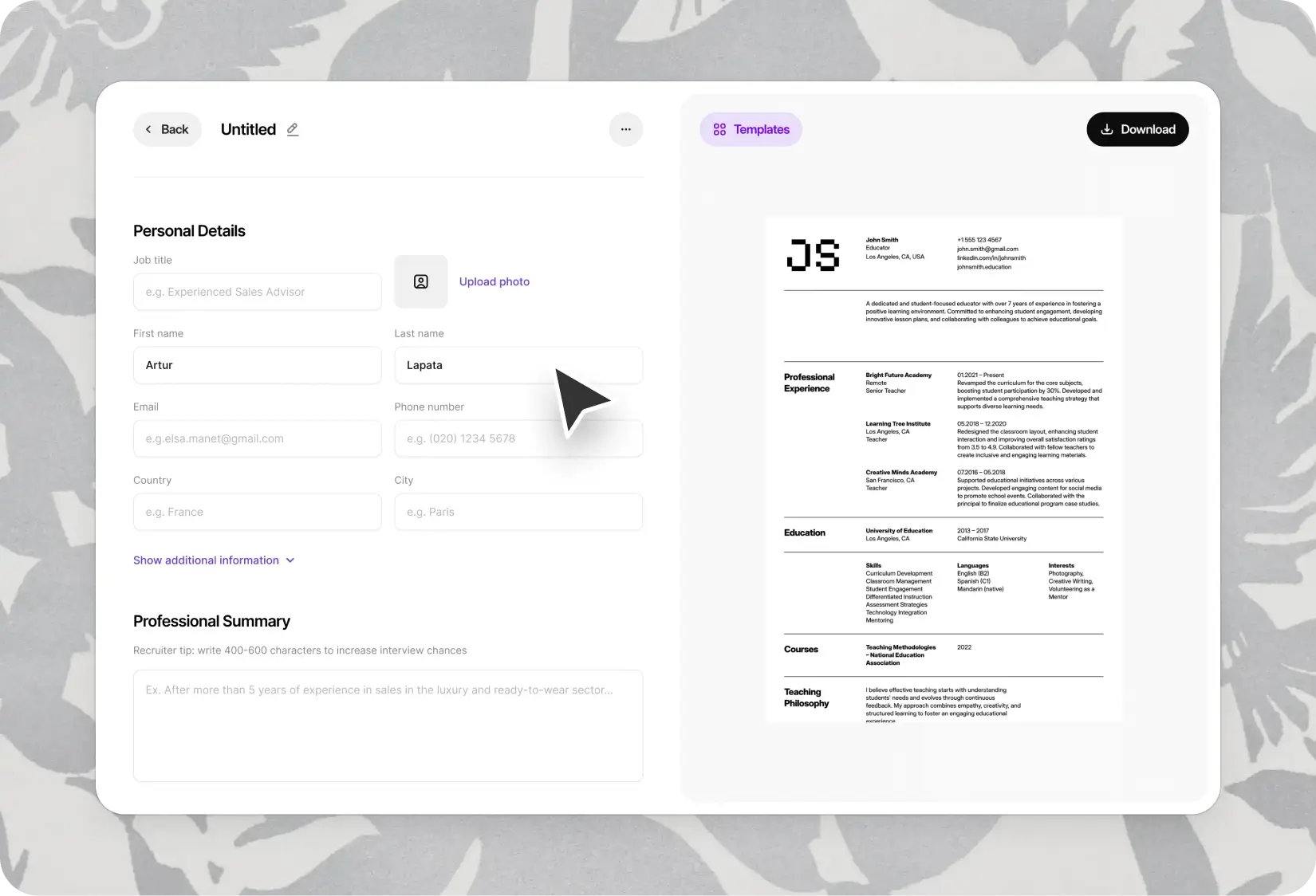
Resume builder interface showing personal details and professional summary fields, with a sample resume preview.

© 2026 Wensa. All right reserved.

Inspired by best practices from certified resume experts.

© 2026 Wensa. All right reserved.

Inspired by best practices from certified resume experts.